Black plate (226,1)
一般Model "A2470GE-B" EDITED: 2010/ 9/ 24
5-16 Audio
! Inserting a disc in a desired posi-
tion
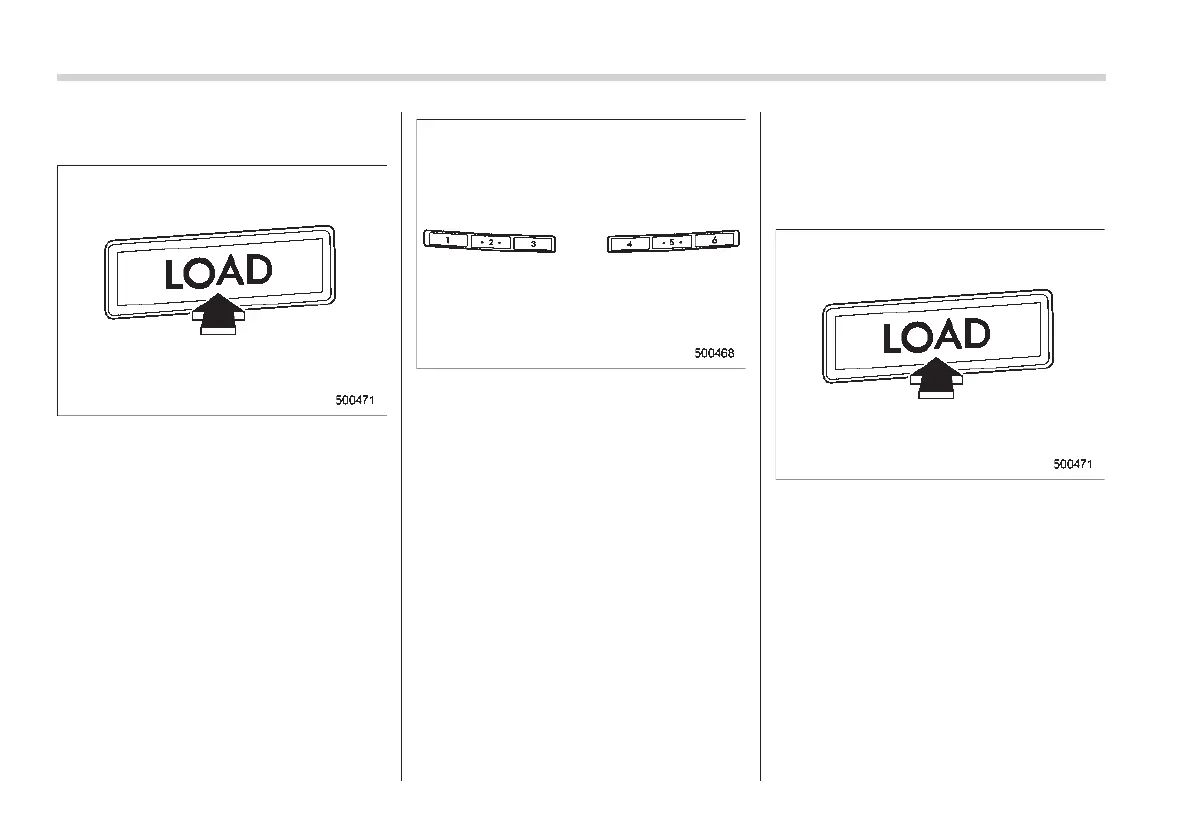
1. Briefly press the “LOAD” button. If the
magazine in the player has an idle
position where you can insert a disc, the
disc number indicator associated with the
idle position will blink.
The positions in the magazine the indica-
tor of which steadily lights up are already
loaded with discs.
Disc select buttons
2. Press the disc select button at the
position where you want to insert a disc.
3. When the “LOAD” indicator illumi-
nates, insert the disc. Once you have
inserted the disc, the “LOAD” indicator will
turn off. The disc will then be automatically
drawn in, and the player will begin to play
the first track on the disc.
. If you wish to insert another disc,
repeat the procedure beginning with step
1.
. If you do not insert any disc in 15
seconds after you have pressed the
“LOAD” button, the player will return to
the original mode that was selected before
the “LOAD” button was pressed.
. While the player is in the loading mode,
if you press the “FM” or “AM” button, the
player will enter the standby mode. Press
the “CD” button to start playback.
! Loading all the magazine (full disc
loading mode)
1. If you continue to press the “LOAD”
button for more than 1.5 seconds, the
player will produce beep sound and will
enter the full disc loading mode.
2. When the disc number indicator
flashes and “ALL LOAD” indicator illumi-
nates, insert a disc within 15 seconds. If a
disc is successfully loaded during this
period, the disc number indicator will stop
blinking and will steadily light.
3. When the loading of a disc is com-
plete, the next idle disc number indicator
will blink. Then repeat step 2.














 To Next Page