Black plate (321,1)
一般Model "A2470GE-B" EDITED: 2010/ 9/ 24
& To change the cruising speed
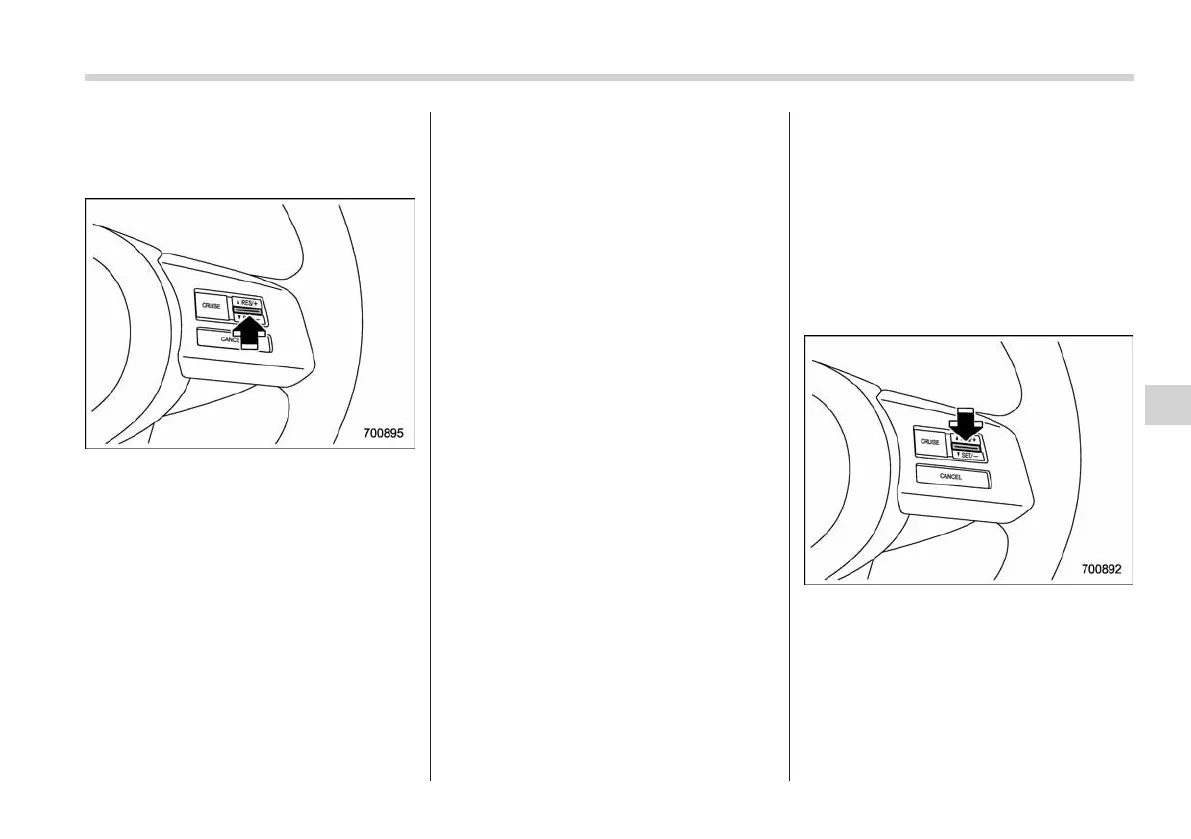
! To increase the speed (by the “RES/
SET” switch)
Press the “RES/SET” switch to the “RES”
side and hold it until the vehicle reaches
the desired speed. Then, release the
switch. The vehicle speed at that moment
will be memorized and treated as the new
set speed.
U.K. models
When the difference between the actual
vehicle speed and the set speed is less
than 4 mph (6.8 km/h), the set speed can
be increased 1 mph (1.6 km/h) each time
by pressing the “RES/SET” switch to the
“RES” side quickly.
Except U.K. models
When the difference between the actual
vehicle speed and the set speed is less
than 4.4 km/h (3 mph), the set speed can
be increased 1 km/h (0.6 mph) each time
by pressing the “RES/SET” switch to the
“RES” side quickly.
! To increase the speed (by accel-
erator pedal)
1. Depress the accelerator pedal to
accelerate the vehicle to the desired
speed.
2. Press the “RES/SET” switch to the
“SET” side once. Now the desired speed
is set and the vehicle will keep running at
that speed without depressing the accel-
erator pedal.
NOTE
. U.K. models
If the difference between the actual
vehiclespeedwhenthebuttonis
pressed and the speed last time you
set is less than 4 mph (6.8 km/h), the
vehicle speed will be lowered by 1 mph
(1.6 km/h). This occurs because the
cruise control system regards this
operation as that intended to decrease
the vehicle speed.
. Except U.K. models
If the difference between the actual
vehicle speed when the button is
pressed and the speed last time you
set is less than 4.4 km/h (3 mph), the
vehicle speed will be lowered by 1 km/h
(0.6 mph). This occurs because the
cruise control system regards this
operation as that intended to decrease
the vehicle speed.
! To decrease the speed (by the
“RES/SET” switch)
Press the “RES/SET” switch to the “SET”
side and hold it until the vehicle reaches
the desired speed. Then, release the
switch. The vehicle speed at that moment
will be memorized and treated as the new
set speed.
Starting and operating 7-45
– CONTINUED –
7














 To Next Page