Black plate (230,1)
一般Model "A2470GE-B" EDITED: 2010/ 9/ 24
5-20 Audio
NOTE
The repeat-play mode will be cancelled
if you perform any of the following
steps.
. Press the “RPT/RDM” button and
select CANCEL (type A audio)
. Press the “RPT” button and select
CANCEL (type B audio)
. Press the “
” button
. Press the disc select button
. Press the “SCAN” button
. Press the “LOAD” button when
there is free space in the CD magazine
& Random playback
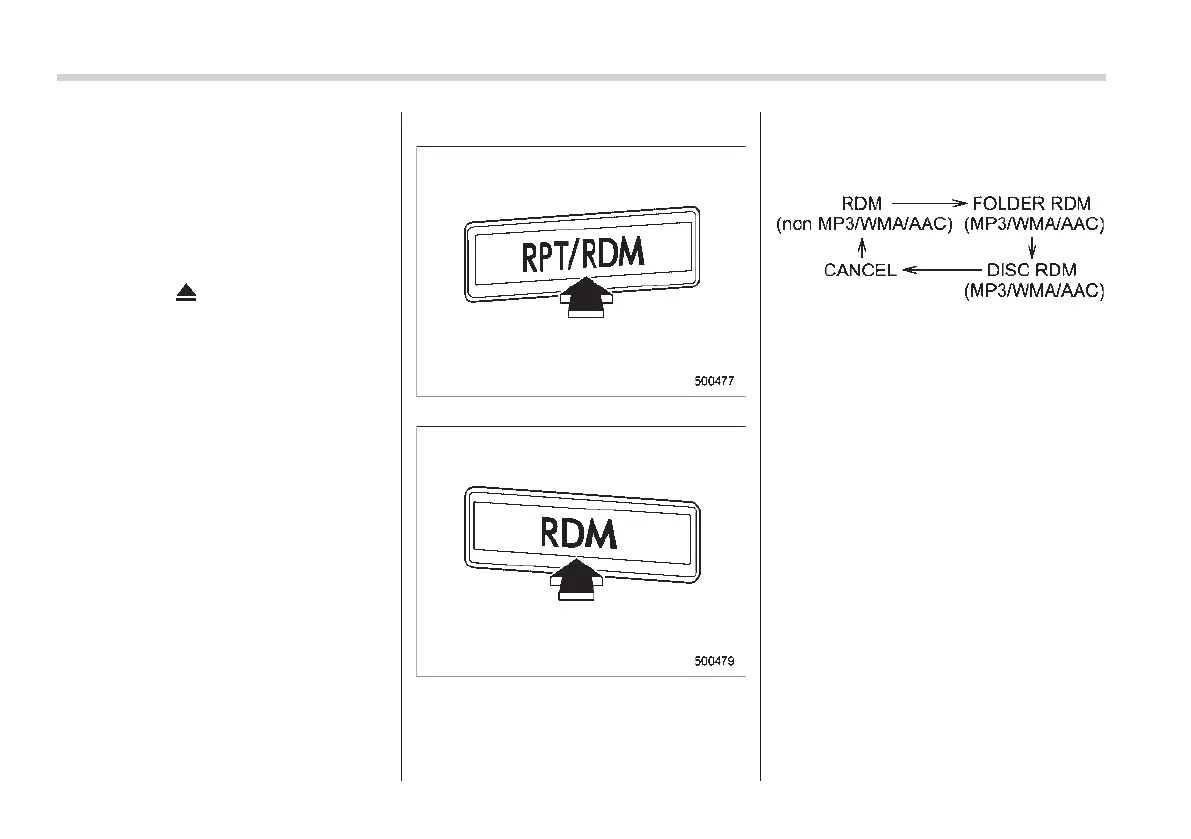
Type A audio
Type B audio
To play back tracks/files at random, press
the “RPT/RDM” button for 0.5 second or
longer (type A audio) or press the “RDM”
button (type B audio).
Each time you press the button, the mode
changes in the following sequences.
NOTE
. The “RDM” indication refers to the
random playback of the tracks. It
randomly repeats the tracks on the
CD. It is possible to select the function
when formats other than the MP3/WMA/
AAC format CD is playing.
. The “FOLDER RDM” indication re-
fers to the random playback in the
folder. It randomly repeats the tracks in
the folder. It is possible to select the
function when an MP3/WMA/AAC for-
mat track is playing.
. The “DISC RDM” indication refers to
the random playback of a disc. It
randomly repeats the tracks in the CD.
It is possible to select the function
when an MP3/WMA/AAC format track is
playing.
To cancel the random playback mode,
press the “RPT/RDM” button for 0.5
second or longer again (type A audio) or














 To Next Page