Black plate (234,1)
一般Model "A2470GE-B" EDITED: 2010/ 9/ 24
5-24 Audio
! Ejecting all discs from the player
(all disc ejection mode)
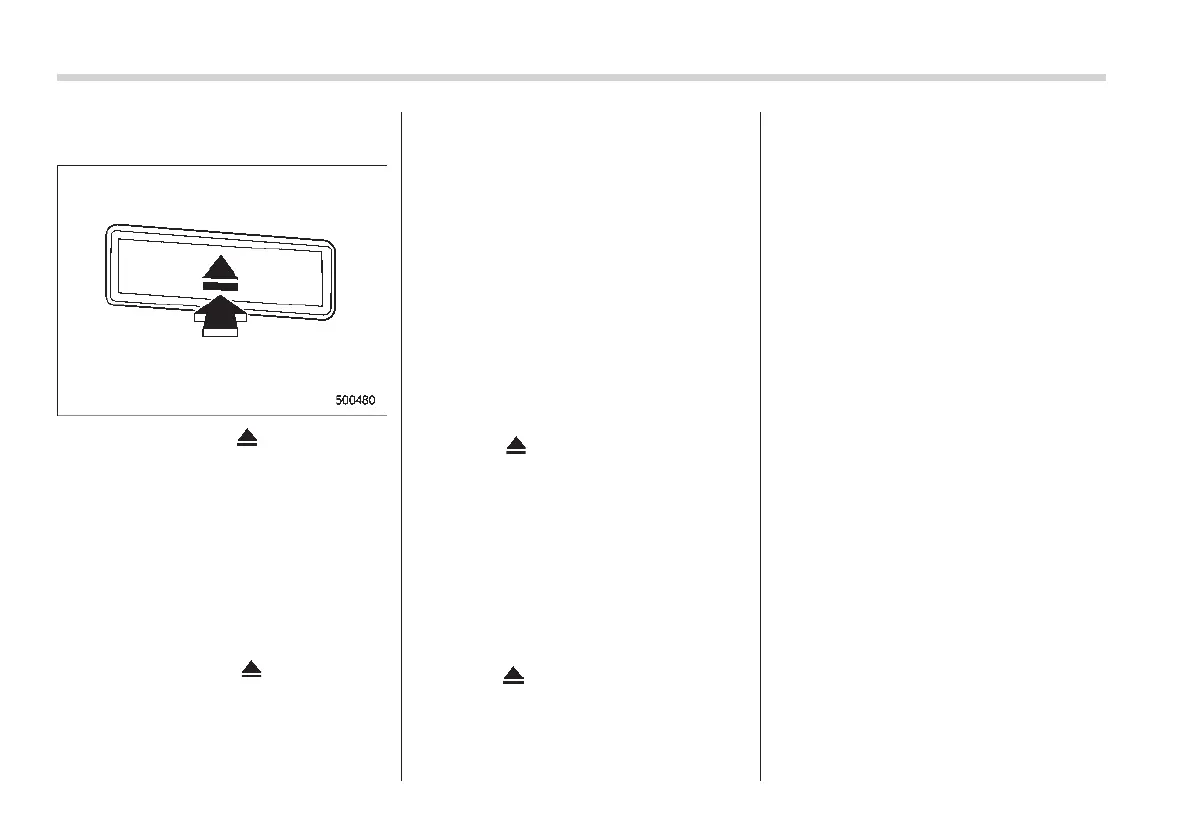
1. If you press the “ ” button for 1.5
seconds or longer, the player will produce
beep sound and will enter the all disc
ejection mode. At this time, the disc
number indicator and “ALL EJECT” indi-
cator will flash.
2. Remove th e disc tha t has been
ejected. The other discs loaded will then
be ejected one after another.
NOTE
. If you press the “ ” button while
the player is in all disc ejection mode,
the mode will be cancelled following
ejection of the disc that is currently
being ejected.
. If you press the “CD” button or
“LOAD” button while the player is in
all disc ejection mode, the player will
draw in the discs that have been
ejected and play them.
& When the following mes-
sages are displayed
If one of the following messages is
displayed while operating the CD player,
determine the cause based on the follow-
ing information. If you cannot clear those
messages, we recommend that you con-
tact your SUBARU dealer.
! When “PUSH EJECT” is displayed
Press the “
” button to unload the disc.
Check the disc for damage or deforma-
tion, and also check that the correct disc is
inserted. Do not try to unload the disc
forcibly. Single CDs (i.e., 8 cm/3 inch CDs)
are not supported, and if inserted, they will
be immediately ejected. If the disc cannot
be unloaded or this message remains
displayed, we recommend that you con-
tact your SUBARU dealer.
! When “CHECK DISC” is displayed
Press the “
” button to unload the discs.
Check that the disc is not damaged or
scratched, and also check that the disc is
inserted correctly. This message may
appear when using some CD-RW discs.
Check that the disc type (i.e., 8 cm/3 inch
CDs are not supported) and data format
are correct. This player can only play CD-
DA, MP3, WMA and AAC data formats. If
the disc cannot be unloaded or this
message remains displayed, we recom-
mend that you contact you r SUB ARU
dealer.














 To Next Page