Black plate (220,1)
一般Model "A2470GE-B" EDITED: 2010/ 9/ 24
5-10 Audio
& Tuning
! Manual tuning
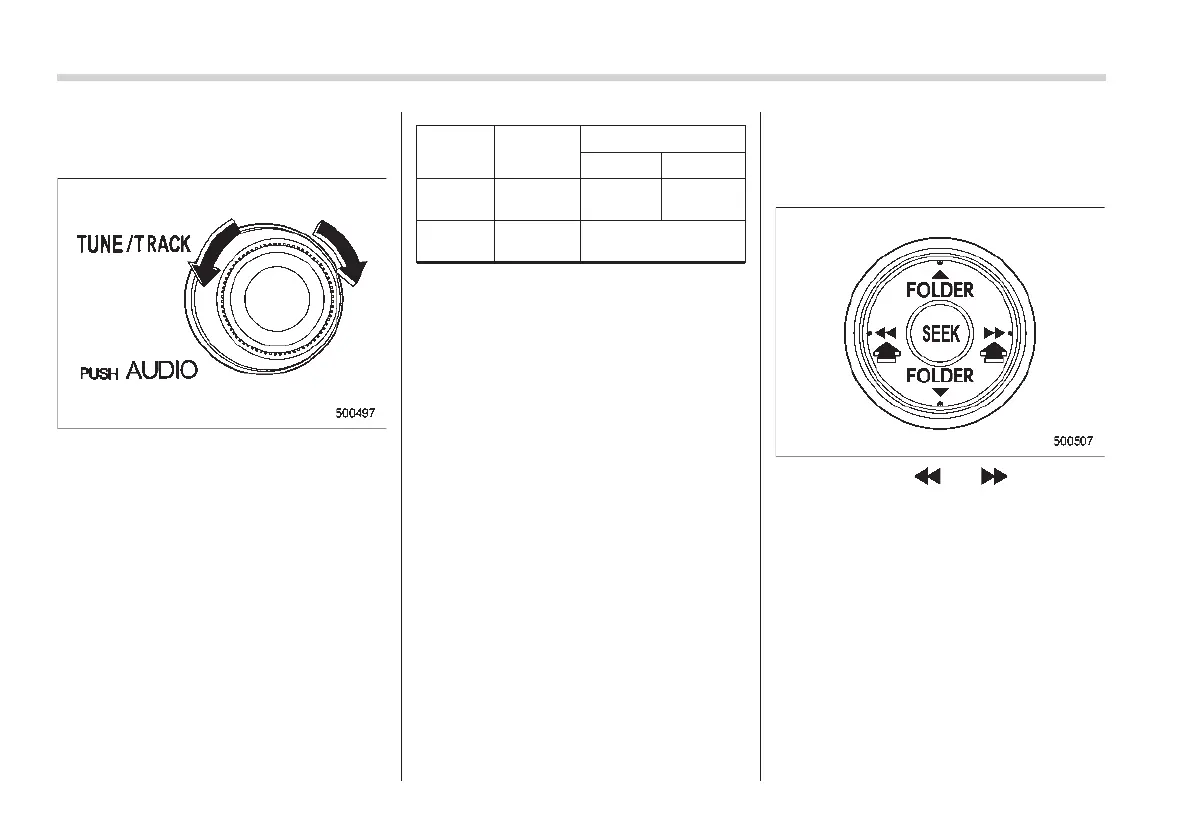
Turn the “TUNE/TRACK” dial clockwise to
increase the tuning frequency and turn the
“TUNE/TRACK” dial counterclockwise to
decrease it.
Every time the dial is turned, the fre-
quency interval is changed as shown in
the following chart.
FM
AM
MW LW
Type A
audio
0.05 MHz 9 kHz 1 kHz
Type B
audio
0.05 MHz
9 kHz (5 kHz*)
*: For the type B audio: The tuning frequency
interval can be set to either 9 kHz or 5 kHz to
suit the broadcasting area.
! Tuning frequency interval change
function for AM waveband (type B
audio)
Select the tuning frequency interval (9 kHz
or 5 kHz) that is appropriate for the
broadcasting area whe re the rad io is
used. To select an interval of 9 kHz, press
the “1” preset button for 3 seconds while
pressing the “AM” button. The display will
show “9 kHz STEP”.
To select an interval of 5 kHz, press the “2”
preset button for 3 seconds while pressing
the “AM” button. The display will show “5
kHz STEP”.
NOTE
If you change the tuning freque ncy
interval, all stations stored in the preset
buttons are cleared. Reset the preset
stations if necessary.
! Stereo indicator
The stereo indicator “ST” will illuminate
when an FM stereo broadcast is received.
! Seek tuning (SEEK)
If you press the “ ” or “ ” side of the
“SEEK” button briefly, the radio will auto-
matically search for a receivable station
and stop at the first one it finds. This
function may not be available, however,
when radio signals are weak. In such a
situation, perform manual tuning to select
the desired station.
NOTE
When the Alternative Frequencies (AF)
mode is turned on, the radio will search
for stations that service RDS.














 To Next Page