Black plate (221,1)
一般Model "A2470GE-B" EDITED: 2010/ 9/ 24
! Scan tuning (SCAN)
Type A audio
Type B audio
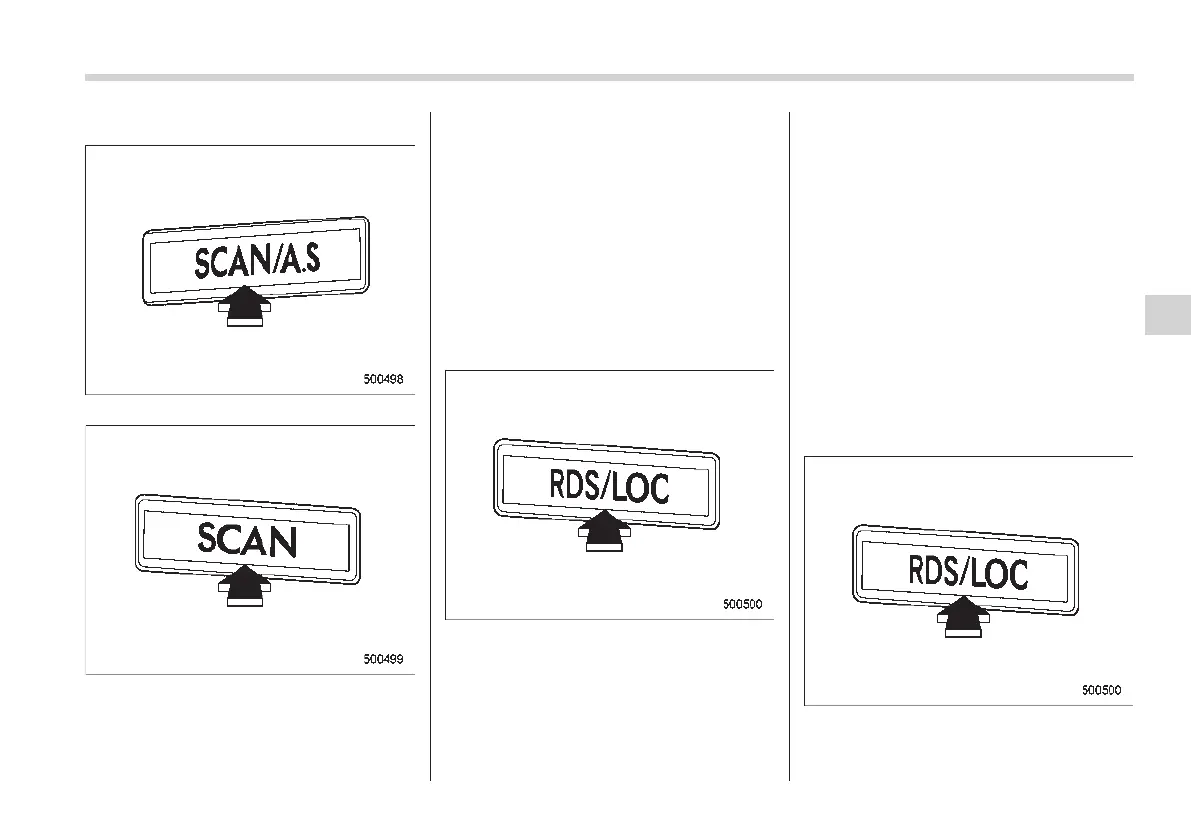
If you press the “SCAN/A.S” button (type
A audio) or “SCAN” button (type B audio),
the radio will switch to the preset scan
mode. In this mode, the radio scans
through the preset channels until a station
is found. The radio will stop at the station
for 5 seconds while displaying the fre-
quency, after which scanning will continue
until all of the preset channels have been
scanned.
Automatic scann ing ma y not f unction
properly if the station reception is wea-
kened by distance from the station or
proximity to tall buildings and hills.
! Local seek function (type A audio)
You can turn the local seek function on or
off during FM, MW or LW reception by
pressing the “RDS/LOC” button for at least
1.5 seconds.
NOTE
For some areas, the local seek function
is not available.
! Radio Data System (RDS) on FM
(type A audio)
RDS is a system in which inaudible digital
information is transmitted in addition to
normal FM radio broadcasts. Your car
radio uses the RDS information to offer
you many benefits.
NOTE
For some areas, the RDS (Radio Data
System) is not available.
! Alternative Frequencies (AF)
If the vehicle moves beyond the broad-
casting area of a radio station that the
Audio 5-11
– CONTINUED –
5














 To Next Page