Black plate (233,1)
一般Model "A2470GE-B" EDITED: 2010/ 9/ 24
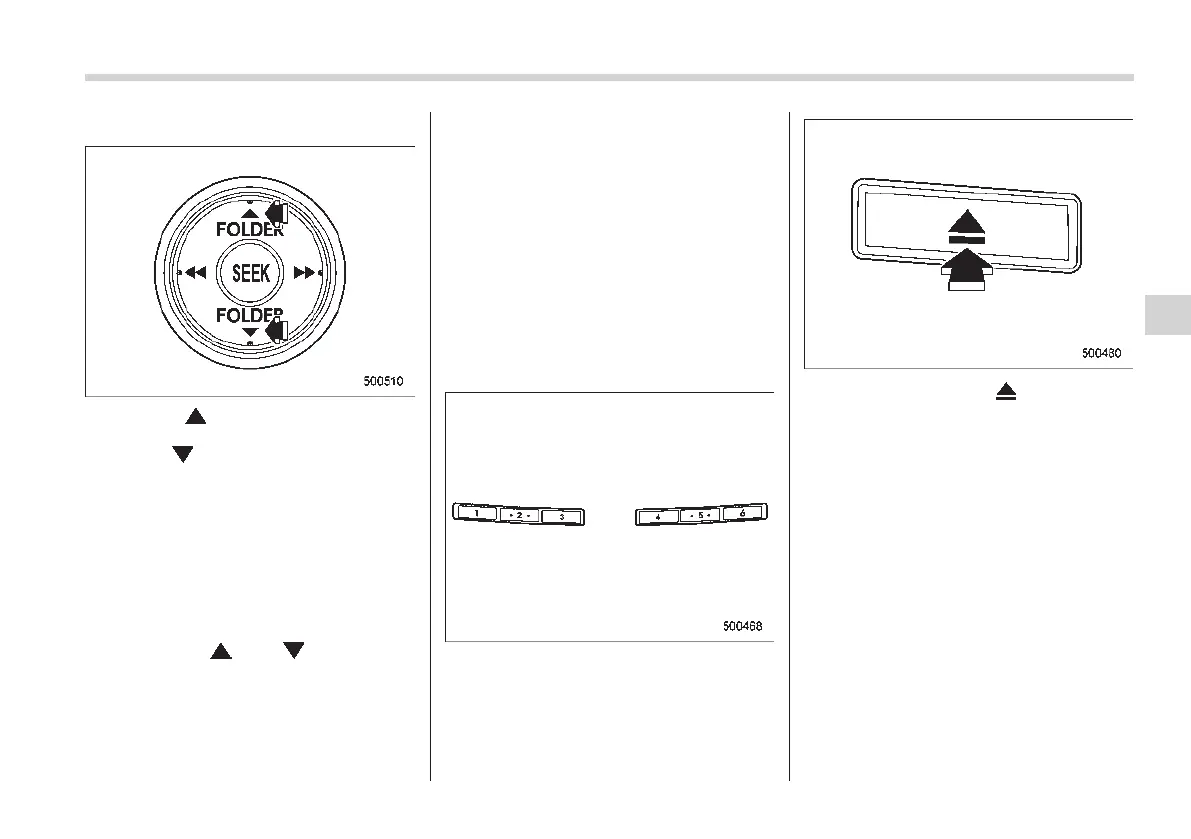
& Folder selection
Press the “ ” side of the “FOLDER”
button briefly to select the next folder.
Press the “
” side of the button briefly to
go back to the previous folder.
NOTE
. Sel ecting folders in this way is
possible only within a single disc.
. Only MP3/WMA/AAC folders are re-
cognized when an attempt to select the
next or previous folder is made. If no
appropriate folder exists on the disc,
pressing the “
” or “ ” side of the
“FOLDER” button starts playback be-
ginning with the first track/file (track).
& How to eject CDs from the
player
NOTE
. Avoid driving the vehicle with a CD
sticking out, because vibration might
make it fall out.
. If you do not remove the ejected
disc within approximately 15 seconds,
a disc protection function will operate,
automatically reloading the disc. In this
case, the disc is not played.
! Ejecting a CD from the player
Disc select buttons
1. Use the disc select button to select the
disc to be ejected.
2. Briefly press the “ ” button. The
selected disc will be ejected. The disc
number indicator will flash at this time.
When you remove the ejected disc, the
disc number indicator will turn off.
To remove m ore discs in successio n,
repeat steps 1 and 2.
Audio 5-23
– CONTINUED –
5














 To Next Page