Black plate (162,1)
一般Model "A2470GE-B" EDITED: 2010/ 9/ 24
3-30 Instruments and controls
NOTE
. Switch the push -button igniti on
switch to “OFF”, and lock the doors.
When the push-button ignition switch
is in a position other than “OFF”,itis
not possible to lock the doors by the
door lock button or the “
” button on
the access key.
. When the access key is returned to
the inside of the vehicle or the push-
button ignition switch is switched to
“OFF”, the chirp sound will stop.
. This warning occurs when the push-
button ignition switch is in a position
other than “OFF” and the select lever is
in the “P” position (AT and CVT mod-
els).
! Select lever position warning indica-
tion (AT and CVT models)
When the driver’s door is opened while
the push-button ignition switch is in a
position other than “OFF” and the select
lever is in a position other than the “P”
position, the warning chime will sound.
NOTE
When a chirp sound is heard, shift the
select lever to the “P” position, switch
the push-button ignition switch to
“OFF”, and get out of the vehicle.
! Access key warning
When the vehicle is driven while the
access key is not inside the vehicle, a
chirp sound will be heard.
NOTE
Carry the access key, and drive the
vehicle.
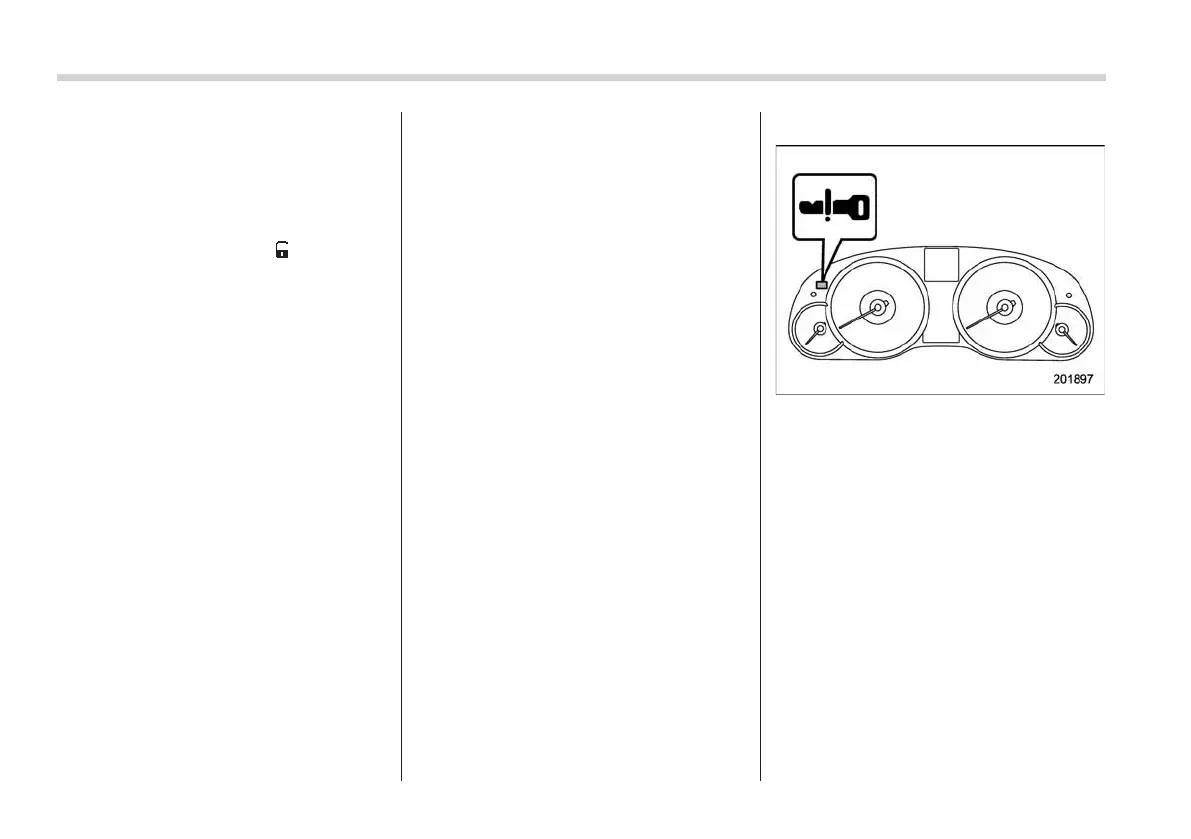
! Warnings by warning light
When the access key is not inside the
vehicle or is under such irregular condi-
tions, the access key warning light on the
combination meter flashes.
! Access key warning for engine start
When the push-button ignition switch is
pressed while the access key is not inside
the vehicle, a chirp sound will be heard,
and the access key warning light will flash.
NOTE
. Carry the access key, and press the
push-button ignition switch.
. Even when the access key is within
the operating ranges inside the vehicle,
the access key warning may be pro-
vided depending on the status of the














 To Next Page