Black plate (217,1)
一般Model "A2470GE-B" EDITED: 2010/ 9/ 24
Type B audio:
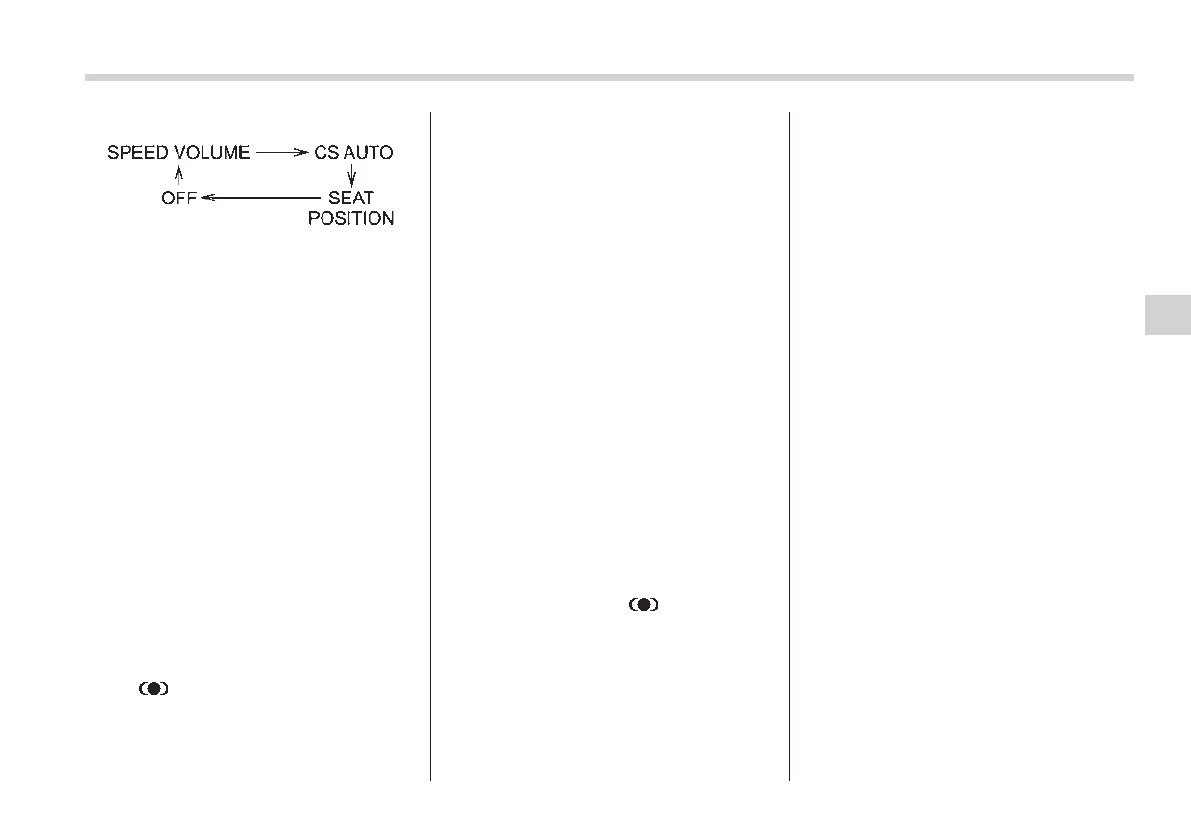
Choose the desired settings for each
mode by turning the sound control dial.
The control function returns to the tune/
track control mode after approximately 5
seconds.
! SVC setting
SVC (Speed Volume Control) is a function
that automatically adjusts the volume
according to the vehicle speed. As the
vehicle speed increases, the audio vo-
lume automatically increases to match the
vehicle speed, in order to create a
pleasant listening environment even as
the driving noise increases. The amount of
this automatic volume change can be set
in the range from OFF to 2. The initial
setting is OFF.
! SRS CS Auto
TM
setting
SRS CS Auto
TM
can be set in the range
from OFF to 2. When this setting is ON (1
or 2), “
” is displayed on the screen.
NOTE
SRS CS Auto
TM
creates a 5.1ch equiva-
lent surround field using 6 speakers
that are installed in the vehicle.
SRS CS Auto
TM
features:
1) Sound originating from door mount
speakers can be heard at ear level
(built in SRS FOCUS
TM
effect).
2) Ultra rich bass sound can be ob-
tained from standard door mount
speakers (built in SRS TruBass
®
ef-
fect).
3) Surround sound can be obtained
from 2-channel stereo sources such as
CD, MP3 and FM (built in SRS Circle
Surround II
TM
effect).
4) SRS CS Auto
TM
can position the
center channel image in the center of
the vehicle’s windshield. This elimi-
nates the need for a center speaker
(built i n SRS Circle Surro und II
TM
phantom center and SRS FOCUS
TM
effects).
CS Auto, SRS and “
” symbol are
trademarks of SRS Labs, Inc.
CS Auto technology is incorporated
under license from SRS Labs, Inc.
! REG setting (type A audio)
This function prevents the radio from
selecting local stations during AF
searches. It is possible to turn the function
ON/OFF by selecting the “REG” setting.
! Position setting
Position setting is used to adjust the
sound to the best condition for the
selected seating position.
ALL: The sound is adjusted to the best for
all seating positions.
FR: The sound is adjusted to the best for
the front passenger (left-hand drive
models) or driver (ri ght-hand drive
models).
FL: The sound is adjusted to the best for
the driver (left-hand drive models) or
front passenger (right-hand drive
models).
Audio 5-7
– CONTINUED –
5














 To Next Page