Black plate (224,1)
一般Model "A2470GE-B" EDITED: 2010/ 9/ 24
5-14 Audio
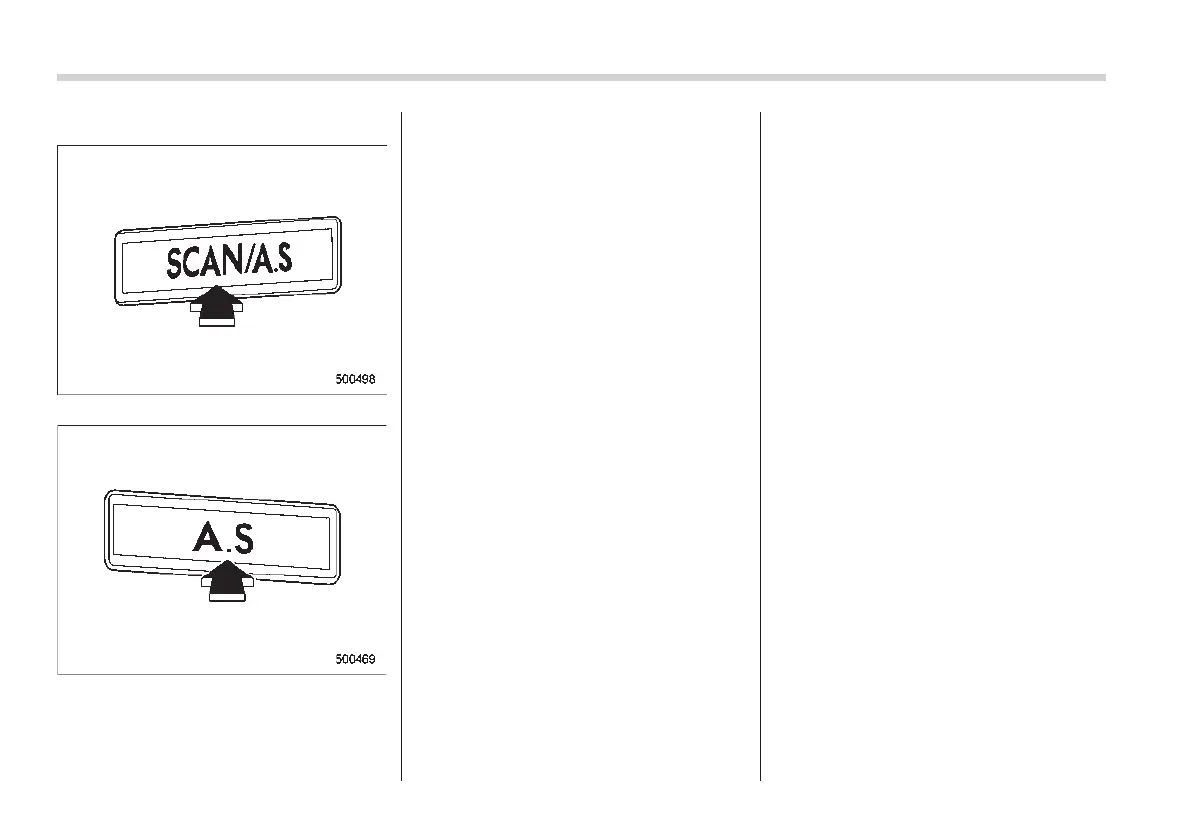
! Auto-store
Type A audio
Type B audio
Using the Auto-store function, you can
automatically store 6 stations on the
current waveband by pressing the “A.S”
button for more than 2 seconds. Use Auto-
store to quickly find the strongest stations,
for example when traveling through differ-
ent reception areas.
NOTE
. When you use Auto-store, the new
stations replace any stations pre-
viously stored.
. Interrupting Auto-store: If you acci-
dentally press the “A.S” (Auto-store)
button, you can cancel the Auto-store
function before it has been completed
as follows.
– Switching to the other source
mode
– Switching to the other band
– Press the “SCAN/A.S” button
(type A audio)
– Press the “A.S” button (type B
audio)
– Press the “SCAN” button
– Press the “SEEK” button
– Press any of the preset buttons
– Turn the “TUNE/TRACK” dial
– Turn off the audio system
– Turn off the ignition switch
. For type A audio, when you use the
Auto-store function while selecting the
FM mode, even if you have selected the
FM1 or FM2 station, the new stations
are stored in the FM3 station.
. For type B audio, when you use the
Auto-store function while selecting the
FM mode, even if you have selected the
FM1 station, the new stations are
stored in the FM2 station.
. If it is only possible to receive less
than 6 stations, the available stations
are stored from preset 1 in order by
frequency and the unused preset but-
tons are not registered to a station.
Also, the previously registered station
memories of the unused preset buttons
are cleared.
. If no stations can be received, the
previously stored stations are not re-
placed.
. After pressing the “A.S” button, if
more than 1 station is stored, the radio
receives the station stored in preset 1.
. After pressing the “A.S” button, if no
stations are stored, the radio receives
the band and station that the radio
received before pressing the button.














 To Next Page