ES3000 User Guide
4-6
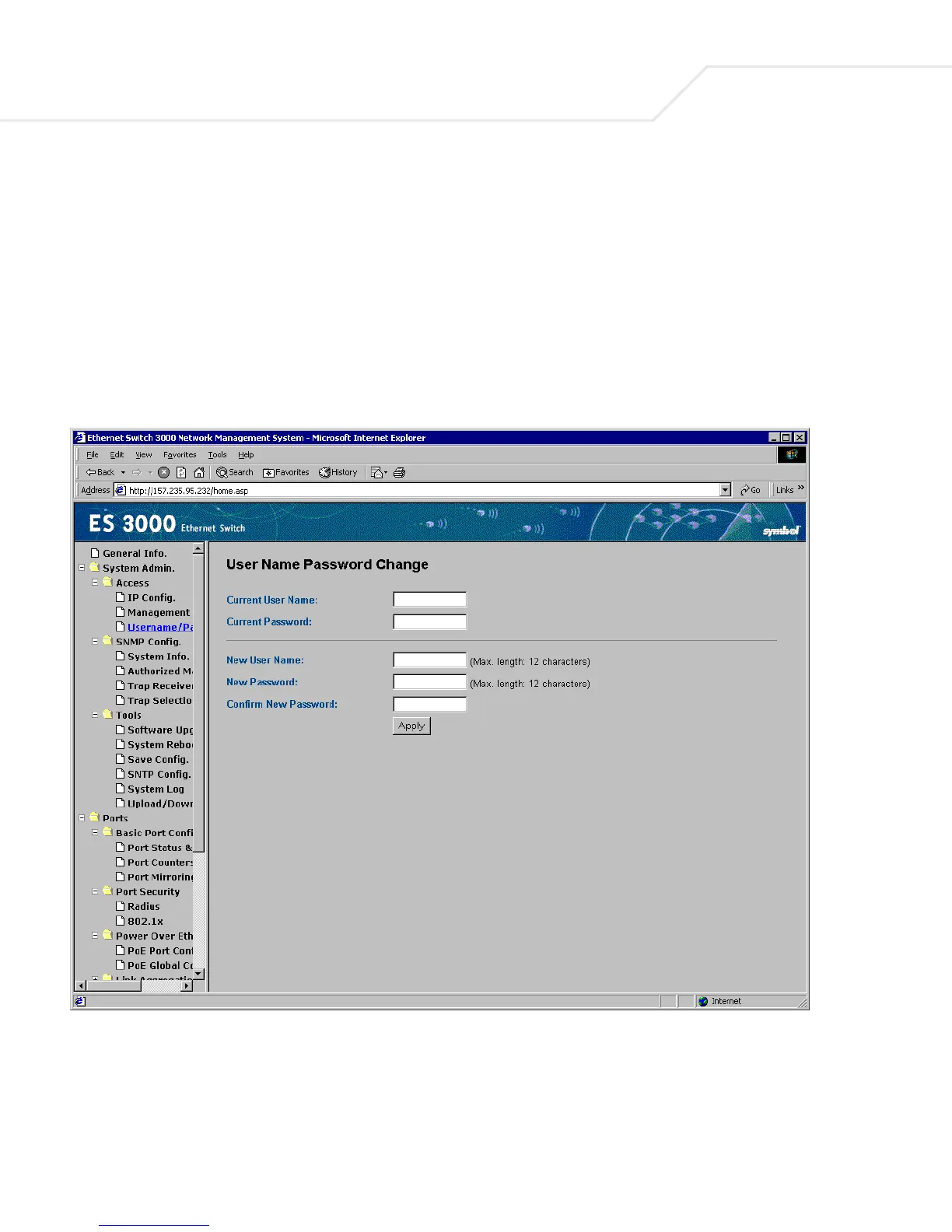
4.2.3 System Admin->Access->User Name Password Change
The user name and password can be up to 20 characters and are case sensitive. The password
entered is encrypted on the screen and displays as a sequence of asterisks (*). Use the User Name
Password Change screen to:
• Enable or Disable the password protection
• Change the user name and password
Click Apply to activate the new password.



 To Next Page