Web Management Access
4-41
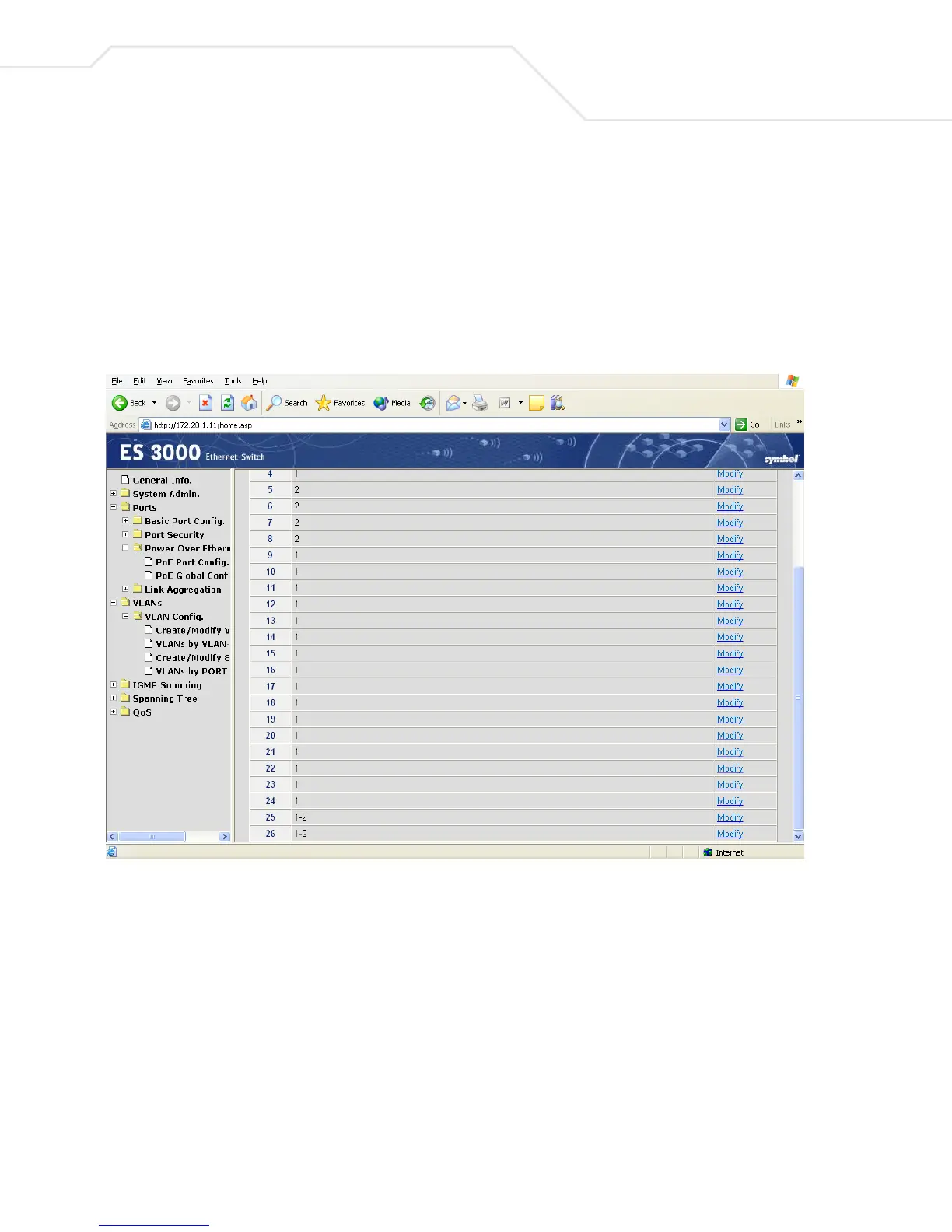
4.2.29 VLANs->VLAN Config->VLANs by Port
Use the VLAN by Port screen to configure VLAN port information on a port-by-port basis.
1. Select Modify to configure VLAN information for the target port.
2. Configure trunk ports and VLAN membership as required.
In the example below, Ports 25-26 are 802.1Q trunk ports with VLANs 1-2 as members.



 To Next Page