ES3000 User Guide
3-26
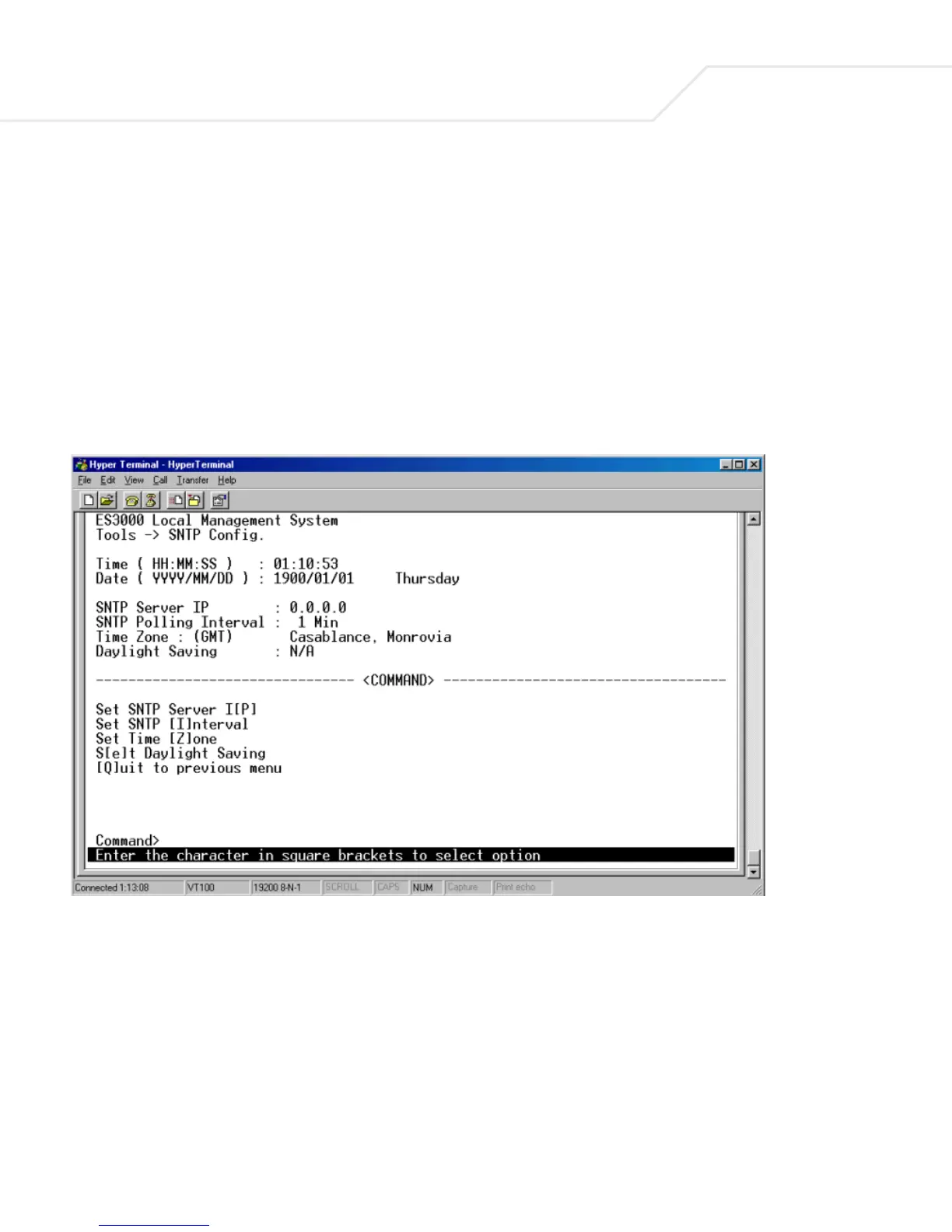
3.5.15 Main Menu->System Admin.->Tools->SNTP Config.
There are configurable functions in the SNTP Configuration page:
Set SNTP Server IP Simple Network Time Protocol, the user can enter SNTP server IP
to gain access.
Set SNTP Interval Set SNTP polling interval.
Set Time Zone Set the time zone
Set Daylight Saving Set the daylight saving… or ignore it



 To Next Page