Administration Console Access
3-71
3.5.52 Execute CLI
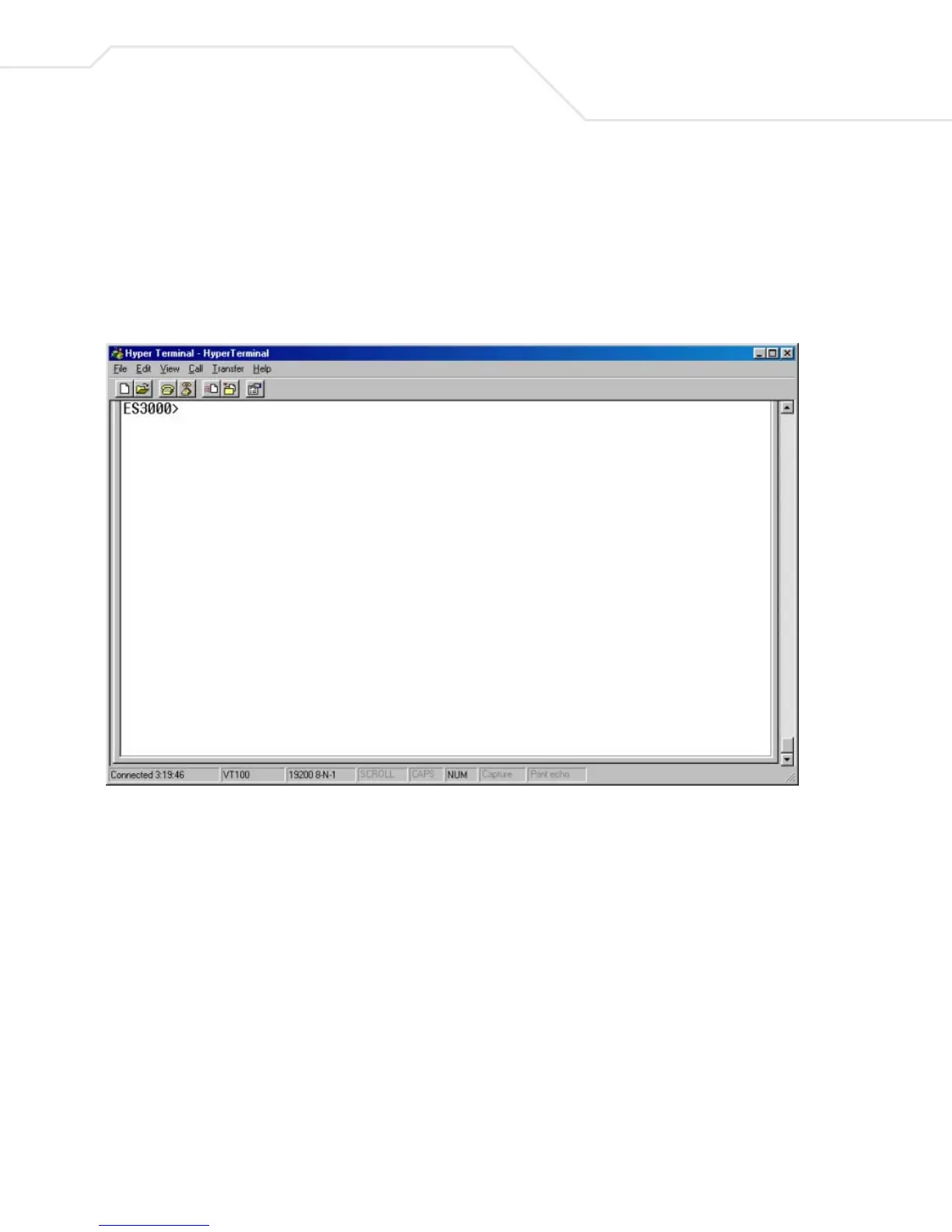
The CLI (Command Line Interface) provides a means to configure the system for advanced users.
Symbol recommends the CLI for adavanced users who do not need to navigae a menu-driven interface
to configure the ES3000 Ethernet Switch. See Chapter 5 for detailed information. Once Run CLI is
selected, the 'SW24P4>' prompt displays



 To Next Page