ES3000 User Guide
4-14
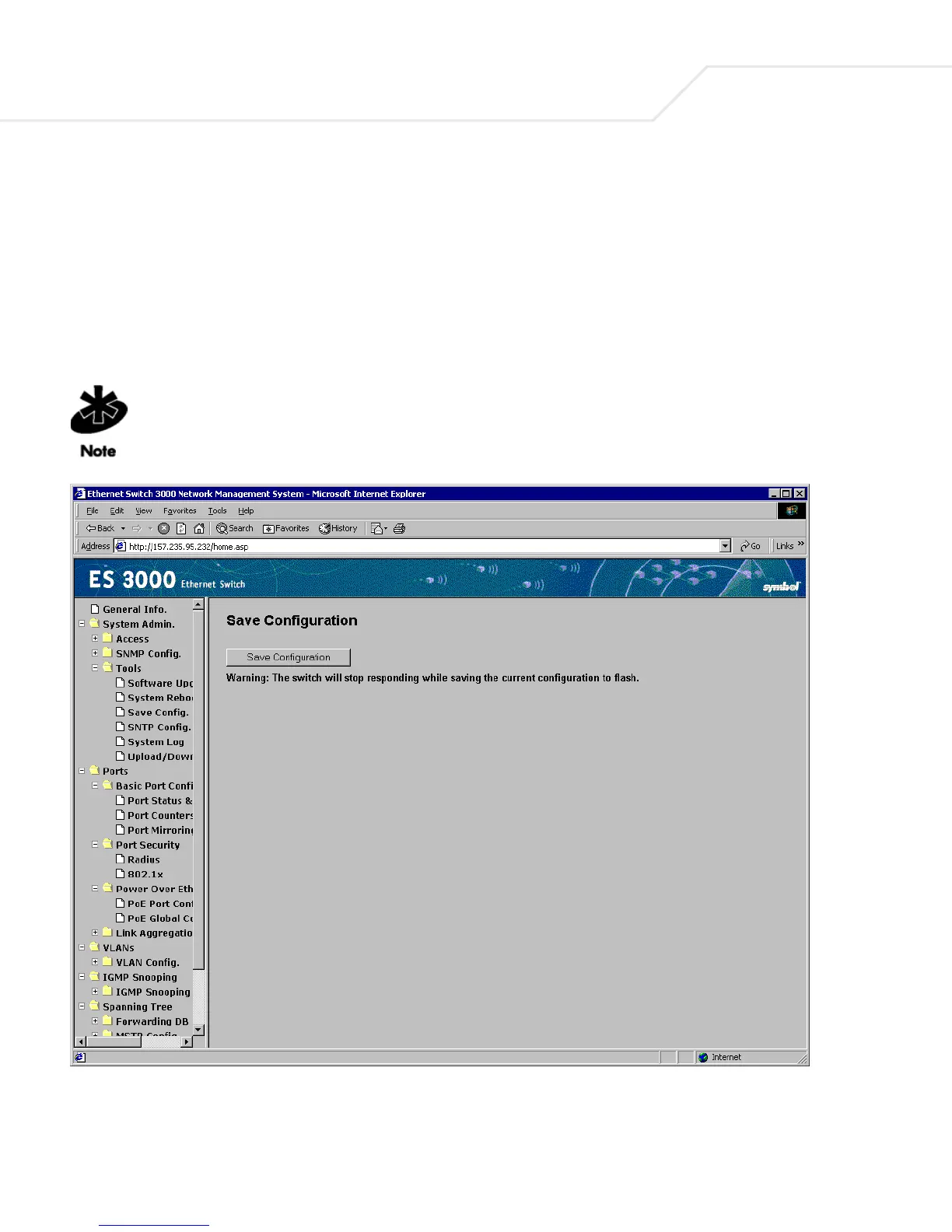
4.2.10 System Admin->Tools->Save Configuration
After making changes to the screens within the Web Interface, save the changed settings to Flash. If
changes are not saved to NVRAM, they are lost during the next switch reset or reboot. Use the Save
Configuration page as the central location to save changes made within the ES3000 Ethernet Switch
Web interface. Once changes have been saved to the system using the Save Configuration page, refer
back to the target configuration screen to ensure the changes have been implemented by the ES3000
Ethernet Switch.
Network IP settings (IP address, Gateway Address, Network Mask) are not be affected by
the Restore command.



 To Next Page