Web Management Access
4-65
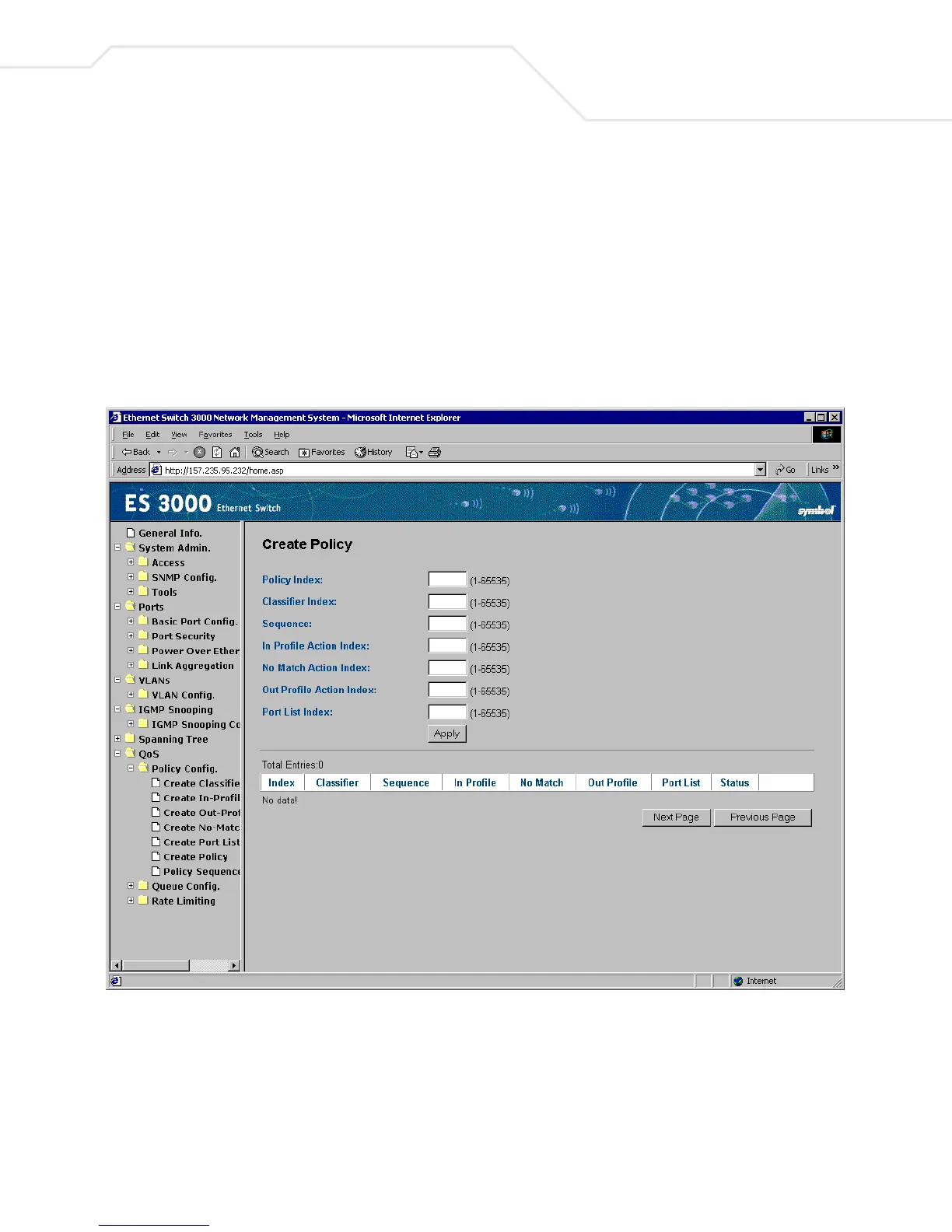
4.2.47 QoS->Policy Configuration->Create Policy
Use the Create Policy screen to set up the QoS group by Policy ID, and key in the policy (1-65535)
by classifier, in profile action, no match action, out profile action, and data path ID in the blank space.
View the setting report by clicking Apply.
Using the Classifier, In-Profile Action, Out-Profile Action, No-Match Action and Port List ready, the
administrator can create the policy by applying previously defined classifiers, lists, and actions. To
avoid confusion, document every index and content entry.



 To Next Page