Web Management Access
4-15
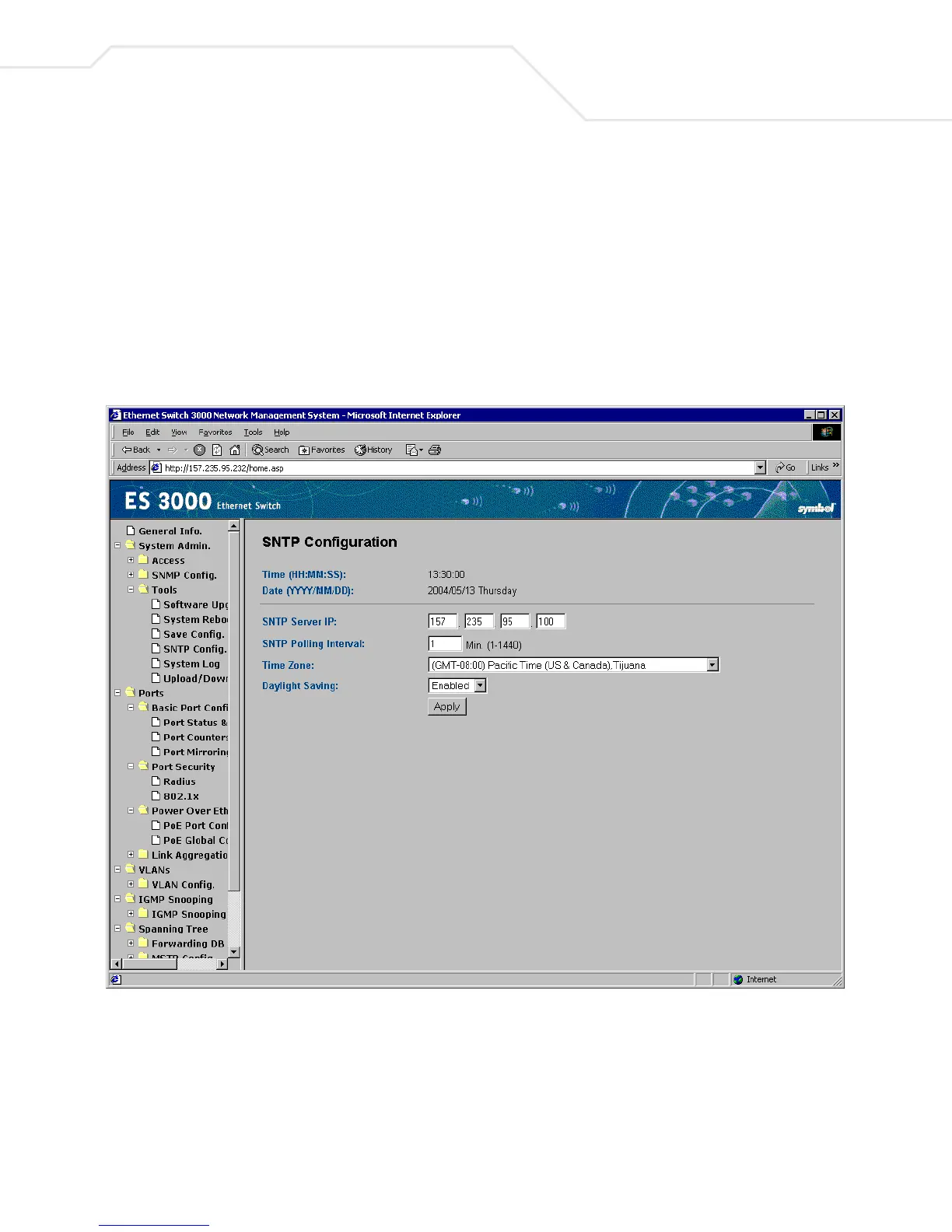
4.2.11 System Admin->Tools->SNTP Configuration
Use the following editable functions in the SNTP Configuration page are required:
Set SNTP Server IP Simple Network Time Protocol, user can enter SNTP server IP to get
into it.
Set SNTP Interval Set up SNTP polling interval (1min for example).
Set Time Zone Set up the time zone, like Casablance, Monrovia



 To Next Page