ES3000 User Guide
3-56
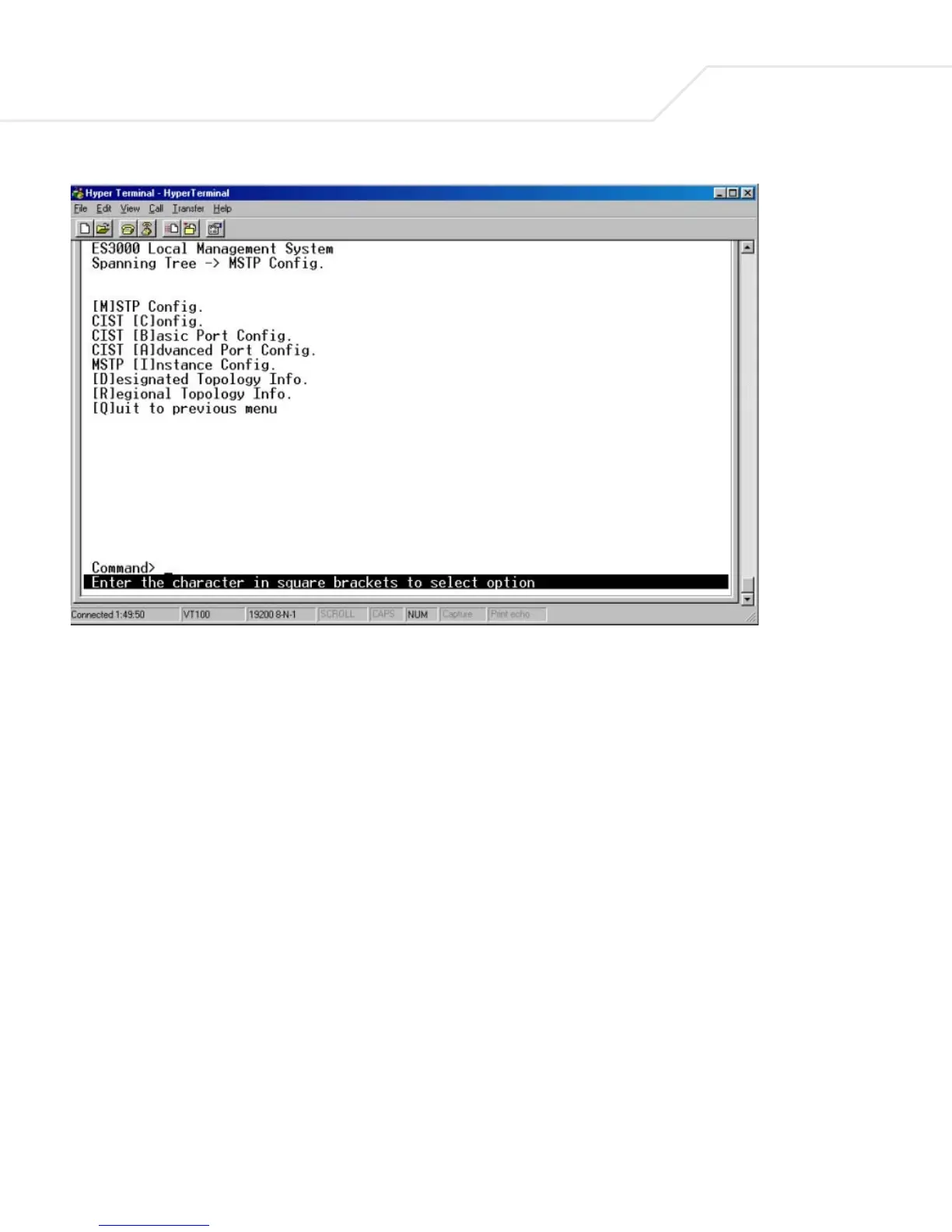
The upper half of the MSTP Config screen displays information about the Multiple Spanning Tree
Configuration.
Status:
Global MSTP Status: Status of global multiple spanning tree protocol. Enabled
indicates that MSTP is running while Disabled indicates
MSTP is not running.
Protocol Version: Three protocol versions are available, SPT (Spanning
Tree), RSPT (Rapid Spanning Tree), MSPT (Multiple
Spanning Tree).
MST Config ID Selector: Reserved for future use
MST Region Name: The MST Region Name is required to be identical to other
switches to work cross-switch.



 To Next Page