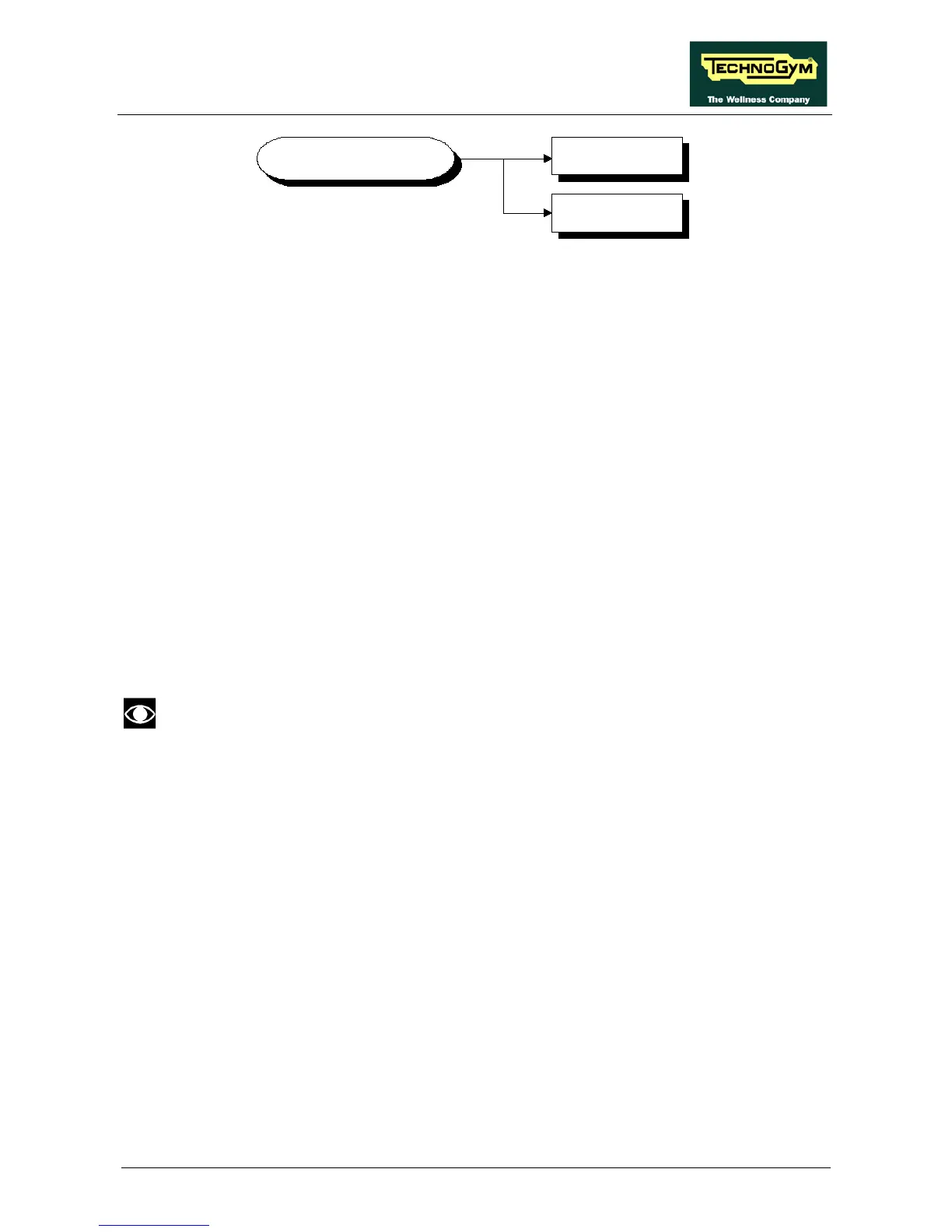
9.2.5.1. Low kit version
This function displays the brake board firmware version. To access this menu, when the display
shows:
LOW KIT VERSION
press ENTER, the following message appears:
H:x L:x B:x
Which identifies the firmware version.
9.2.5.2. Low Kit fault code
This function displays the code of the error causing a low kit lockout condition. To access this
menu, when the display shows:
LOW KIT FAULT CODE
press ENTER, the following message appears:
FAULT=XX
In case of FAULT=00, the board is not in an error condition.
9.2.6. HIGH KIT VERSION
This function displays the SW version of the display. To do this, when the display shows:
HIGH KIT VERSION
press ENTER to display the message which identifies the SW version.
9.2.7. BOOT VERSION
This function displays the BOOT version. To do this, when the display shows:
BOOT VERSION
press ENTER to display the message which identifies the BOOT version.









 To Next Page