C
LEAR
P
ATH
-EC
U
SER
M
ANUAL REV
1.11
55
E
DIT
M
ENU
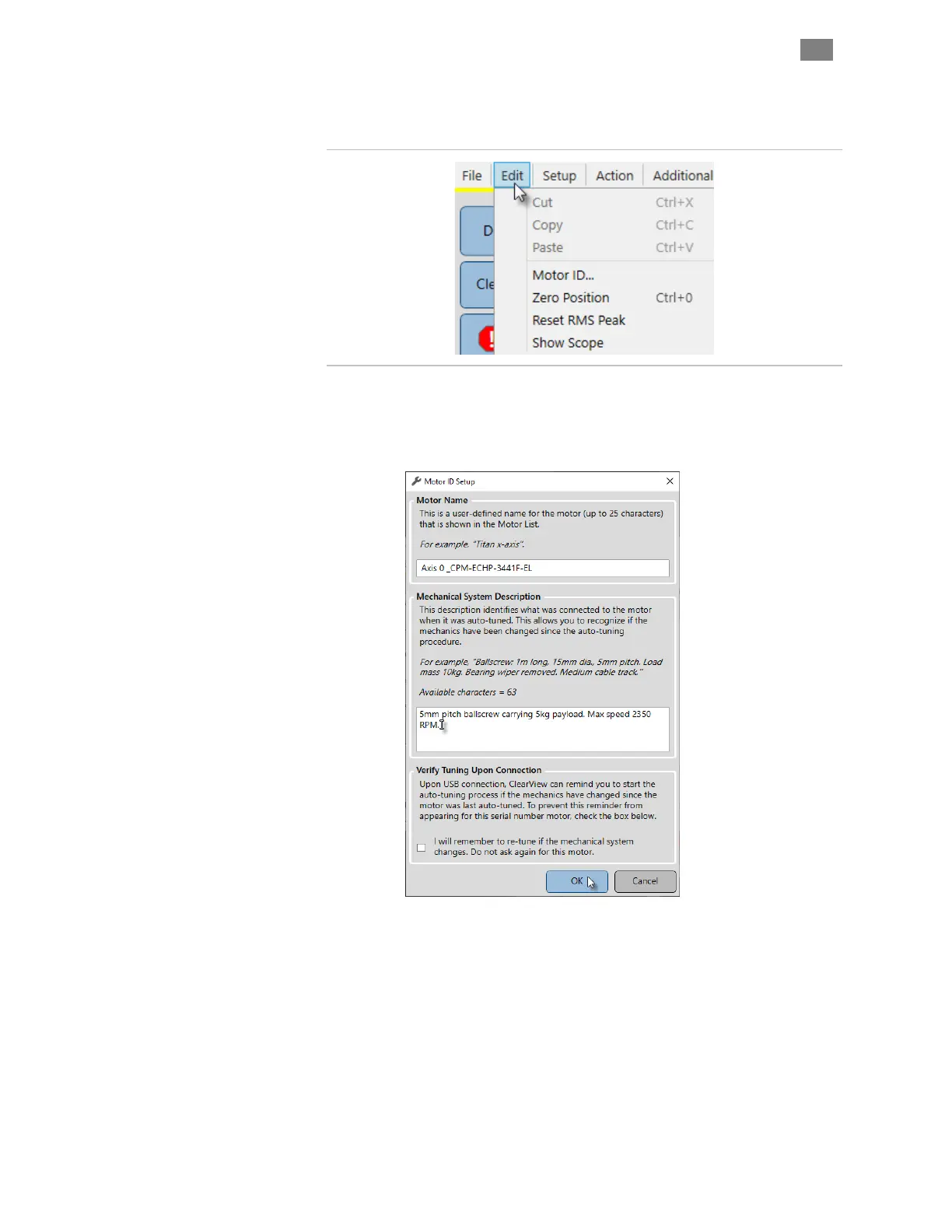
Edit Menu
Cut, Copy, Paste. (Standard Windows commands)
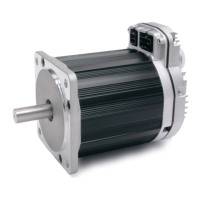
Motor ID. Opens a window where you can enter a name and brief
description for your ClearPath-EC motor.
Zero Position. Sets the Position Counter to zero. Note: In certain
modes, double-clicking the Position Counter directly in the UI will also
zero the position counter.
Reset RMS Peak This applies to the RMS Meter in the Dashboard
section of MSP. Click this menu item to reset RMS Max (this is the
maximum RMS value recorded since last motor reset).
Show Scope. Launches the Soft Scope in its own window.
T
EKNIC
,
I
NC
. T
EL
.
(585)
784-7454


 To Next Page