C
LEAR
P
ATH
-EC
U
SER
M
ANUAL REV
1.11
64
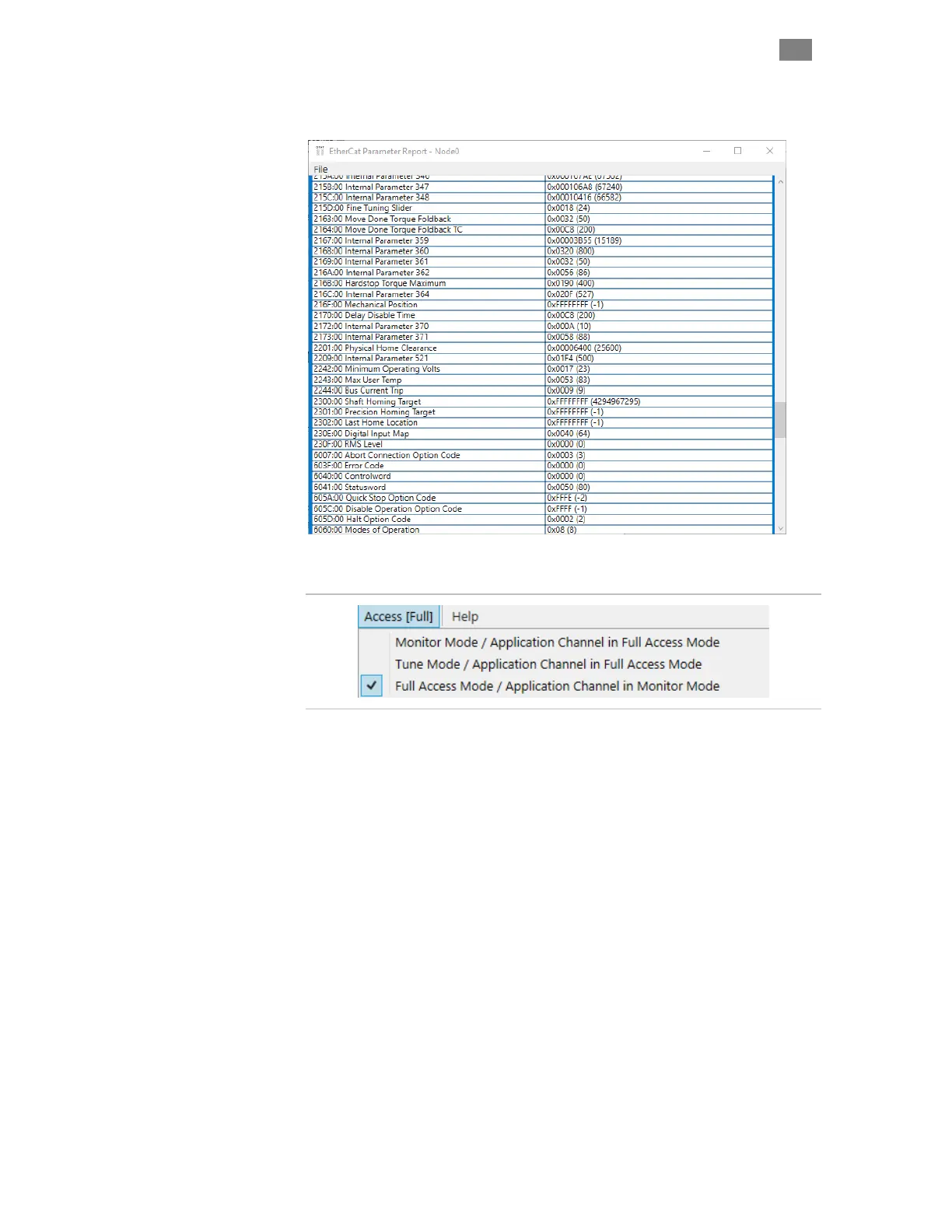
EtherCAT Parameter Report. Opens a report containing a snapshot of
the EtherCAT parameters stored in the motor.
A
CCESS
M
ENU
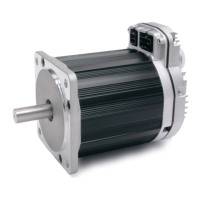
Access Menu
Allows the user to grant partial or full access to the motor settings via a
second "Diagnostic PC" connected to the motor's rear Diagnostic Port.
Access is required to perform certain tasks in ClearView 3.0, such as using
the Soft Scope, Auto-Tuning, and changing parameters and settings.
See the following section (Using the Diagnostic Port) for full
details on how to connect a diagnostic computer to a
ClearPath-EC motor.
T
EKNIC
,
I
NC
. T
EL
.
(585)
784-7454


 To Next Page