102
Control unit
> Unplug the power supply and switch off the control unit.
1. Hold [▲] depressed.
2. Plug in the power supply, keep [▲] depressed.
- The display shows Firmware update along the bottom edge.
3. Release [▲] .
4. Plug the connecting cable (Art.-No. 0449 0073) into the USB-
port on the Control unit, then connect it to the PC.
- Your PC recognises the control unit as a removable medium.
5. Copy the new file (appcurel.bin) to the detected removable
medium.
- In the display the status bar progresses from left to right. This
process may take a few minutes.
6. Disconnect the connecting cable from the device.
- After updating of the instrument software (Firmware) has been
completed the control unit will automatically reboot and is ready
for use.
Analyzer box
> Disconnect power supply.
1. Place the analyzer box on its front.
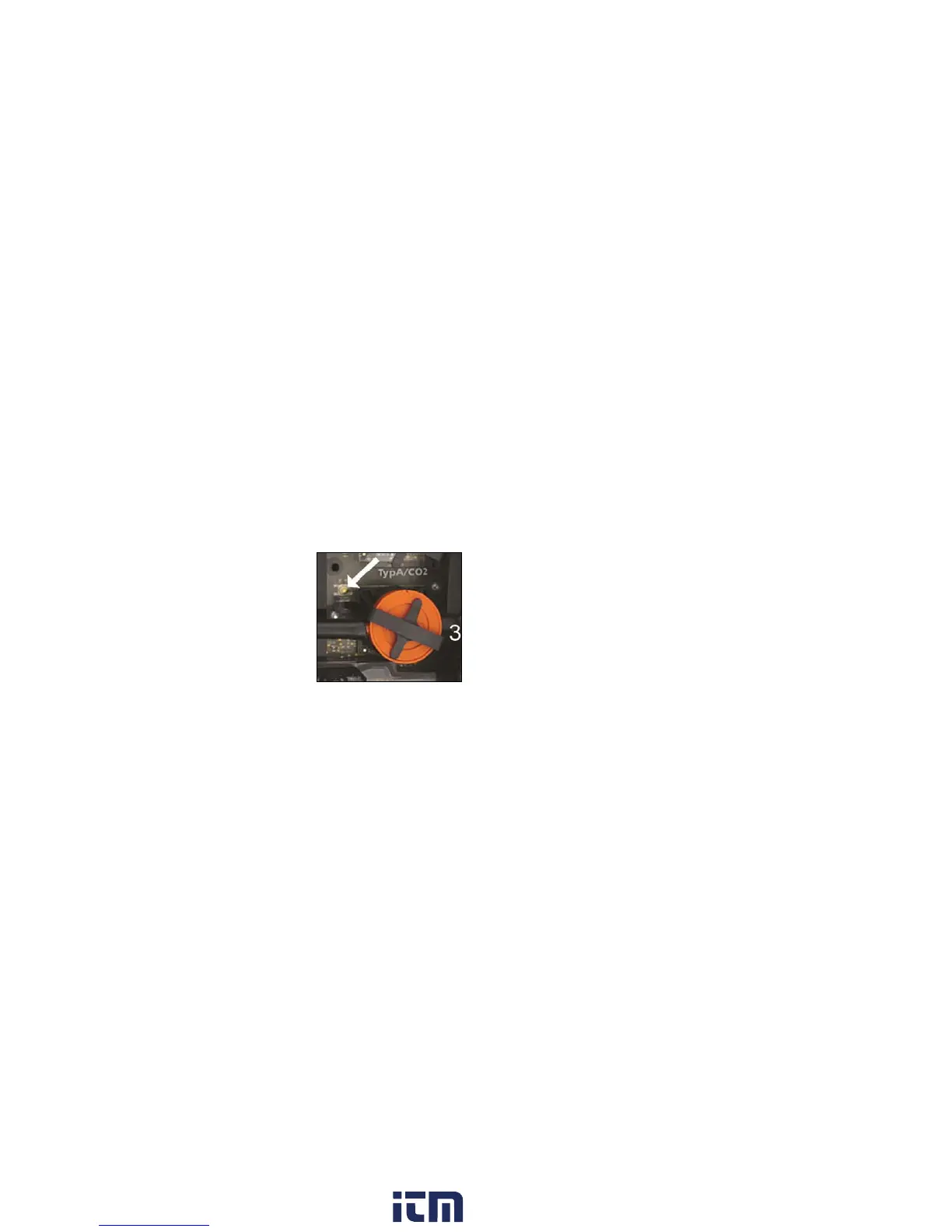
2. Open the cover of the sensor compartment (locking clip) and
take it off.
3. Hold the button at slot 3 carefully depressed with a pointed tool.
4. Plug in the mains plug, keep the button depressed.
- The status display flashes alternately green and red.
5. Release the button.
6. Plug the connecting cable (Art.-No. 0449 0073) into the USB-
port on the analyzer box, then connect it to the PC.
- Your PC recognizes the analyzer box as a removable medium.
w ww . . co m
information@itm.com1.800.561.8187



 To Next Page