53
Change parameter / unit in a line:
1. Select the line: [▲], [▼] → [Change]
2.Select the parameter: [▲], [▼] → [OK]
3. Select the unit: [▲], [▼] → [OK]
4. Save changes: [OK]
Options:
> [Options] → Number of lines: Change the number of
measuring values per display page.
> [Options] → Blank line: Insert the empty line before the
selected line.
> [Options] → Delete line: Delete the selected line.
> [Options] → Factory setting: Reset the readings display to
factory setting.
6.1.2.3. Units
(only available via Analyzer Box tab)
The units used for parameters in configuration menus can be set.
Activating the function:
> [
] → Device settings → [OK] → Units → [OK]
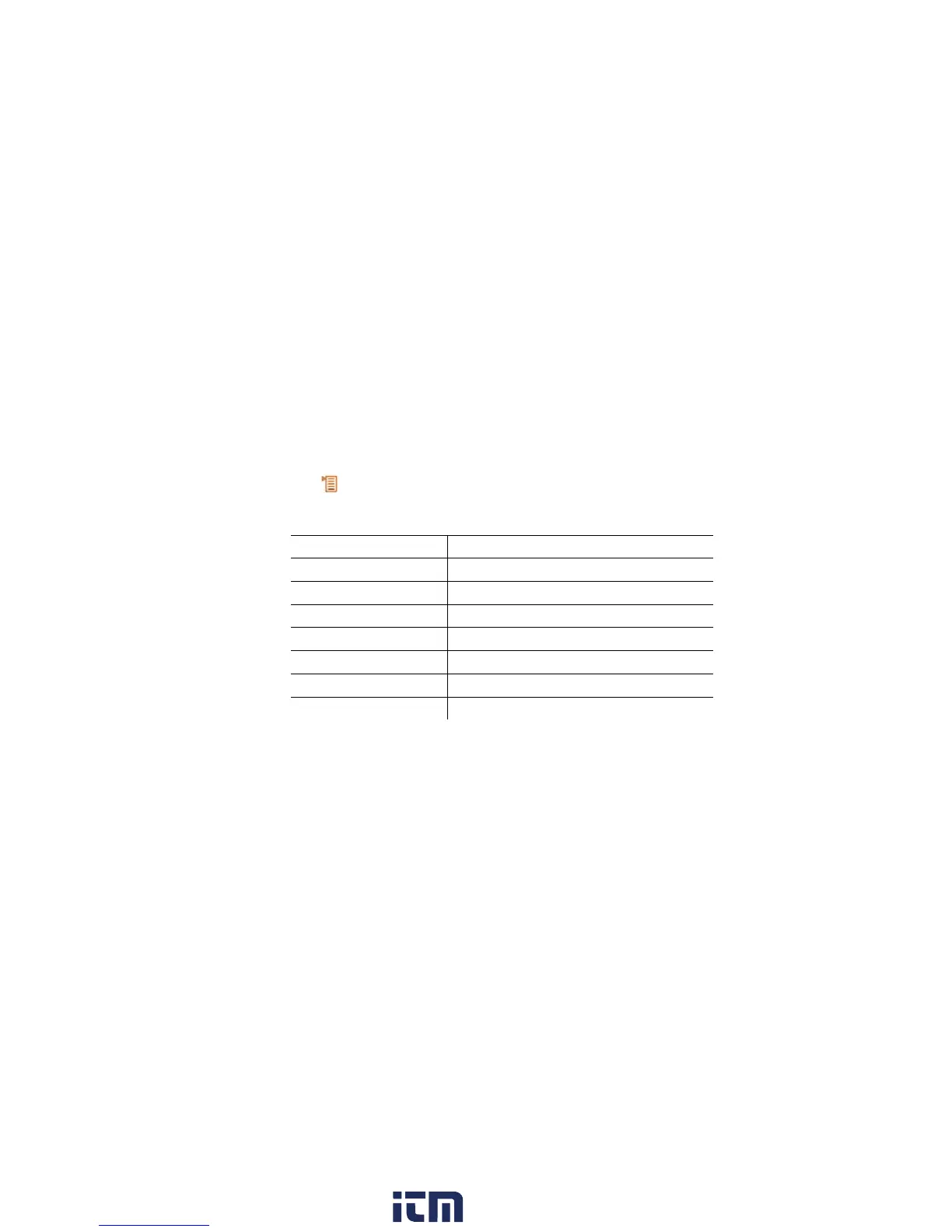
Adjustable units
Parameter Unit
Altitude
m, ft
Length
cm, inch, mm
Pressure
mbar, psi, inHG, inW, hPa
Area
mm², in²
Volume
m³, l
Volume flow
m³/h, l/min
Time
sec, min
Setting the unit
1. Select the line: [▲], [▼] → [Change].
2. Select the unit: [▲], [▼] → [OK].
3. Confirm the entry: [Finished]
w ww . . co m
information@itm.com1.800.561.8187



 To Next Page