39
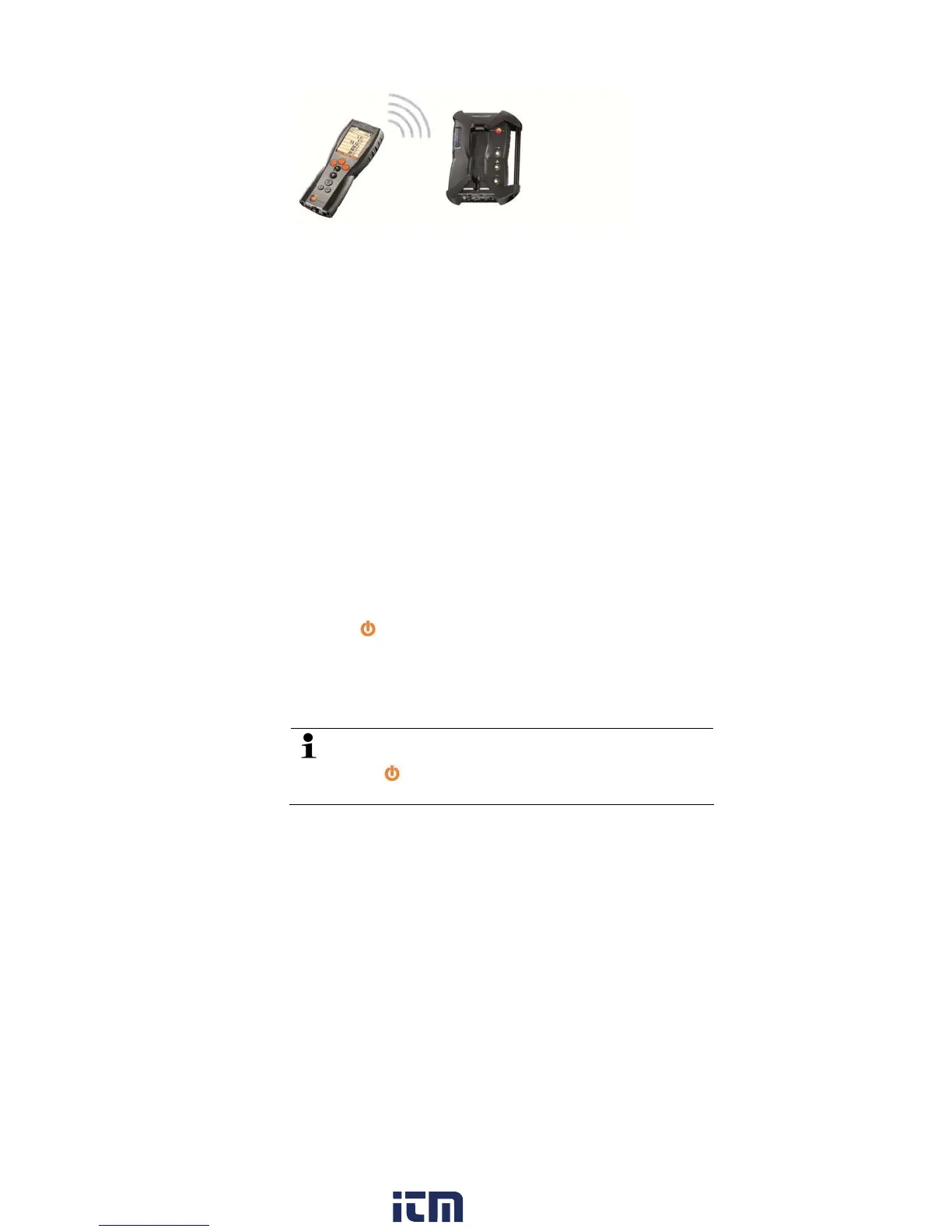
Via Bluetooth the control unit can be connected to a analyzer box
or a PC/Notebook, as long as both components are equipped with
this function, see Bluetooth, page 55.
5.2.5. Switching on
Before switching on
> Connect all system components.
> Connect all required probes/sensors.
> Connect all system components to the electric power supply.
When switching on the control unit
- should be plugged on the contact strip of the analyzer box
or
- connected with a data bus cable
or
- plugged to the power cable of the analyzer box, so that starting
via Bluetooth is enabled.
Switching on
> press [
].
- The Welcome Screen is displayed (approx. 5 sec.)
- The control unit display screen appears.
- The control unit searches for connected analyzer boxes and
shows these as independent tabs in the display.
Control unit and analyzer box are not connected:
If the control unit has already been switched on, you must
press [
] once again for a short moment to set up a
connection to the analyzer box.
w ww . . co m
information@itm.com1.800.561.8187



 To Next Page