40
5.2.6. Calling up a function
1. Select function: [▲], [▼].
- The chosen function appears in a frame.
2. Confirm selection: [OK].
- The chosen function is opened.
5.2.7. Entering values
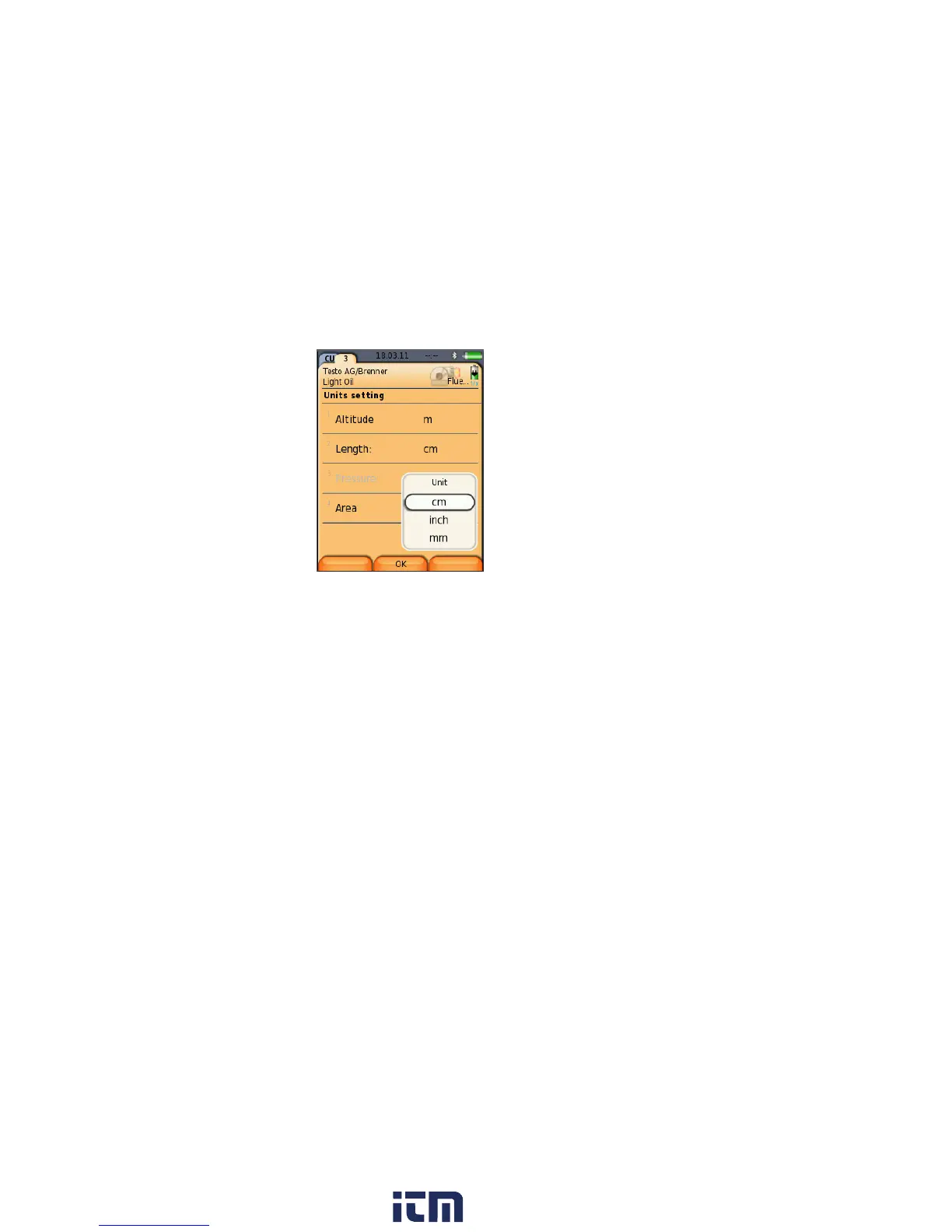
Some functions require values (numbers, units, characters) to be
entered. Depending on the function that is chosen, the values are
entered via either a list field or an input editor.
List field
1. Select the value to be changed (numerical value, unit): [▲],
[▼], [◄], [►] (depending on the selected function).
2. Press [Change].
3. Set value: [▲], [▼], [◄], [►] (depending on the selected
function).
4. Confirm the entry: [OK].
5. Repeat steps 1 and 4 as required.
6. Save the entry: [Finished].
w ww . . co m
information@itm.com1.800.561.8187



 To Next Page