29
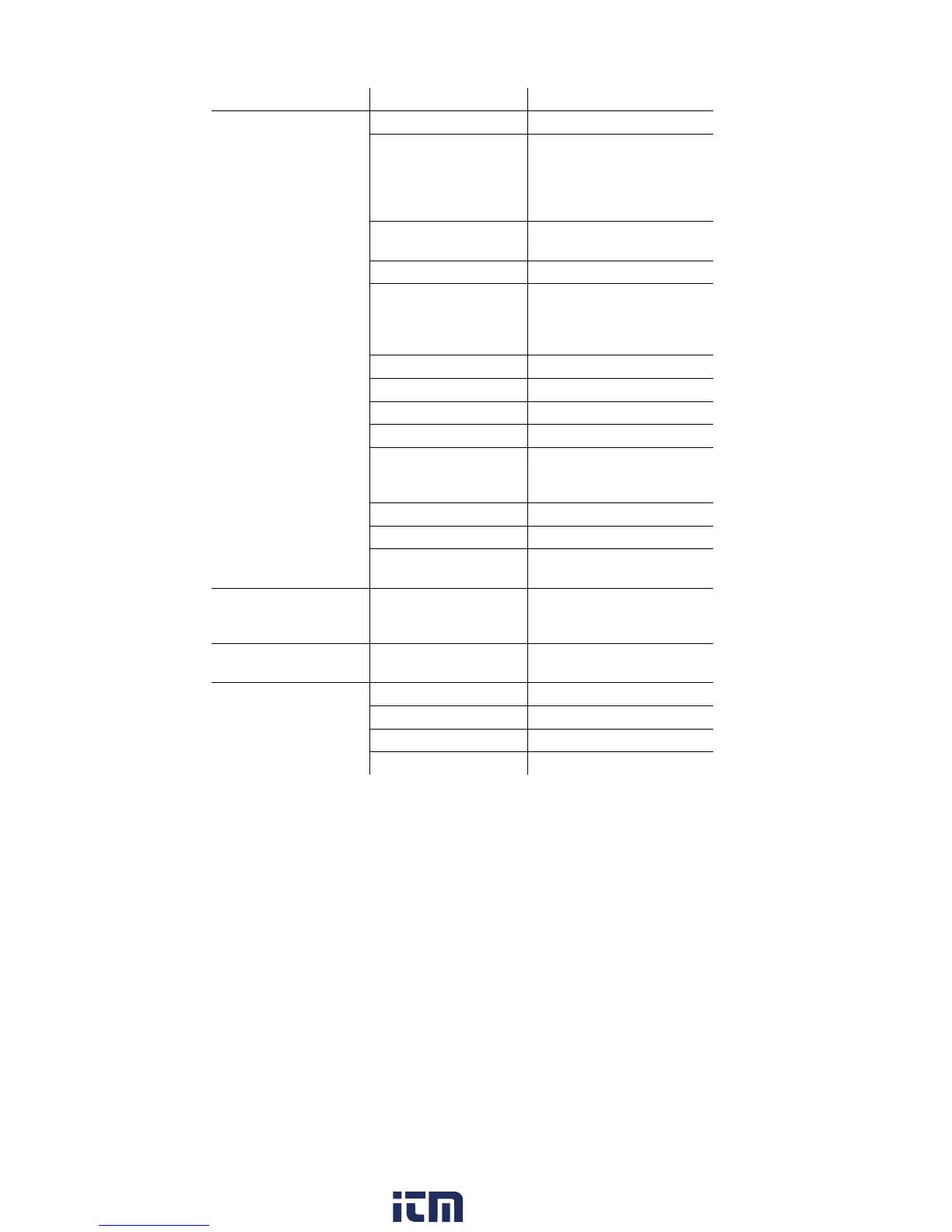
Main menu Menu Description
Device settings Dilution
Set the dilution factor
Measurement view Configure the display, set
measurement parameters
and units for selected
application and
measurement type
Units Set units for display
variables
Date / time
Set date, time, time format:
Power Options Set automatic instrument
shut-down and switch off
display backlight in rech.
batt. operation
Display brightness
Set display brightness
Printer
Select printer, enter print text
Bluetooth
Bluetooth
on/off
Language
Set instrument language
Country version Set country version (fuels,
display variables, calculation
formulas)
Password protection
Change password
Analog input
Configure analog input
Databus Display of bus address,
enter bus rate
Sensor settings
-
Make sensor settings,
perform calibration /
adjustment
Programs
-
Configure and activate
measuring programs
Instrument diagnosis Error diagnosis
Display of present errors
Gas path check
Perform tightness test
Sensor diagnosis
Perform sensor diagnosis
Device information
Display of device information
w ww . . co m
information@itm.com1.800.561.8187



 To Next Page