SERVICE 5-26 Manual 0-4691
5
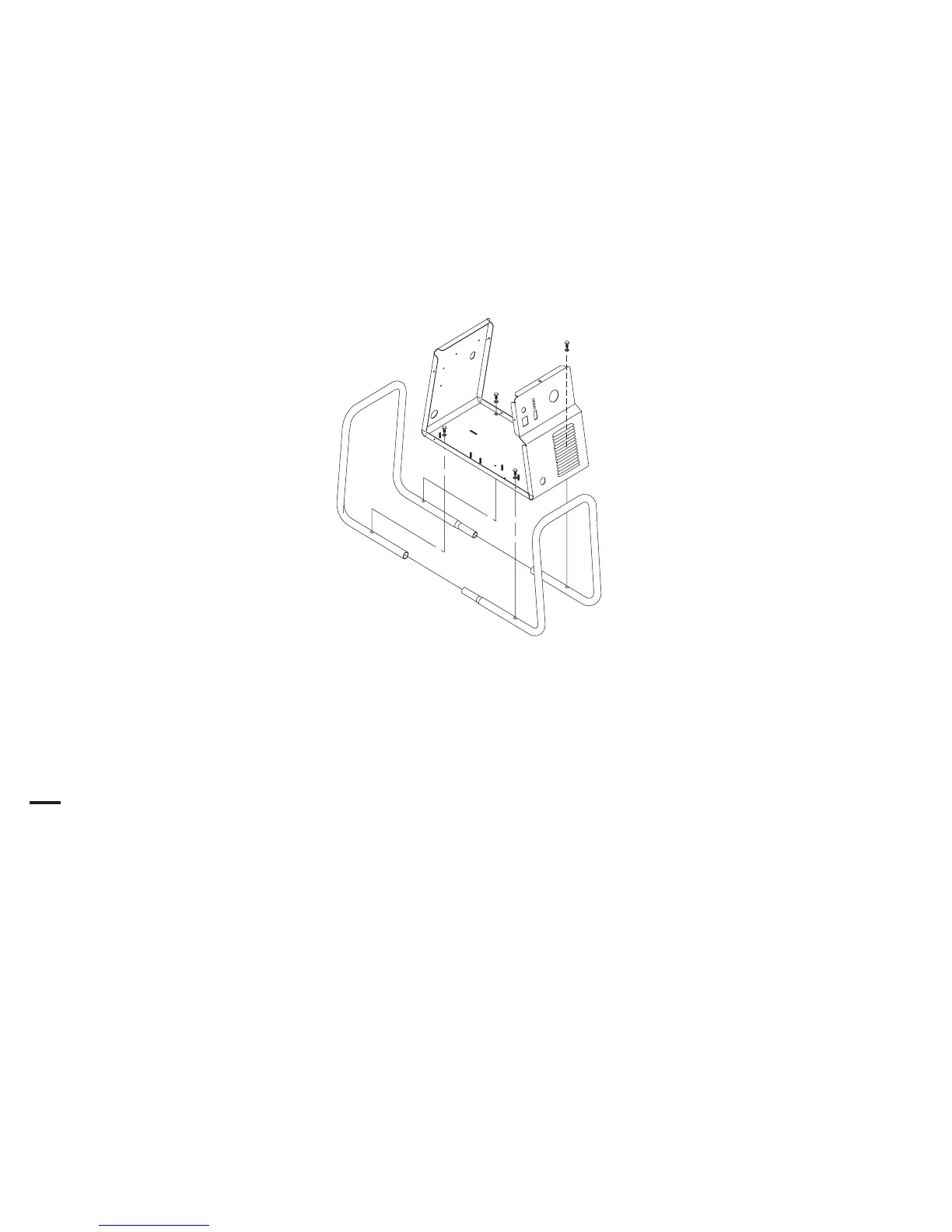
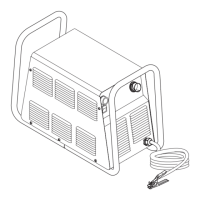
B. Tube Handle Replacement
1. Remove the power supply cover per Section 5.09-A.
2. Remove the four bolts and star washers securing the tube handles to the base of the unit.
3. Move the input power cable, torch leads and work cable inside the handle, then lift the base of the unit away from the
Tube Handle.
4. With a rubber mallet, separate the two handle ends as shown below.
5. Install the replacement Tube Handle by reversing the above steps.
6. Reinstall the power supply cover.
Art # A-02847
C Cover Installation
1. Reconnect the ground wire, if necessary.
2. Place the cover onto the power supply so that slots in the bottom edges of the cover engage the lower screws.
3. Tighten lower screws.
4. Reinstall and tighten the upper screws.











 To Next Page