Operation
Service Menu
Thermo Electron Corporation Model 48i Instruction Manual 3-111
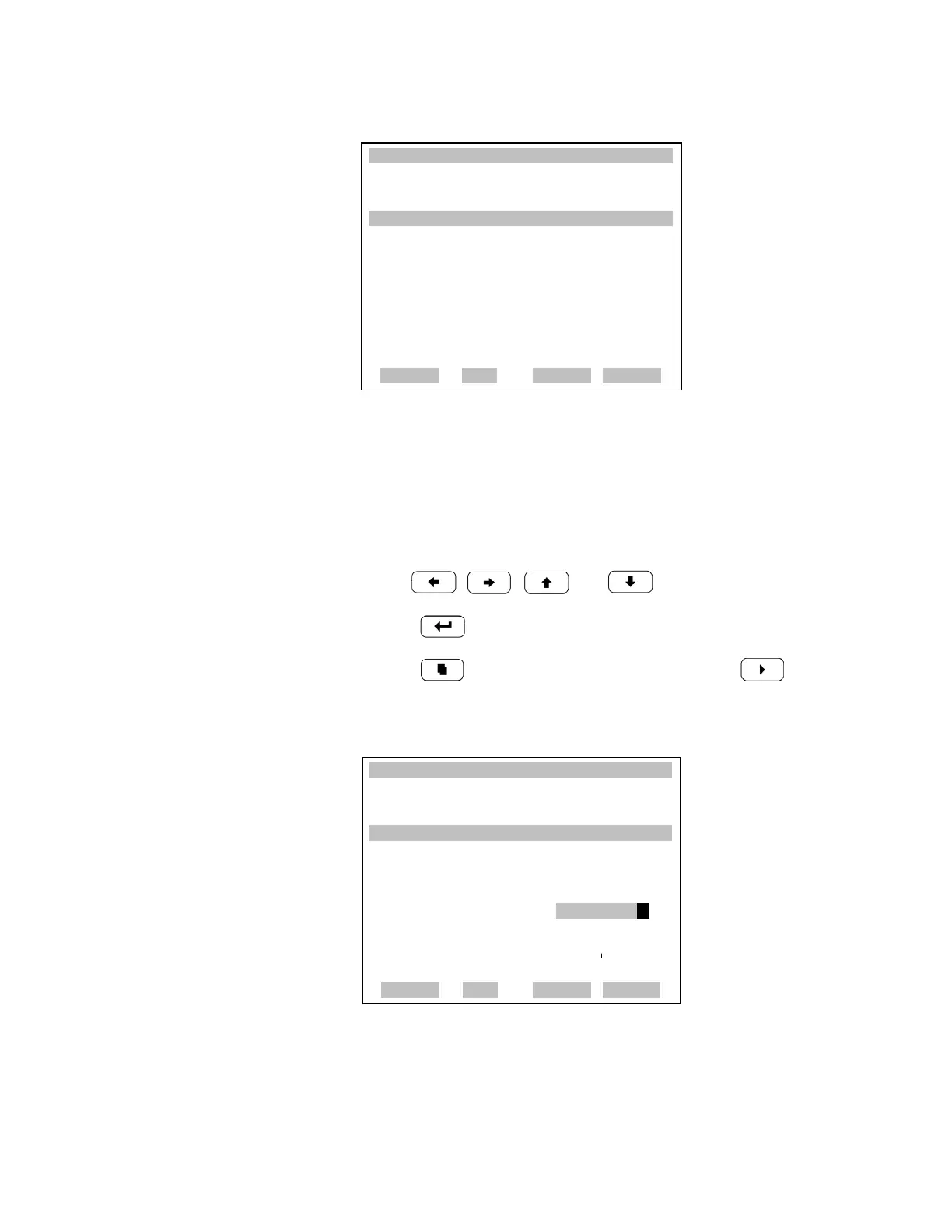
Calibrate Point 1/2/3 The Calibrate Point 1 screen allows the user to view and set the selected
calibration point. The calibrate 2 and calibrate 3 screens function the same
way.
• In the Main Menu, choose Service > Multipoint Cal > Calibrate 1.
• Use , , and to move and change the value.
• Press to save set to value as actual value.
• Press to return to the Multipoint menu or to return to
the Run screen.
Coefficients The Coefficients screen allows the user to view and recalculate the
calibration coefficients.
XXLO WCONCENTRATIONXXLO W
CO 15.80 PPM
SAMPLE 12:34 ALARMx
MULTI-POINT CAL:
>CALIBRATE POINT 1
CALIBRATE POINT 2
CALIBRATE POINT 3
COEFFICIENT
DEFAULT COEFFICIENTS
RANGE AVE DIAGS ALARM
XXLO WCONCENTRATIONXXLO W
CO 15.80 PPM
SAMPLE 12:34 ALARMX
SET CAL GAS POINT:
RANGE: 10000
CAL FACTOR 1: 1.0000
CAL GAS 1: 0040.000 ?
§¨ MOVE CURSOR
©ª CHANGE VALUE
SAVE
RANGE AVG DIAGS ALARM











 To Next Page