Operation
Service Menu
3-116 Model 48i Instruction Manual Thermo Electron Corporation
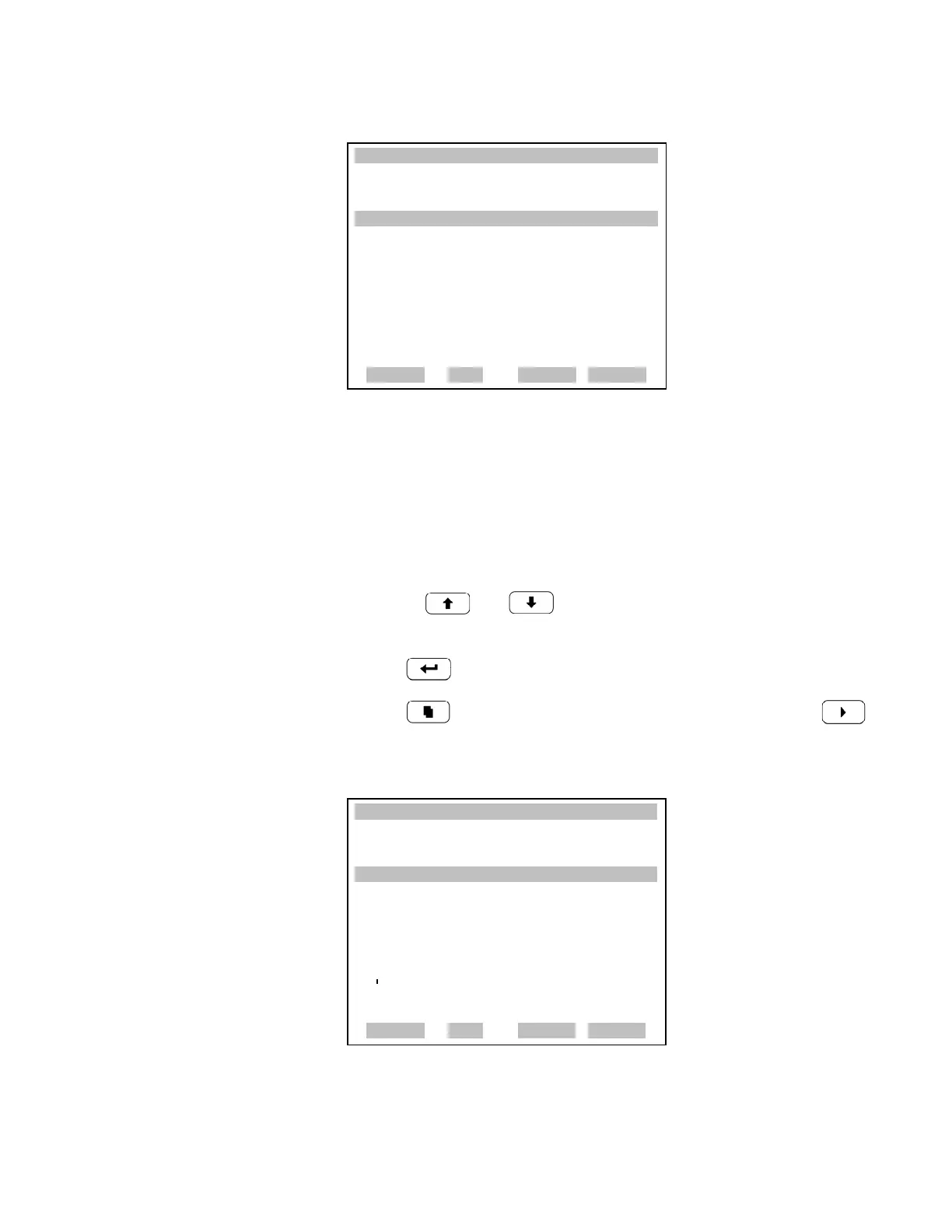
Analog Output Calibration Zero The Analog Output Calibrate Zero screen allows the user to calibrate the
zero state of the selected analog output. The operator must connect a meter
to the output and adjust the output until it reads 0.0 V on the meter.
• In the Main Menu, choose Service > Analog Out Calibration > Select
Channel > Calibrate Zero.
• Use the and to increment or decrement the numeric
value.
• Press to save the value.
• Press to return to the Analog Out Calibration screen or
to return to the Run screen.
XXLO WCONCENTRATIONXXLO W
CO 15.80 PPM
SAMPLE 12:34 ALARMx
ANALOG OUTPUT CAL:
>CALIBRATE ZERO
CALIBRATE FULL SCALE
RANGE AVG DIAGS ALARM
XXLO WCONCENTRATIONXXLO W
CO 15.80 PPM
SAMPLE 12:34 ALARMX
ANALOG OUTPUT CAL: ZERO
CONNECT METER TO OUTPUT!
SELECTED OUTPUT: V1
SET TO: 200
SAVE VALUE
©ª
INC/DEC
SET OUTPUT TO: 0.0 V
RANGE AVG DIAGS ALARM











 To Next Page