Operation
Calibration Menu
Thermo Electron Corporation Model 48i Instruction Manual 3-27
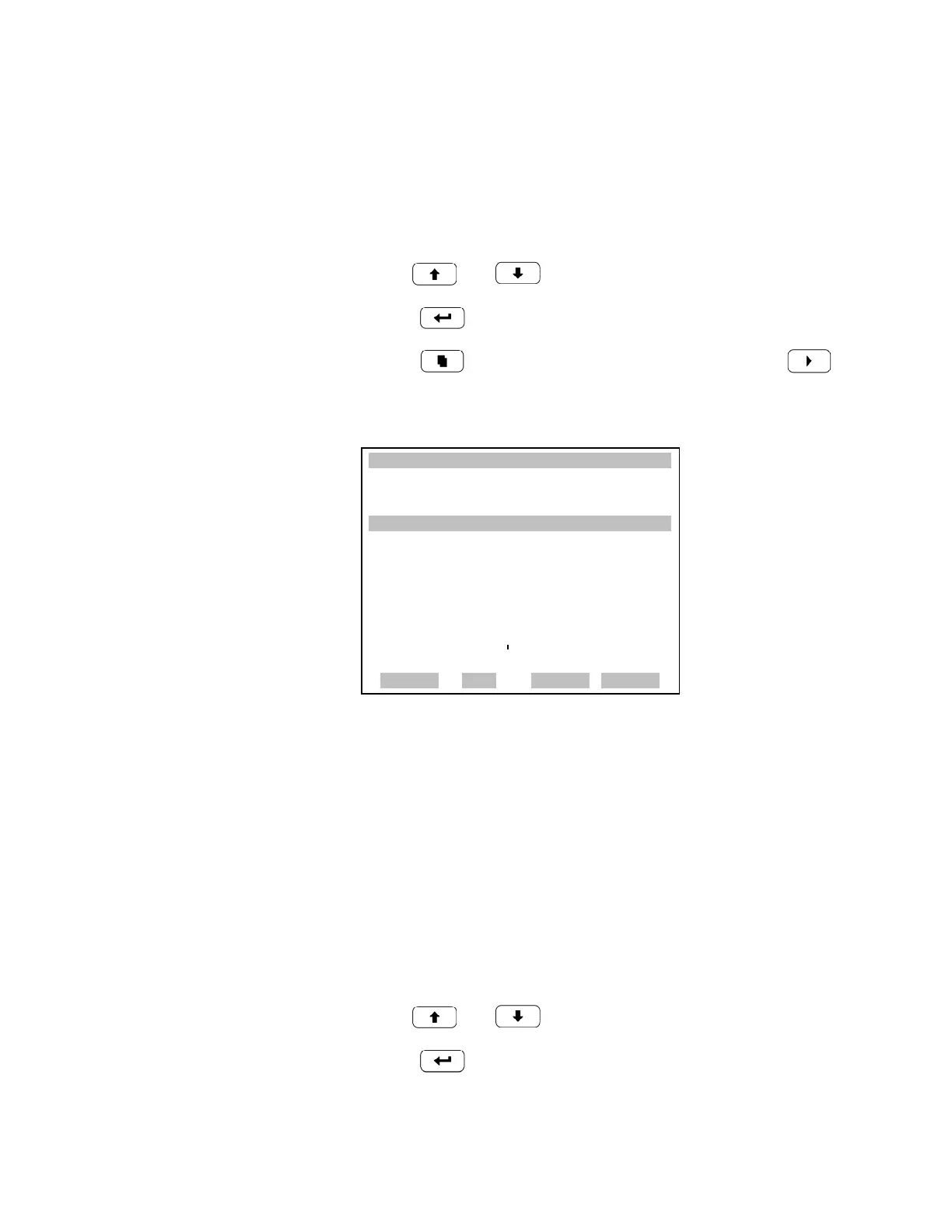
Period Hours The Zero/Span Period Hours screen defines the period or interval between
zero/span checks. Periods between 0 and 999 hours are acceptable. To turn
the zero/span check off, set the period to 0.
• In the Main Menu, choose Calibration > Zero/Span Check > Period
Hours.
• Use and to increment and decrement the numeric value.
•Press to save the period.
• Press to return to the Zero/Span Check menu or to
return to the Run screen.
Zero/Span/Purge Duration
Minutes
The Zero Duration Minutes screen defines how long zero air is sampled by
the instrument. The span and purge duration screens look and function the
same way as the zero duration screen, and are used to set how long the span
gas and sample gas are sampled by the instrument. Durations between 0 and
30 minutes are acceptable. Each time a zero/span check occurs the zero
check is done first, followed by the span check. To perform just a zero
check, set the span duration screen to 0 (off). To perform just a span check,
set the zero duration screen to 0 (off).
• In the Main Menu, choose Calibration > Zero/Span Check > Zero,
Span or Purge Duration Min.
• Use and to increment and decrement the numeric value.
•Press to save the duration value.
XXLO WCONCENTRATIONXXLO W
CO 15.80 PPM
SAMPLE 12:34 ALARMx
ZERO/SPAN PERIOD:
CURRENTLY: 120 HRS
SET TO: 200 HRS ?
©ª CHANGE VALUE
SAVE VALUE
RANGE AVG DIAGS ALARM











 To Next Page