Operation
Calibration Menu
3-28 Model 48i Instruction Manual Thermo Electron Corporation
• Press to return to the Zero/Span Check menu or to
return to the Run screen.
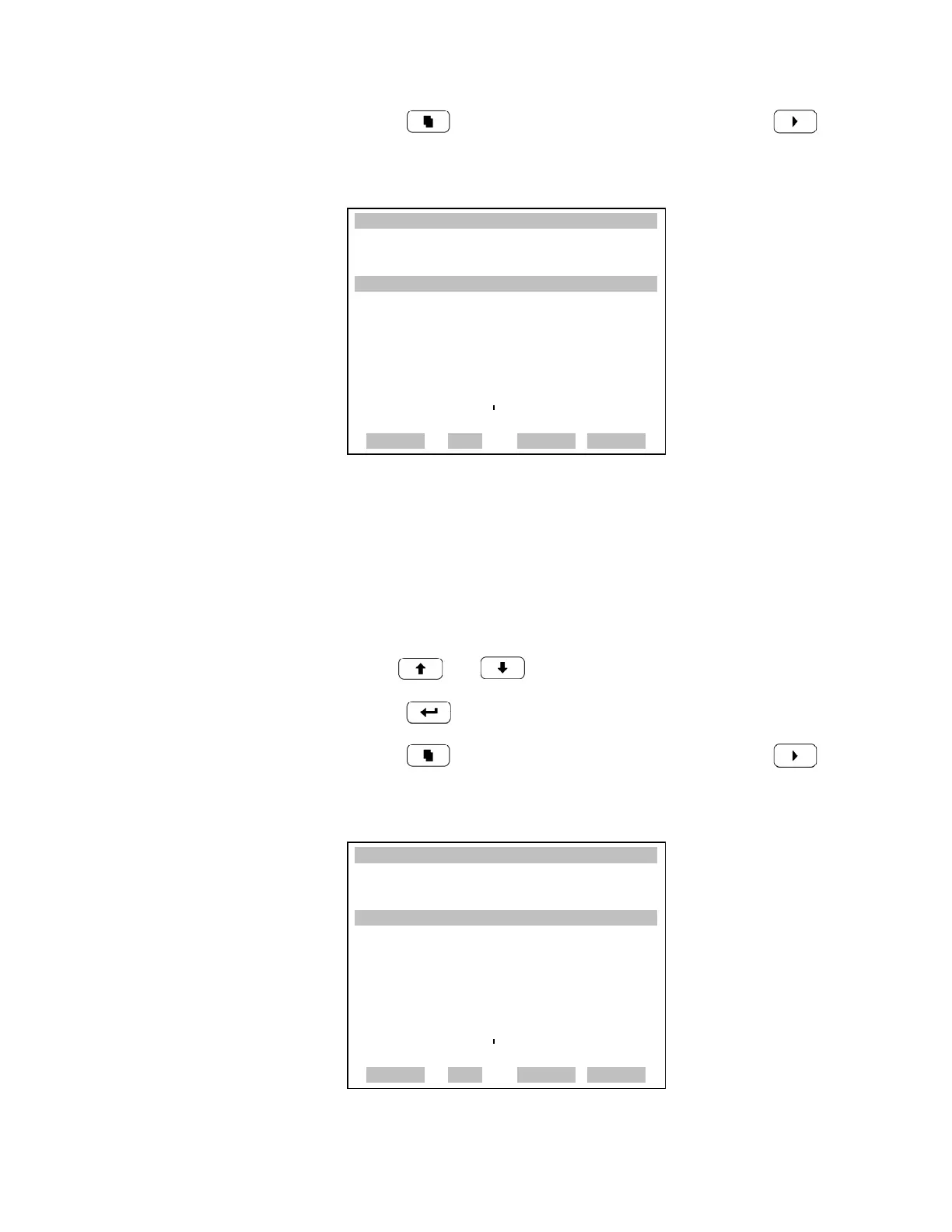
Zero/Span Averaging Time The Zero/Span Averaging Time screen allows the user to adjust the
zero/span averaging time. The following averaging times are available: 1, 2,
5, 10, 20, 30, 60, 90, 120, 180, 240, and 300 seconds.
• In the Main Menu, choose Calibration > Zero/Span Check > Zero/Span
Avg Sec.
• Use and for a list of choices.
• Press to save the averaging time.
• Press to return to the Zero/Span Check menu or to
return to the Run screen.
XXLO WCONCENTRATIONXXLO W
CO 15.80 PPM
SAMPLE 12:34 ALARMx
ZERO DURATION:
CURRENTLY: 5 MIN
SET TO: 20 MIN ?
©ª CHANGE VALUE
SAVE VALUE
RANGE AVG DIAGS ALARM
XXLO WCONCENTRATIONXXLO W
CO 15.80 PPM
SAMPLE 12:34 ALARMx
ZERO/SPAN AVERAGING TIME:
CURRENTLY: 30 SEC
SET TO: 20 SEC ?
©ª CHANGE VALUE
SAVE VALUE
RANGE AVG DIAGS ALARM











 To Next Page