Operation
Instrument Controls Menu
Thermo Electron Corporation Model 48i Instruction Manual 3-33
•Press to set the date and time of the first record to be displayed
and continue to record display screen.
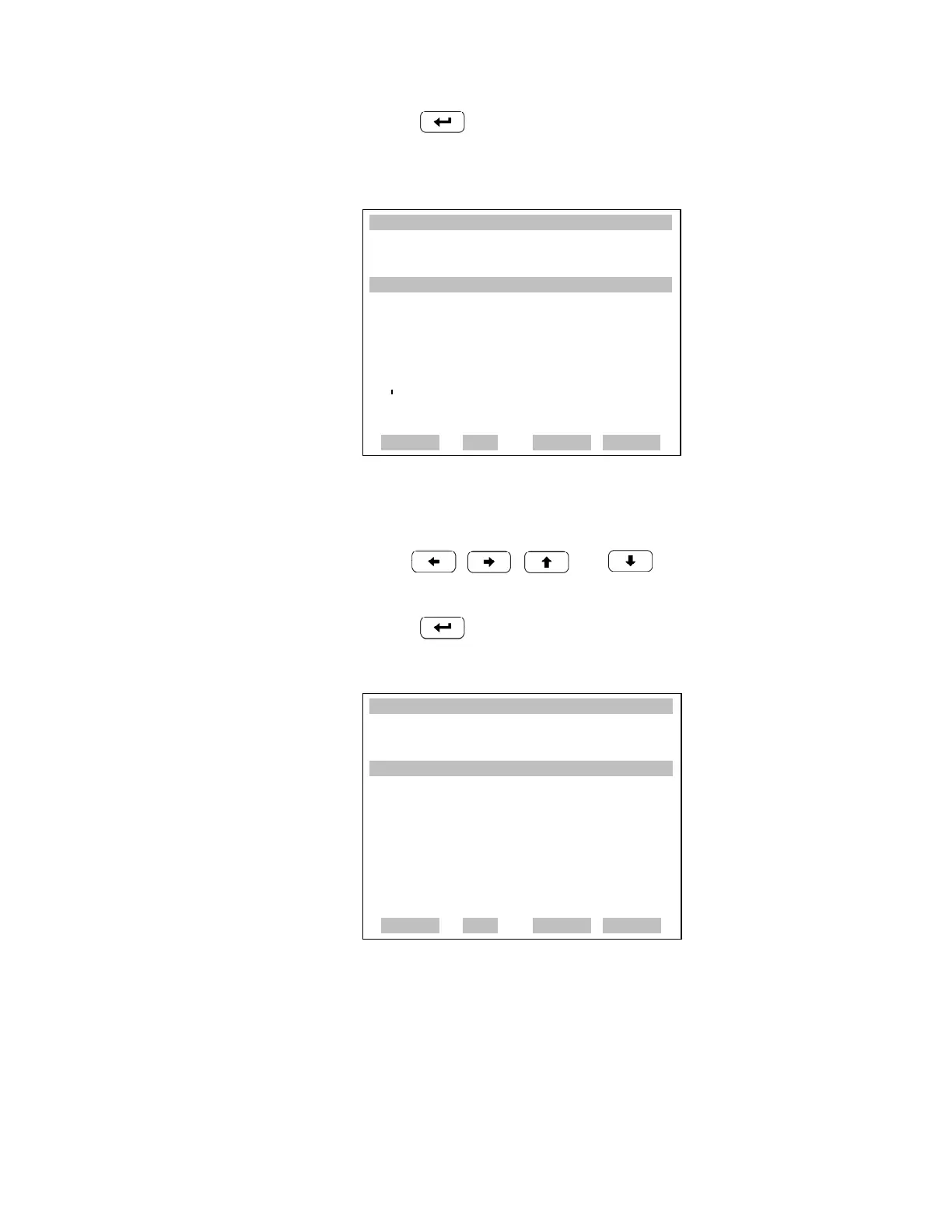
Record Display The Record Display screen (read only) displays the selected records.
• Use , , and to scroll left and right, up and
down.
•Press to return to the Datalogging Settings menu.
Erase Log The Erase Log is used to enter the Erasure Warning screen (read only).
• In the Main Menu, choose Instrument Controls > Datalogging Settings
> Erase Log.
XXLO WCONCENTRATIONXXLO W
CO 15.80 PPM
SAMPLE 12:34 ALARMx
NEXT DATE AND TIME:
19 MAR 2005 12:34
©ª CHG DAYS
¨ SET CURSOR TO MONTHS
ACCEPT AS SHOWN
RANGE AVG DIAGS ALARM
XXLO WCONCENTRATIONXXLO W
CO 15.80 PPM
SAMPLE 12:34 ALARMx
RECORDS BACK FROM CURRENT:
time date flags
17:43 03/18/05 dc0088900
17:43 03/18/05 dc0088900
17:43 03/18/05 dc0088900
17:43 03/18/05 dc0088900
©ª
PGUP/DN
§¨
PAN L/R
RANGE AVG DIAGS ALARM











 To Next Page