Operation
Instrument Controls Menu
3-34 Model 48i Instruction Manual Thermo Electron Corporation
•Press to commit change and return to the Datalogging Settings
menu.
• Press to return to the Datalogging Settings menu or to
return to the Run screen.
Select Content The Select Content submenu displays a list of record fields to use and a
submenu list of the analog output signal group choices to choose from.
• In the Main Menu, choose Instrument Controls > Datalogging Settings
> Select Content.
• Use and to move the cursor up and down.
•Press to select a choice.
• Press to return to the Datalogging Settings menu or to
return to the Run screen.
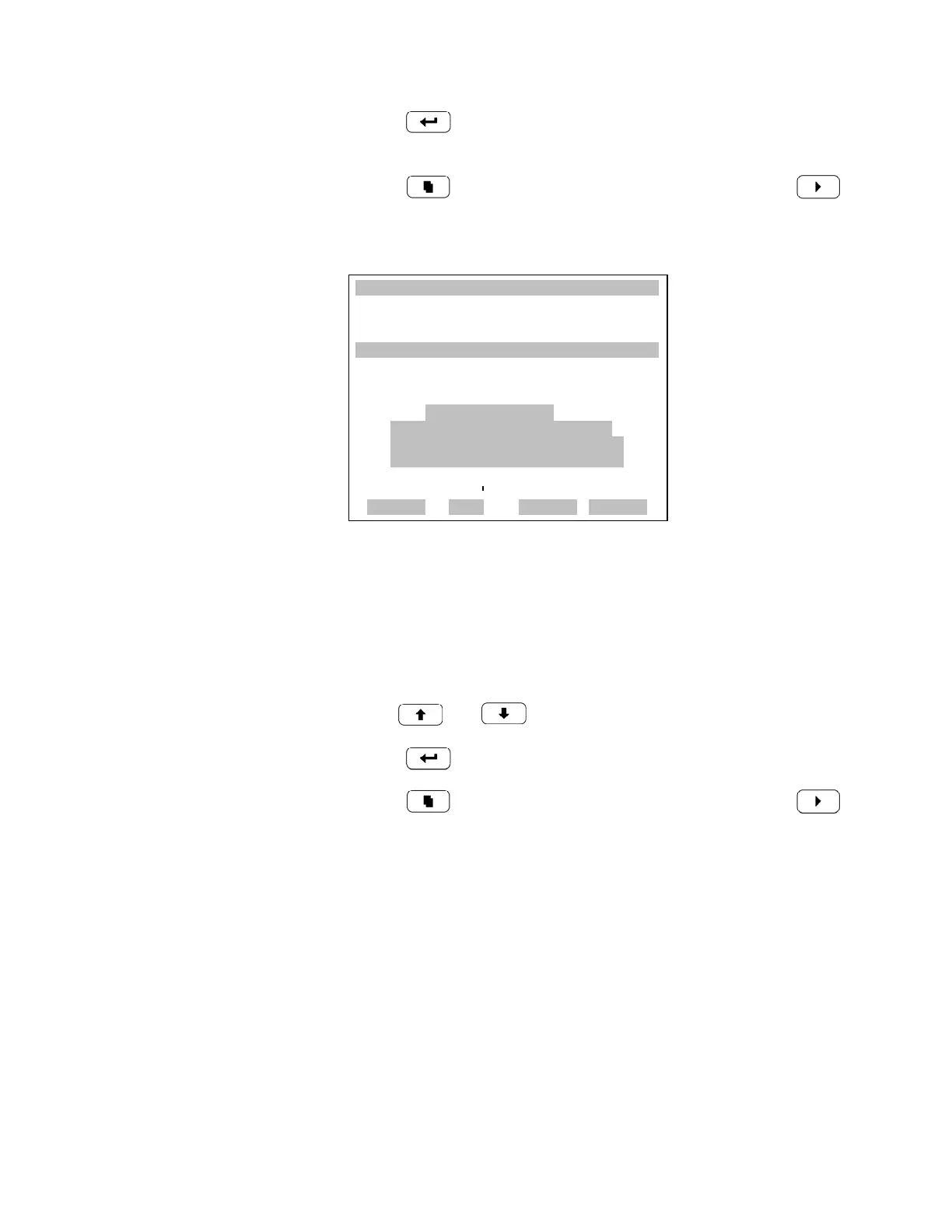
XXLO WCONCENTRATIONXXLO W
CO 15.80 PPM
SAMPLE 12:34 ALARMx
SREC CHANGE:
**WARNING**
THIS SELECTION WILL
ERASE ALL SAVED DATA
FOR THIS RECORD TYPE
TO CONTINUE
RANGE AVG DIAGS ALARM











 To Next Page