Operation
Instrument Controls Menu
3-42 Model 48i Instruction Manual Thermo Electron Corporation
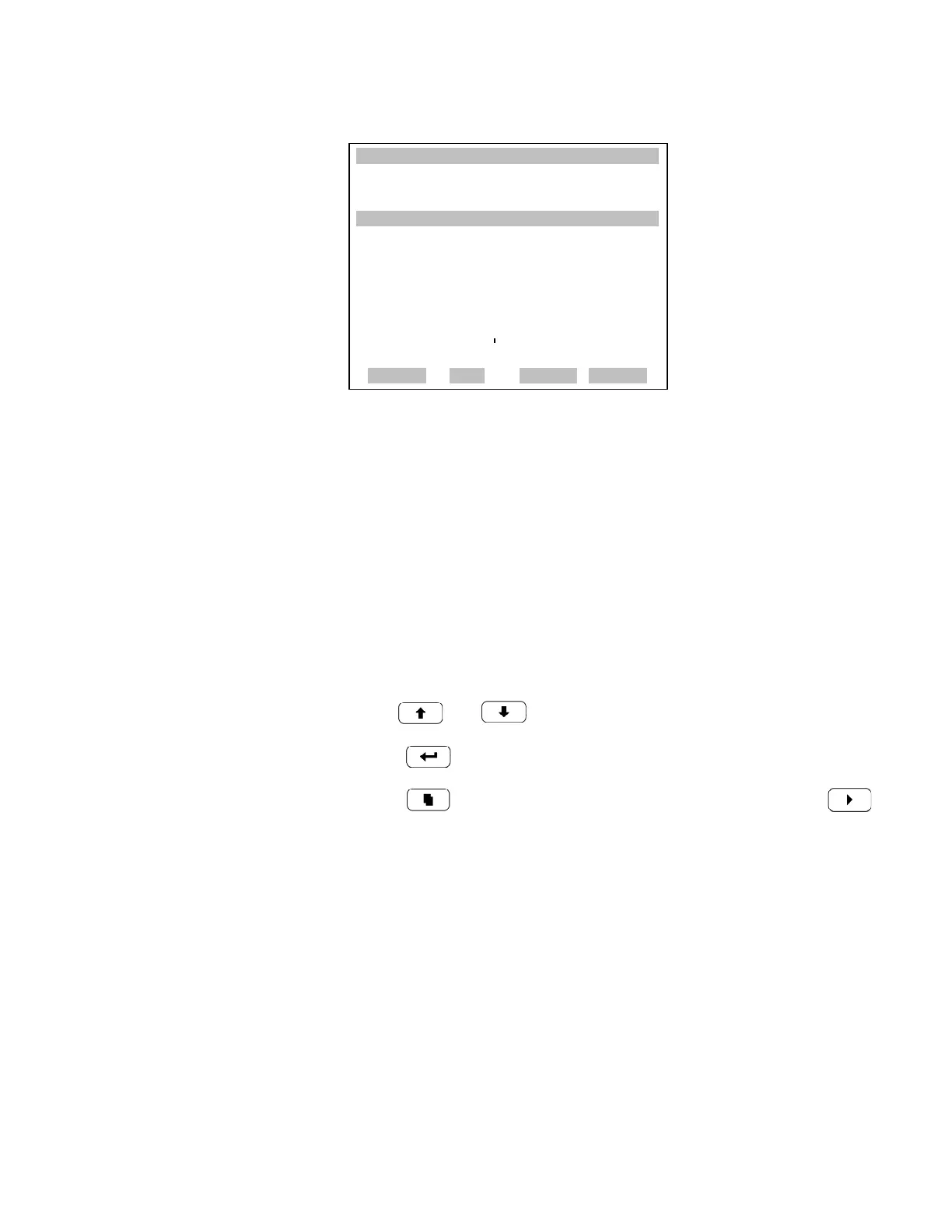
Instrument ID The Instrument ID screen allows the operator to edit the instrument ID.
The ID is used to identify the instrument when using the C-Link or
MODBUS protocols to control the instrument or collect data. It may be
necessary to edit the ID number if two or more of the same instrument are
connected to one computer. Valid Instrument ID numbers are from 0 to
127. The Model 48i has a default Instrument ID of 48. For more
information about the Instrument ID, see Appendix B “C-Link Protocol
Commands” or Appendix C “MODBUS Protocol”.
• In the Main Menu, choose Instrument Controls > Communication
Settings > Instrument ID.
• Use and to increment or decrement the ID value.
•Press to save the new instrument ID.
• Press to return to the Communication Settings menu or
to return to the Run screen.
XXLO WCONCENTRATIONXXLO W
CO 15.80 PPM
SAMPLE 12:34 ALARMx
BAUD RATE:
CURRENTLY: 9600
SET TO: 57600 ?
©ª
CHANGE VALUE
SAVE VALUE
RANGE AVG DIAGS ALARM











 To Next Page