Operation
Instrument Controls Menu
Thermo Electron Corporation Model 48i Instruction Manual 3-49
TCP/IP Settings The TCP/IP Settings menu is used for defining TCP/IP settings.
• In the Main Menu, choose Instrument Controls > Communication
Settings > TCP/IP Settings.
• Use and to move the cursor up and down.
•Press to select a choice.
• Press to return to the Communication Settings menu or
to return to the Run screen.
XXLO WCONCENTRATIONXXLO W
CO 15.80 PPM
SAMPLE 12:34 ALARMx
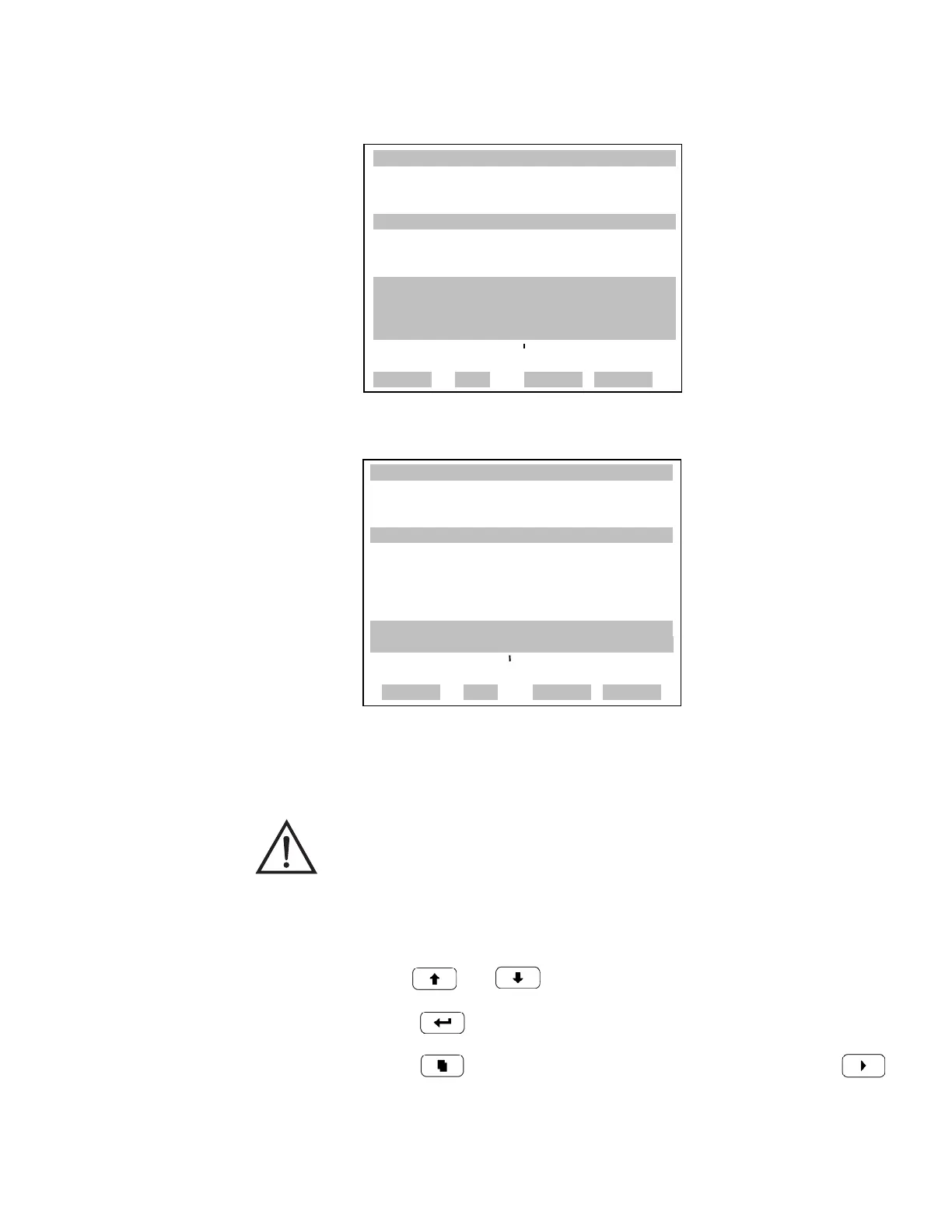
RS-232/RS-485 SELECTION:
XXXXXX** WARNING **XXXXXXX
DISCONNECT THE SERIALX X
CABLES BEFORE CHANGING X
THE SELECTION!XXXXXX
TO CONTINUE
RANGE AVG DIAGS ALARM
XXLO WCONCENTRATIONXXLO W
CO 15.80 PPM
SAMPLE 12:34 ALARMx
RS-232/RS-485 SELECTION:
CURRENTLY: RS-232
SET TO: RS-485 ?
MAKE SURE THAT THE CABLEXX
IS OFF: PRESS ¨ TO CONFIRM
TOGGLE VALUE
RANGE AVG DIAGS ALARM
WARNING The instrument power must be cycled after this parameter has
been changed for the change to take effect.











 To Next Page