Operation
Instrument Controls Menu
3-60 Model 48i Instruction Manual Thermo Electron Corporation
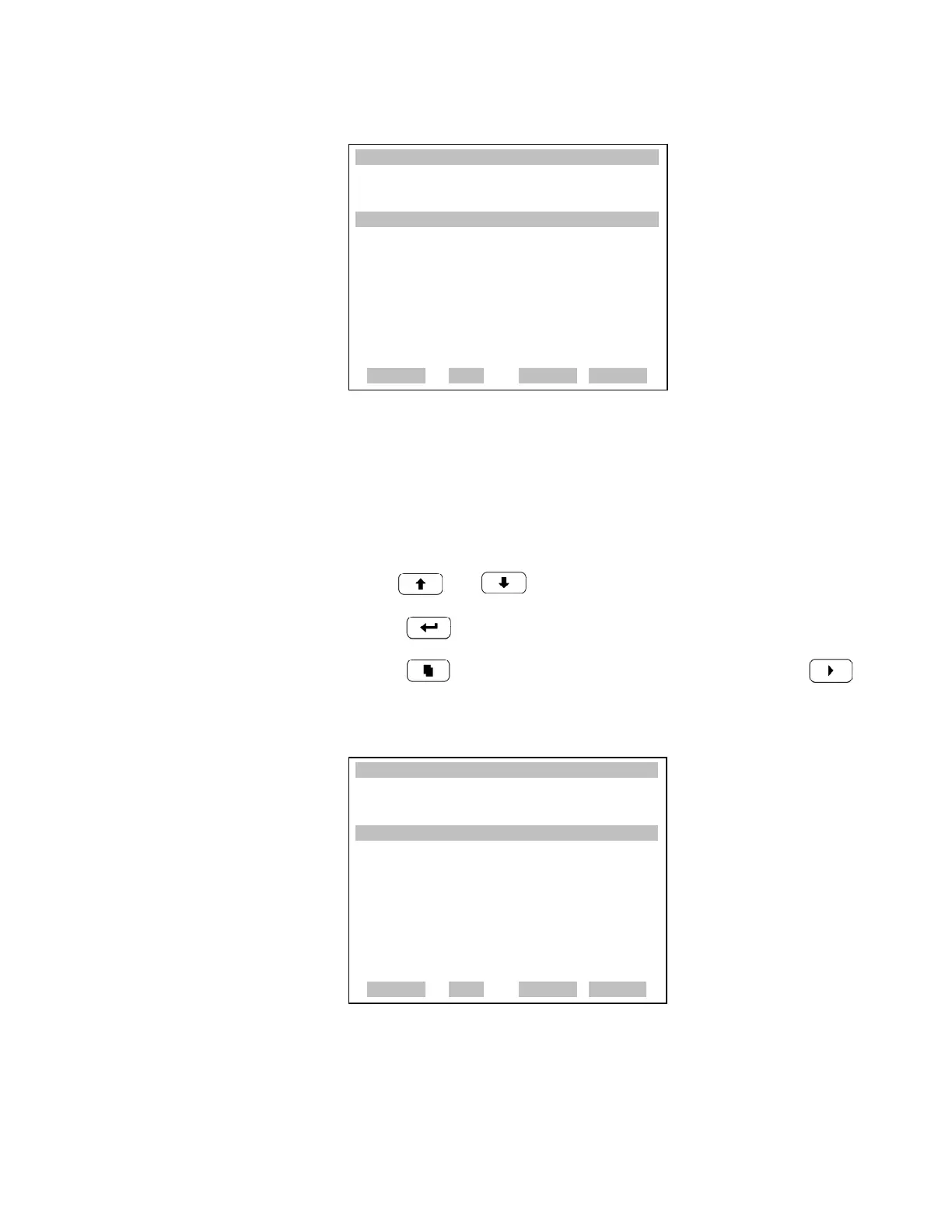
Instrument State The Instrument State screen allows the user to select the instrument state
that is tied to the selected digital input.
• In the Main Menu, choose Instrument Controls > I/O Configuration >
Digital Input Settings > Select Relay > Instrument State.
• Use and for a list of choices.
• Press to save the new selection for the relay.
• Press to return to the Digital Intput Settings menu or to
return to the Run screen.
XXLO WCONCENTRATIONXXLO W
CO 15.80 PPM
SAMPLE 12:34 ALARMx
DIGITAL INPUT SETUP:
>LOGIC STATE OPEN
INSTRUMENT STATE NOALM
RANGE AVG DIAGS ALARM
XXLO WCONCENTRATIONXXLO W
CO 15.80 PPM
SAMPLE 12:34 ALARMx
CHOOSE ACTION:
>NONE <--
CO MEASURE MODE
ZERO GAS
SPAN GAS
INITIATE ZERO CHECK
INITIATE SPAN CHECK
SET BACKGROUND
ª
RANGE AVG DIAGS ALARM
AUTOCAL TO SPAN
SET ANALOG OUT ZERO
SET ANALOG OUT FS











 To Next Page