13.15.3 Surgeons
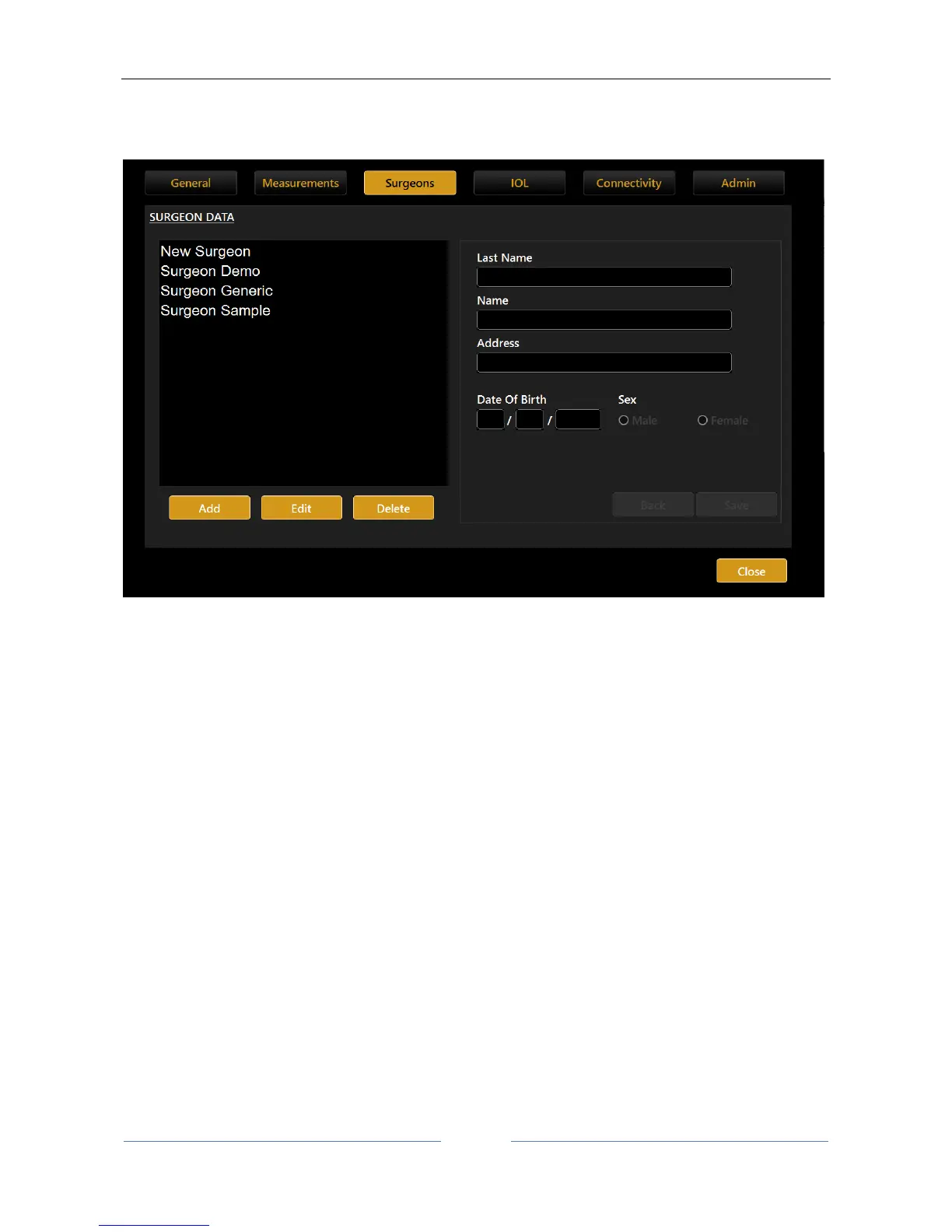
The “Surgeons” panel allows you to create different user profiles.
Figure 76
Select the surgeon in the left column to display the data.
Press the “Edit” button to modify the data entered.
Press the “Add” button to add a new surgeon.
Once you have entered/modified the data, press the “Back” or “Save” buttons, respectively, to cancel or
save the data.



 To Next Page