13.3 Patient entry/selection
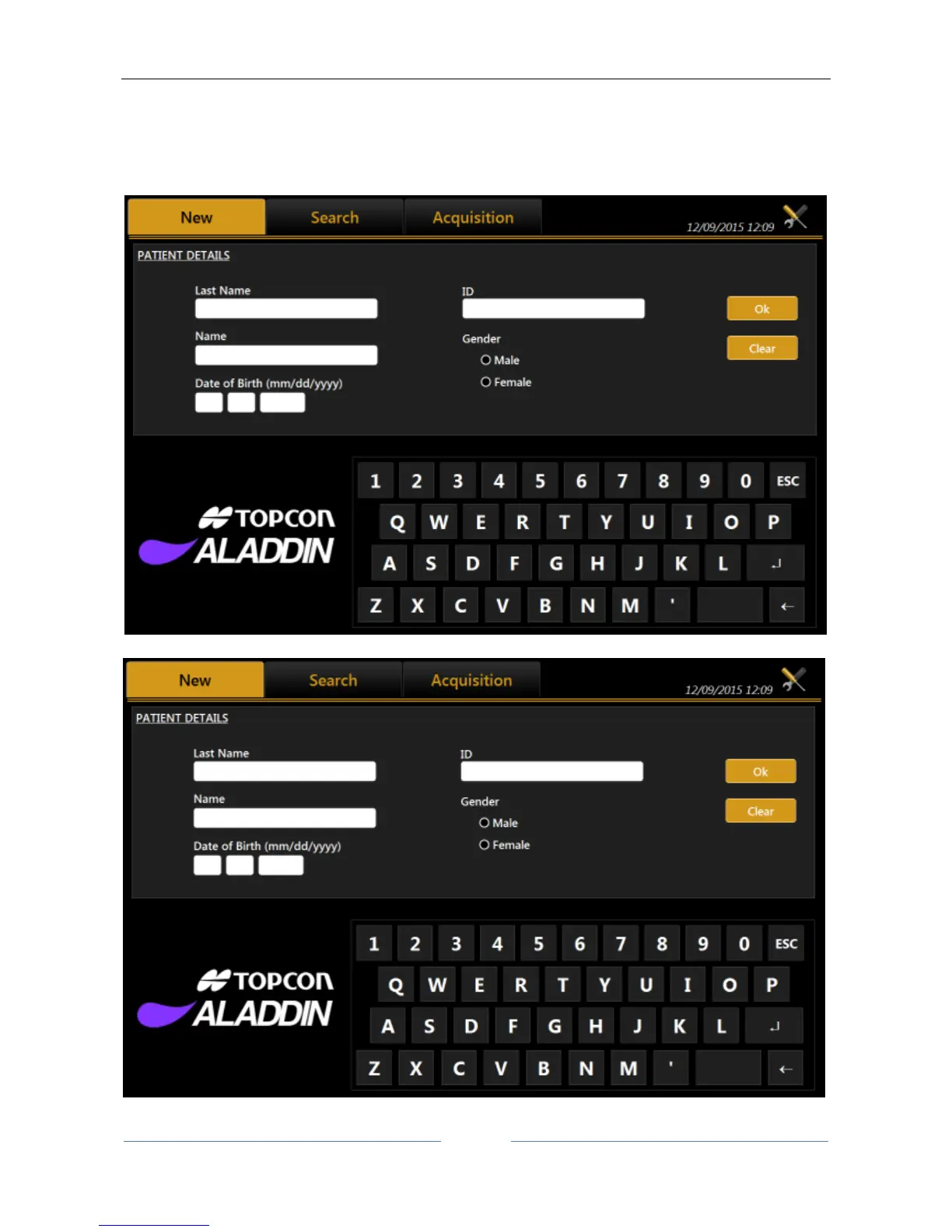
When the instrument is turned on, the software displays the following screen. To continue the examination,
you always need to enter a patient or select one from those on file.
Figure 20
Figure 20 shows the section for creating a new patient, entering Last Name, Name and Birth Date as required



 To Next Page