Remote Assistance
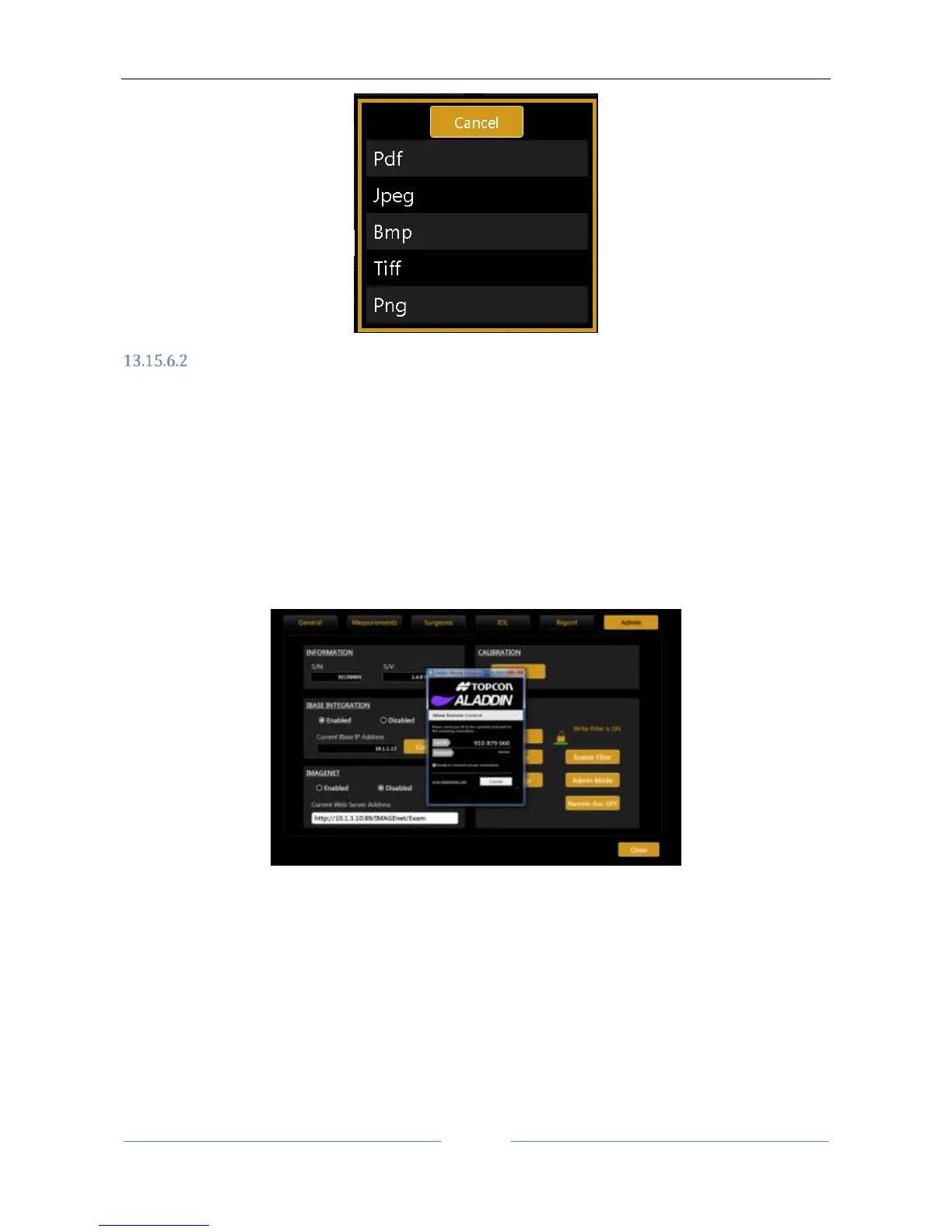
In case you need remote Assistance the Aladdin application integrates Teamviewer QS (Quick Support) pre-
installed.
There is NO NEED to disable the Write Filter protection
Ensure to have available internet access for your Aladdin unit
Go to Settings -> Admin and press “Remote Assistance”.
Wait for the Teamviewer Window to open
Communicate to the Remote Operator the ID shown under “Your ID” and wait for the incoming
connection
The password is masked, the operator knows it already
To turn off manually the Remote Assistance you can close the Teamviewer window or press “Remote Ass.
OFF”
If you get one of the following windows please check your internet connection to Aladdin or contact your IT
staff.



 To Next Page