13.14 EXAMINATION DATA SAVING
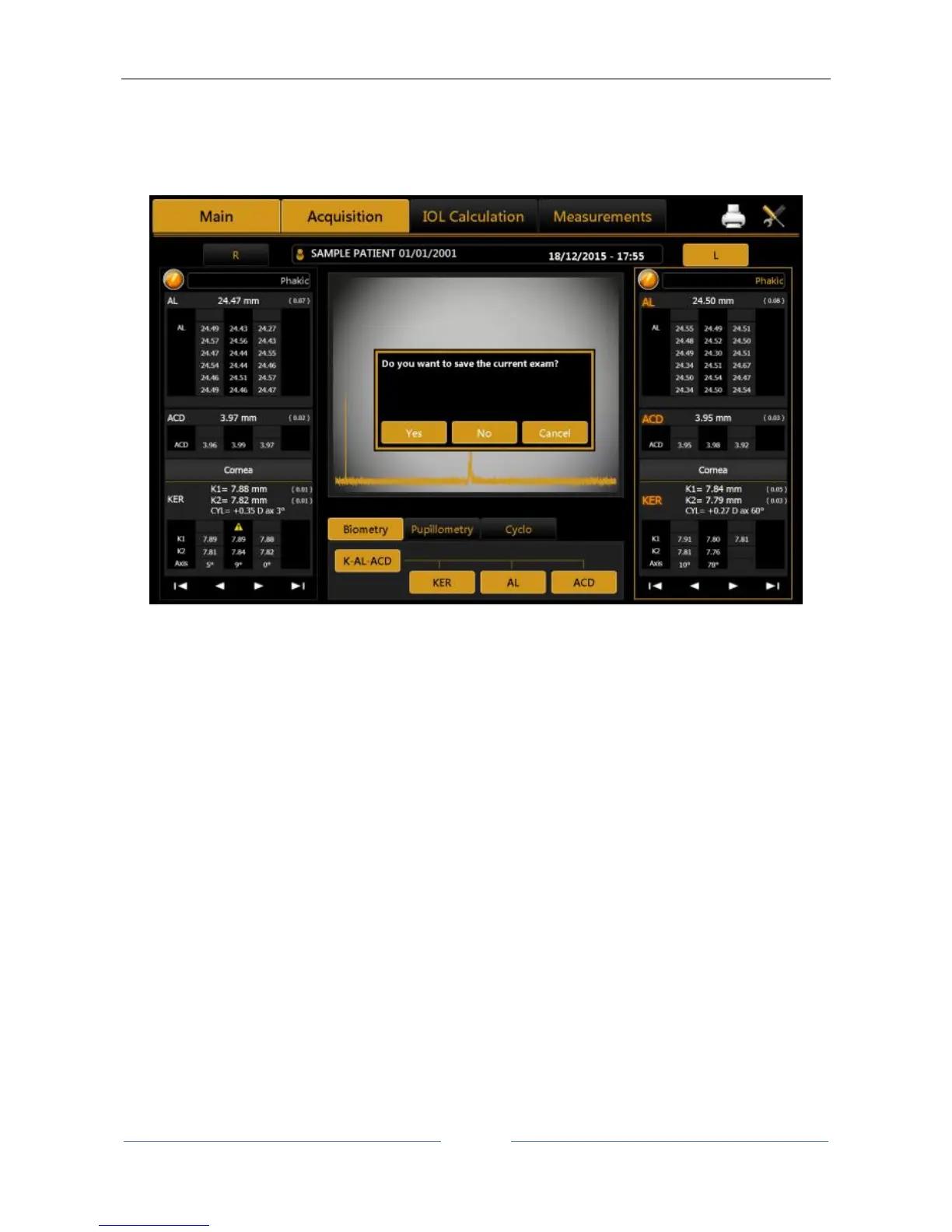
After performing some acquisitions and eventual IOL calculations, in order to save the data from the
examination, click on the home button. As shown in Figure 73, the software will ask the user to confirm the
action.
Figure 73
If you want to save the data of the patients without doing an acquisition, you have to press the “main”
button when you are in the “acquisition” panel. The system will ask you if you want to save the current
patient’s details.



 To Next Page