Updating the integrated software
In this section is described the software upgrade procedure from one version to the following version.
To update the software, perform the following operations:
1. Unpack the update packet in the root (main card) of an empty FAT32-formatted USB external drive.
2. Switch on the Aladdin.
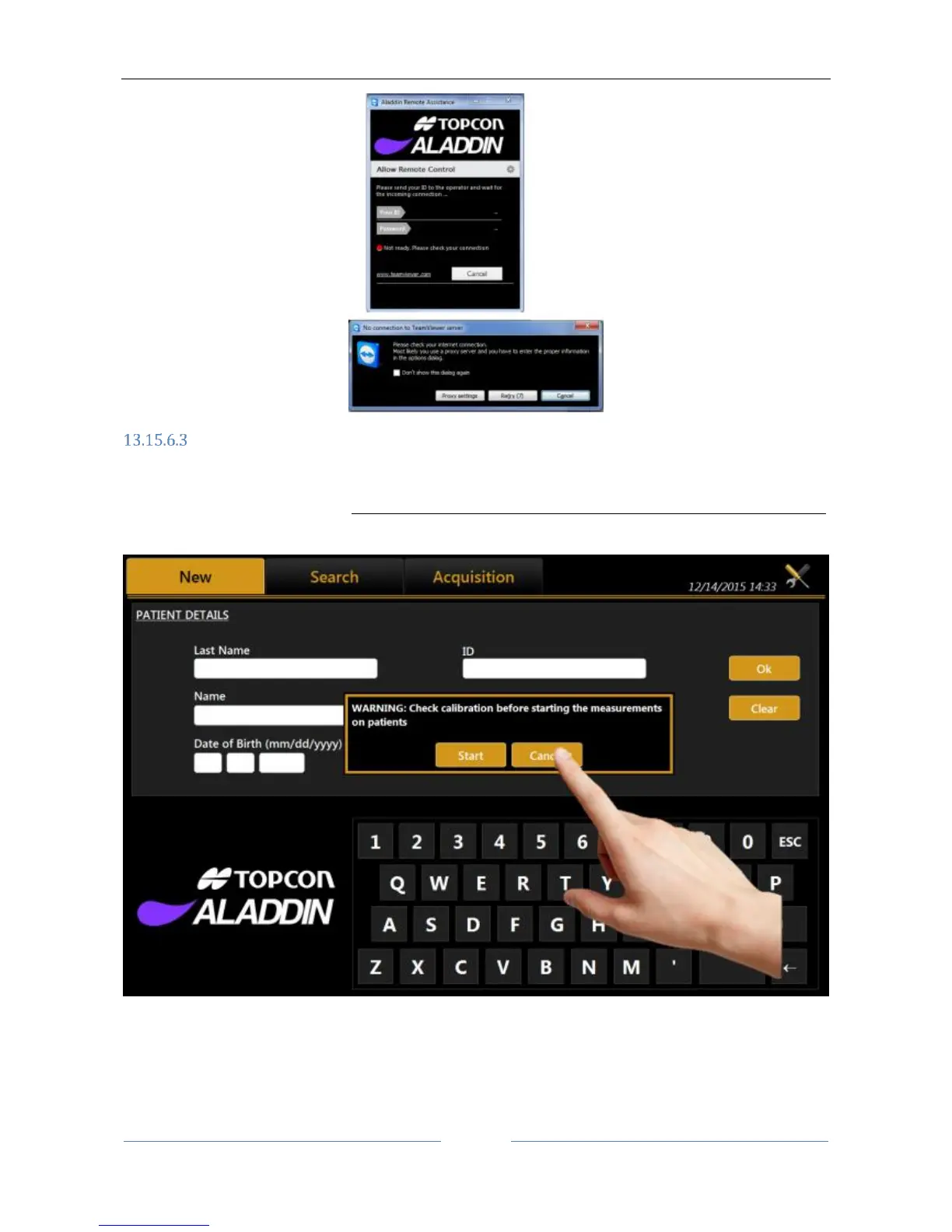
3. Cancel the calibration check (Figure 93).
Figure 93
4. Click on the settings icon (Figure 94).



 To Next Page