Diopters (D)
Radius (r)
Meridians (θ)
Altimetry (z)
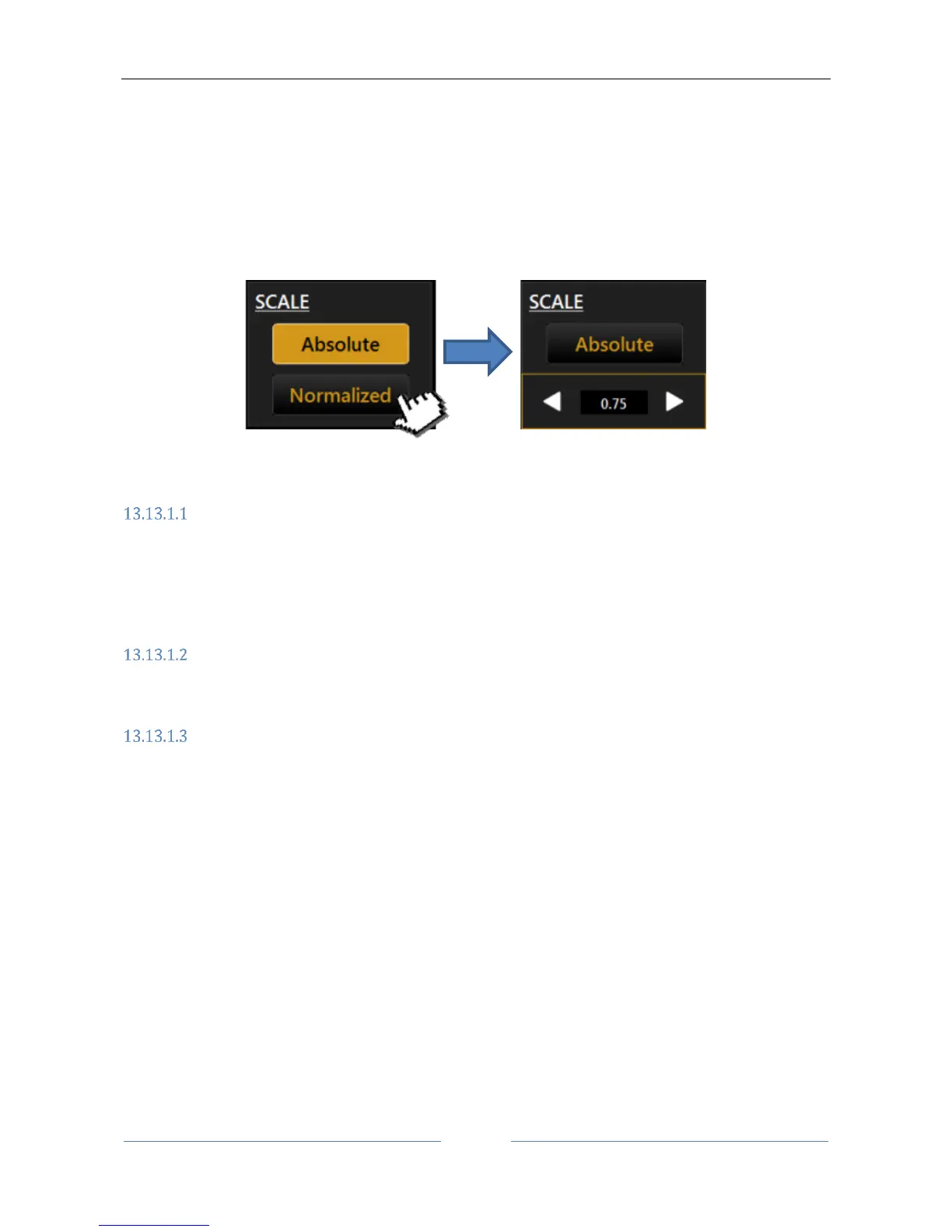
The Scale buttons allow to switch between Absolute and Normalized (adjustable) scale color steps. When
Normalized is pressed the button is replaced with controls that allows to adjust the color step for the current
topography map. Minimum step size is 0.25 D or 0.05 mm depending on the selected measure unit.
Refer to section 13.15.2 for more settings relative to the topographic map representation.
Topographic map indices
The diagnostic indices can be selected with the following buttons (at the top, above the map):
K: Keratometry
I: Keratorefractive indices
KC: Keratoconus
P: Pupil
Keratometry
Press the “K” button to display the keratometric data on the 3 mm, 5 mm and 7 mm zones, as shown in Figure
57 (by settings the zones can be set to 2,4,6 mm).
Keratorefractive indices
Press the ”I” button to view the keratorefractive indices:



 To Next Page