Press "Edit" to change the name, surname or date of birth. This takes you back to the initial "New" tab. From
here, you can edit the information you need to change and press “Ok” or “Cancel” to confirm or cancel the
changes.
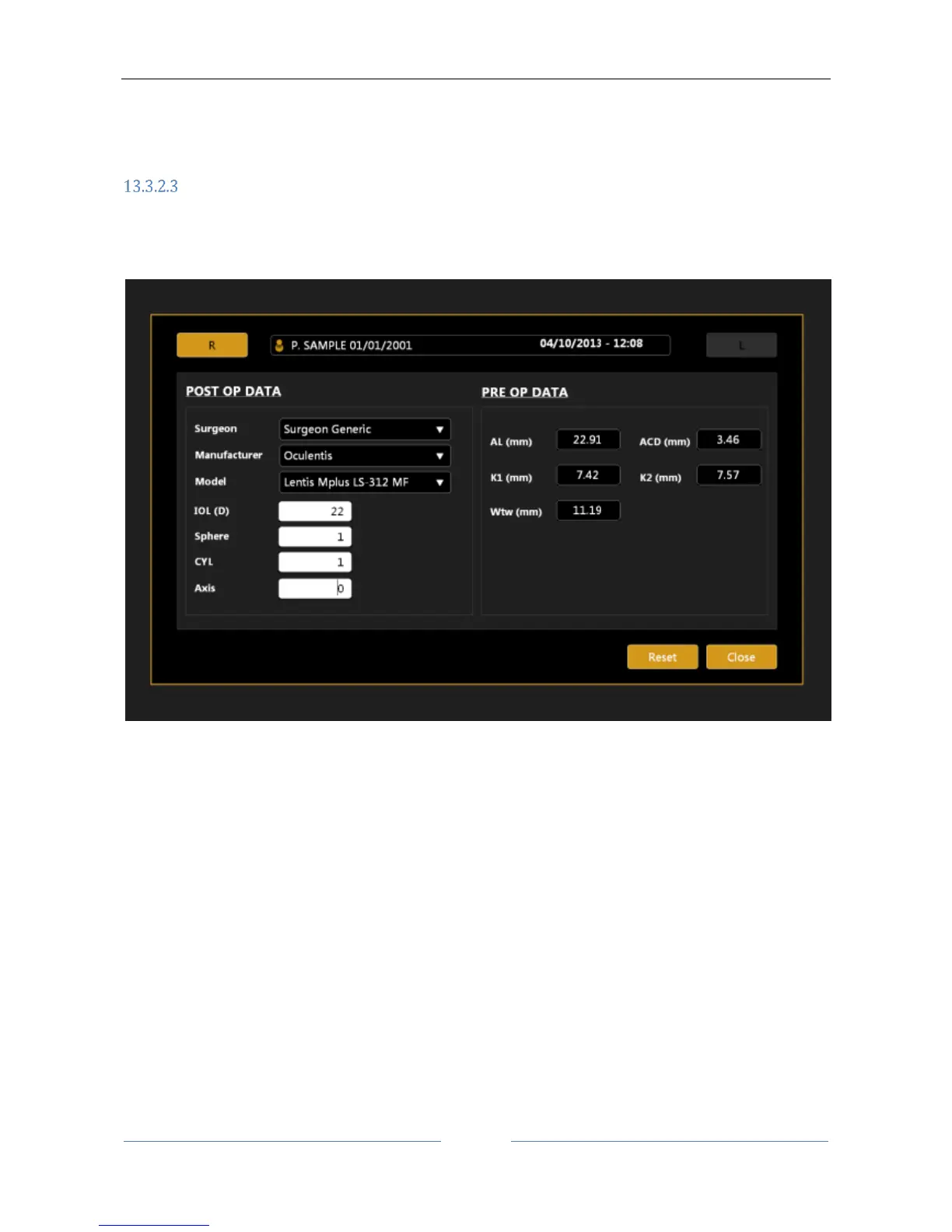
Insert the Post-Op (after surgery) refraction data
Through this function the user can update the data related to a single exam of the chosen patient. This means
that if the patient has already undergone surgery, the new refractive status can be recorded as a main factor
to personalize constants of the implanted IOL.
Figure 24
Opening the Post-Op section, the screen shown Figure 24 will be displayed.
In this section you can insert the Post-Op Data (IOL information plus actual refraction) in the meantime
looking at the Pre Operative Data.



 To Next Page