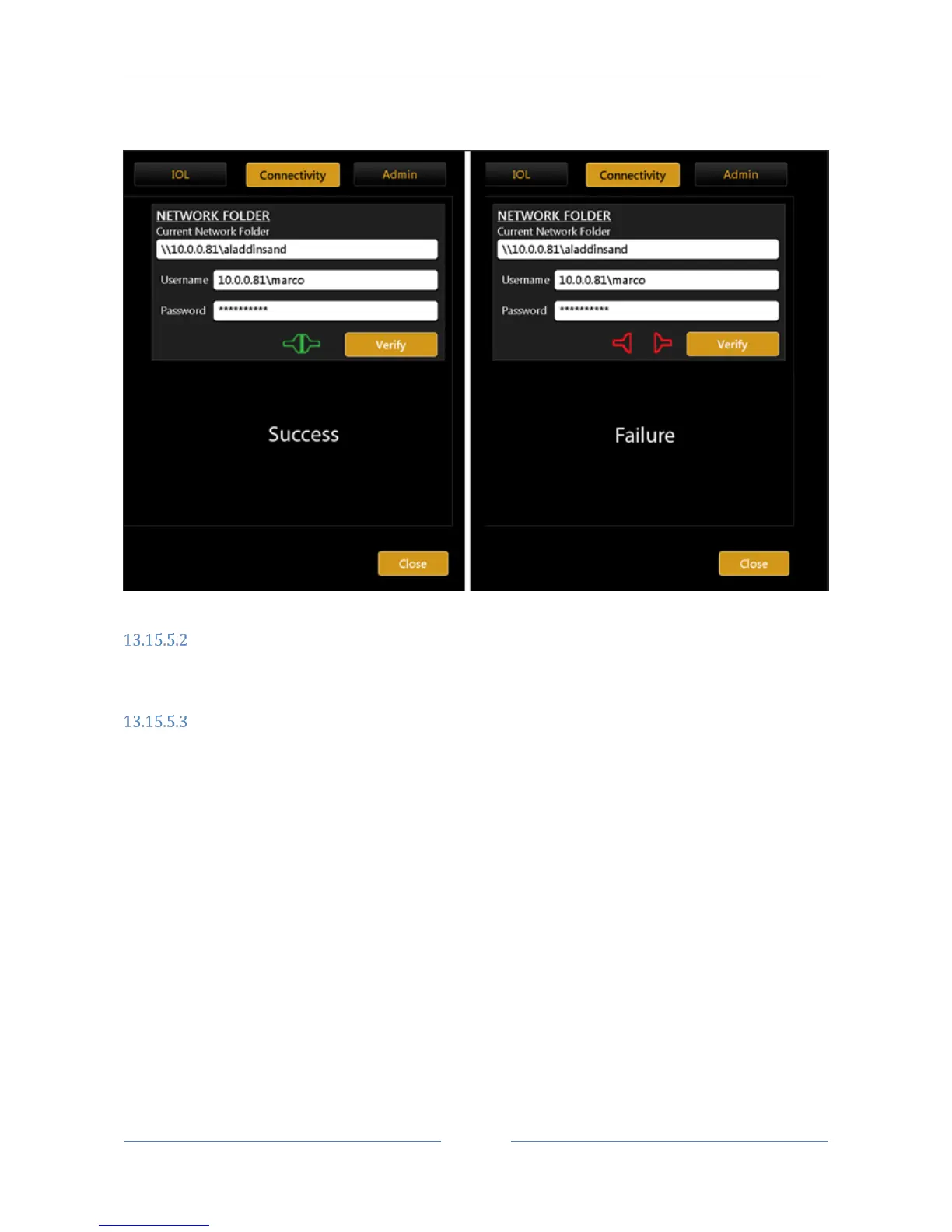
resource is reported as shown in Figure 89. Connection failure may be due to unreachable resource path or
to wrong credentials.
Figure 89
XML Export
Enables/Disables XML option for exporting XML data of the exam to the network folder by the export
window.
IMAGEnet i-base software
Aladdin can receive and transfer data to Topcon IMAGEnet i-base through a wireless or LAN network.
IMAGEnet i-base is activated by clicking on the Enabled Option and by providing the IP address of the machine
we want to connect to. By clicking on the Configure button (Figure 88) the user is presented with a list of IP
Addresses of the machines running IMAGEnet i-base software that are reachable from Aladdin. Once selected
the proper IP( Figure 90), Aladdin is ready to exchange data with IMAGEnet i-base machine.



 To Next Page