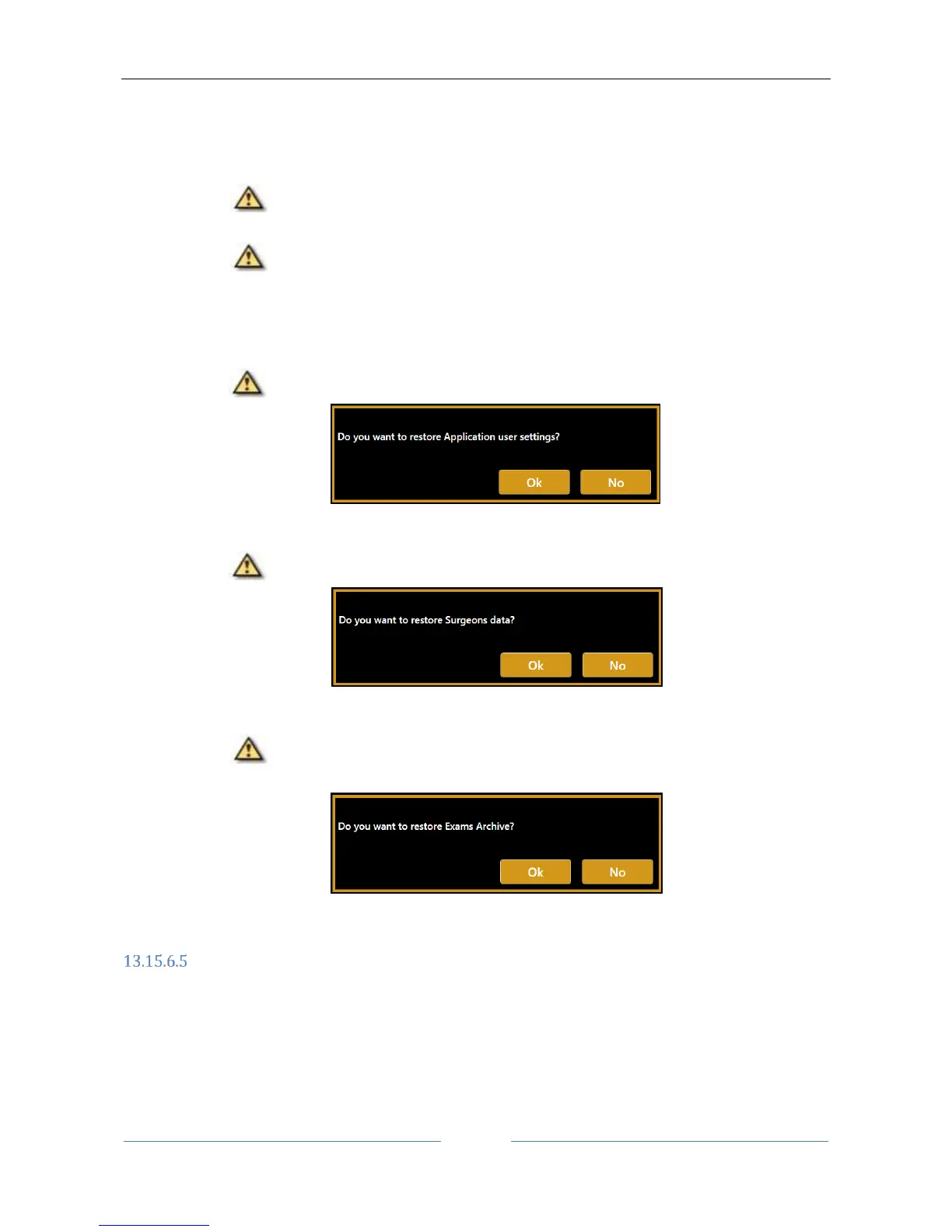
4. In sequence, it is prompted to confirm if restoring or not each kind of backup content.
Press “OK” if you want to restore the content or press “No” to skip the restore of the mentioned
content.
(1) Restore machine calibration files.
The calibration can be restored only to the device from which the backup was made
originally.
This operation is allowed only to authorized technicians. Contact your distributor for
assistance. The machine calibration restore is skipped if the procedure is performed by the
user.
(2) Restore Application User Settings.
The current content on the machine will be overwritten.
(3) Restore Surgeons settings.
The current content on the machine will be overwritten.
(4) Restore Local Exams archive.
The backup content will be added to the current content if not already present. This
may take several minutes depending on the number of exams in the archive.
Closing the software
Press the "Close App" button to close the application and return to the Windows desktop. You will be asked
to confirm this operation.



 To Next Page