17 Appendix: Installing an external printer
17.1 Getting drivers and transferring them to ALADDIN
It is recommended to download the latest drivers for the printer and this should be done through an external
PC. Download the latest drivers in the Technical Support section of the printer manufacturer site.
Download the drivers, which usually come in a zipped folder. Unzip it and keep the .inf file somewhere easily
accessible (for example “C:\Drivers”). Copy them to the root directory of an USB FAT32 formatted pen driver
that will later be connected to the ALADDIN USB port.
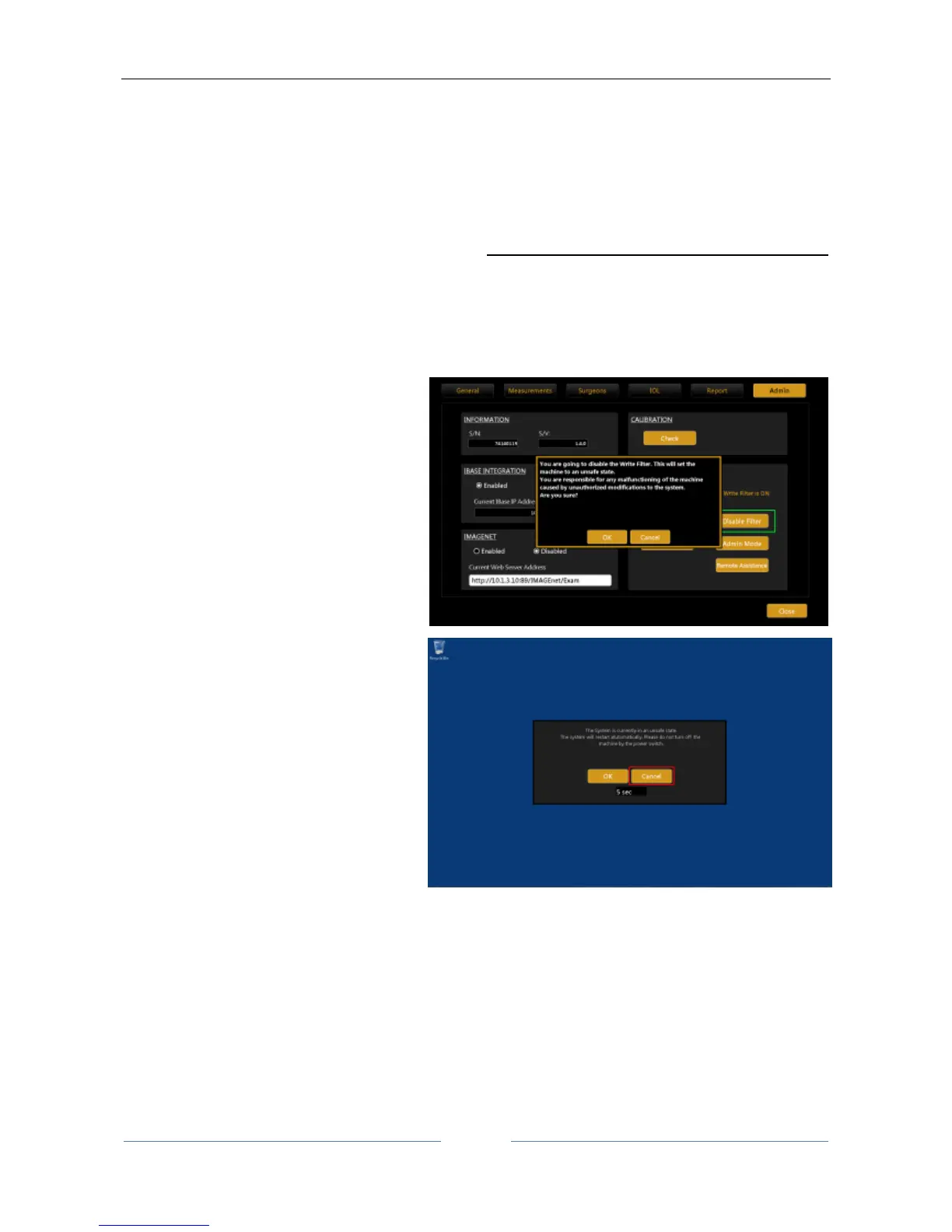
Now go back to ALADDIN and disable the “Write Filter” carrying out the following steps:
17.2 Disabling the Write Filter
3. Upon restarting, the Aladdin
application will warn about the
unsafe state of the system.



 To Next Page