Profile
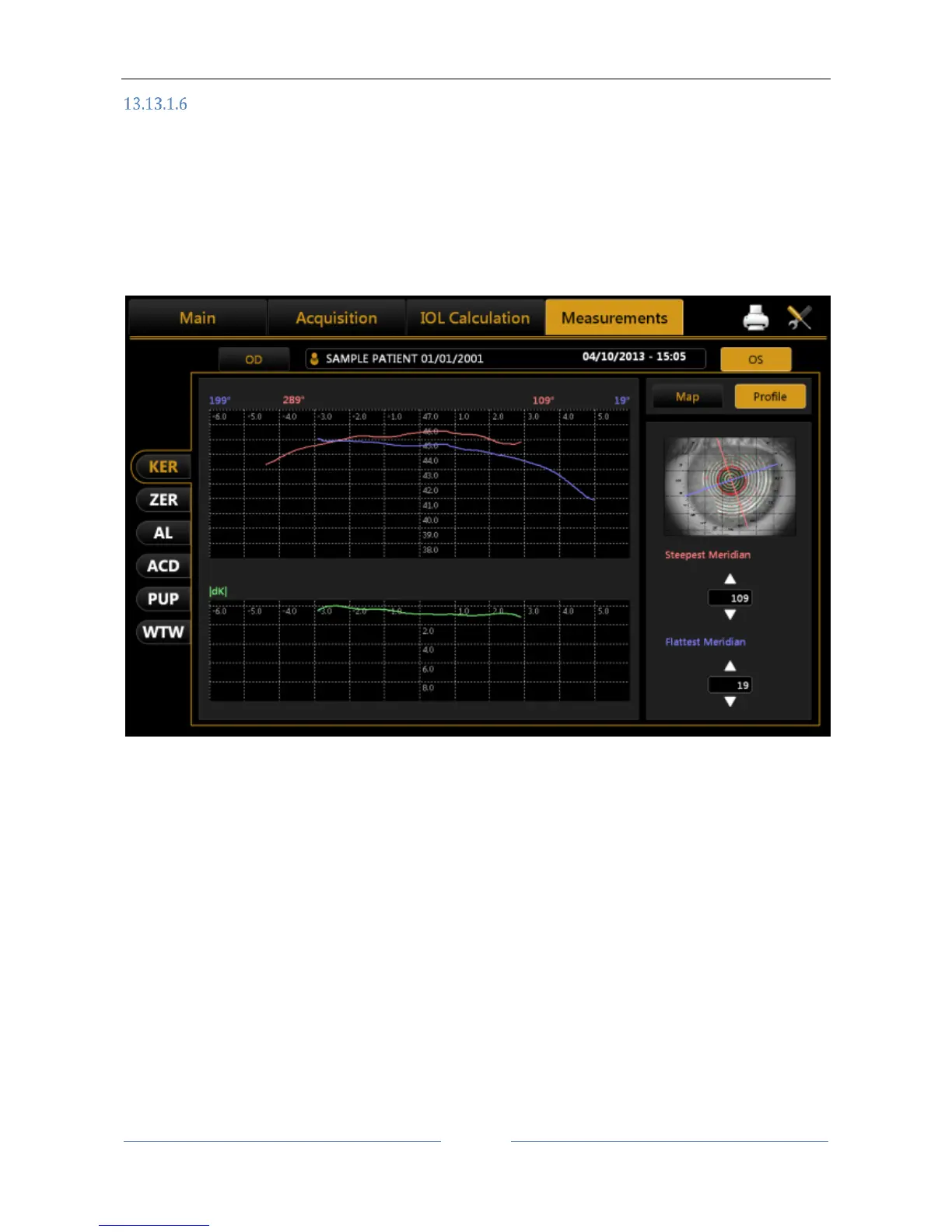
Press the "Profile" button to view the curvature profile along the most curved meridian and the flattest
meridian (red and blue).
The difference is displayed in green (Figure 61).
By pressing the arrow buttons, you can vary the flattest and the most curved meridians.
The graph will be modified accordingly.
Pressing the “Map” button, you go back to the topographic map.
Figure 61



 To Next Page