ALADDIN - User manual Rev. 23 of 08/07/2016
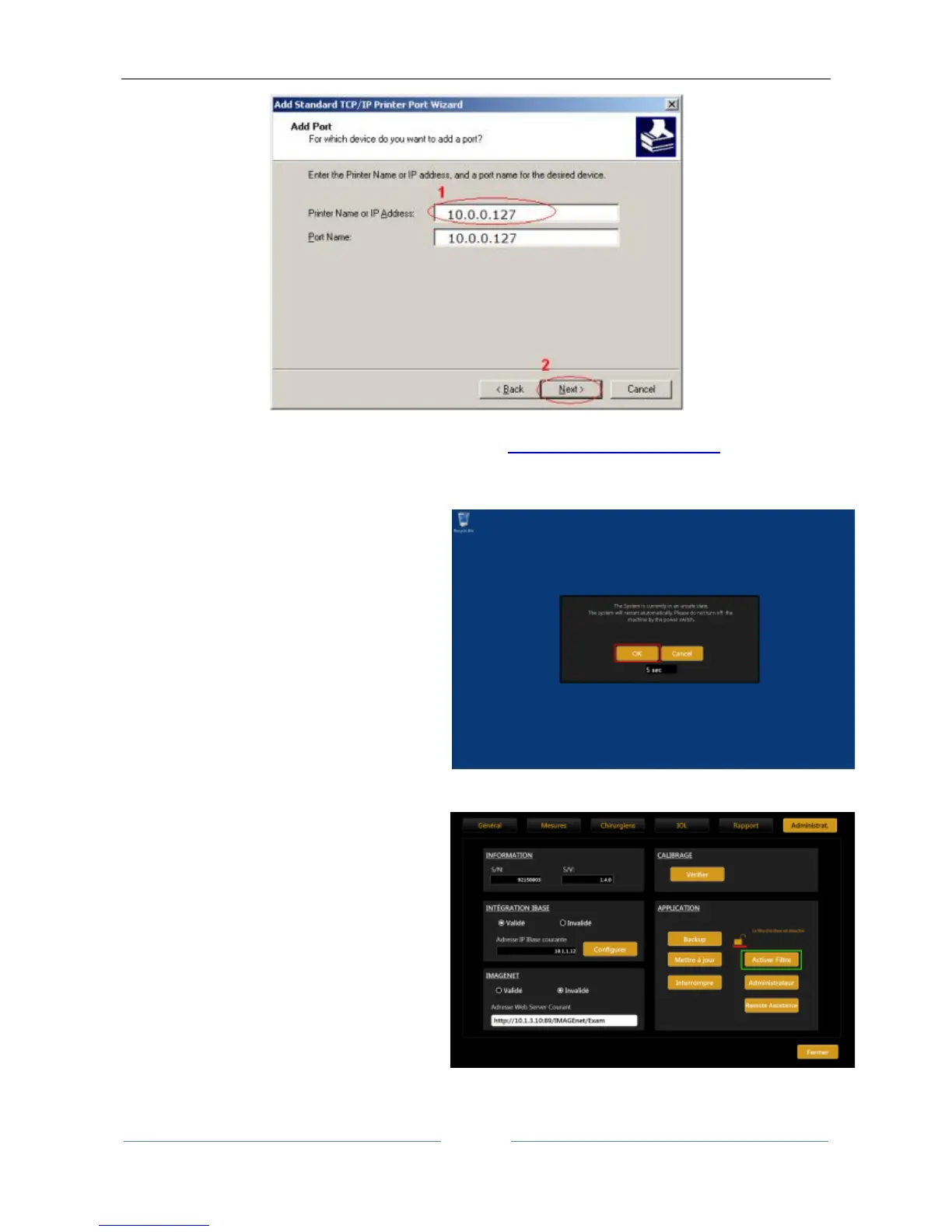
Figure 112
From here on, follow the same procedure as described for “Installing a local printer (USB)”
17.5 Re-Enabling the Write Filter
1. Open the Aladdin application.
2. The system will warn about the unsafe
state.
3. Wait for the automatic restart or press OK.
4. The system will restart enabling the write
filter.
5. Once restarted, the system will be in a safe
state.
1. From inside the application if already open
go to:
SettingsAdmin Enable Filter
2. After restarting the system will be in a safe
state.



 To Previous Page