Figure 90
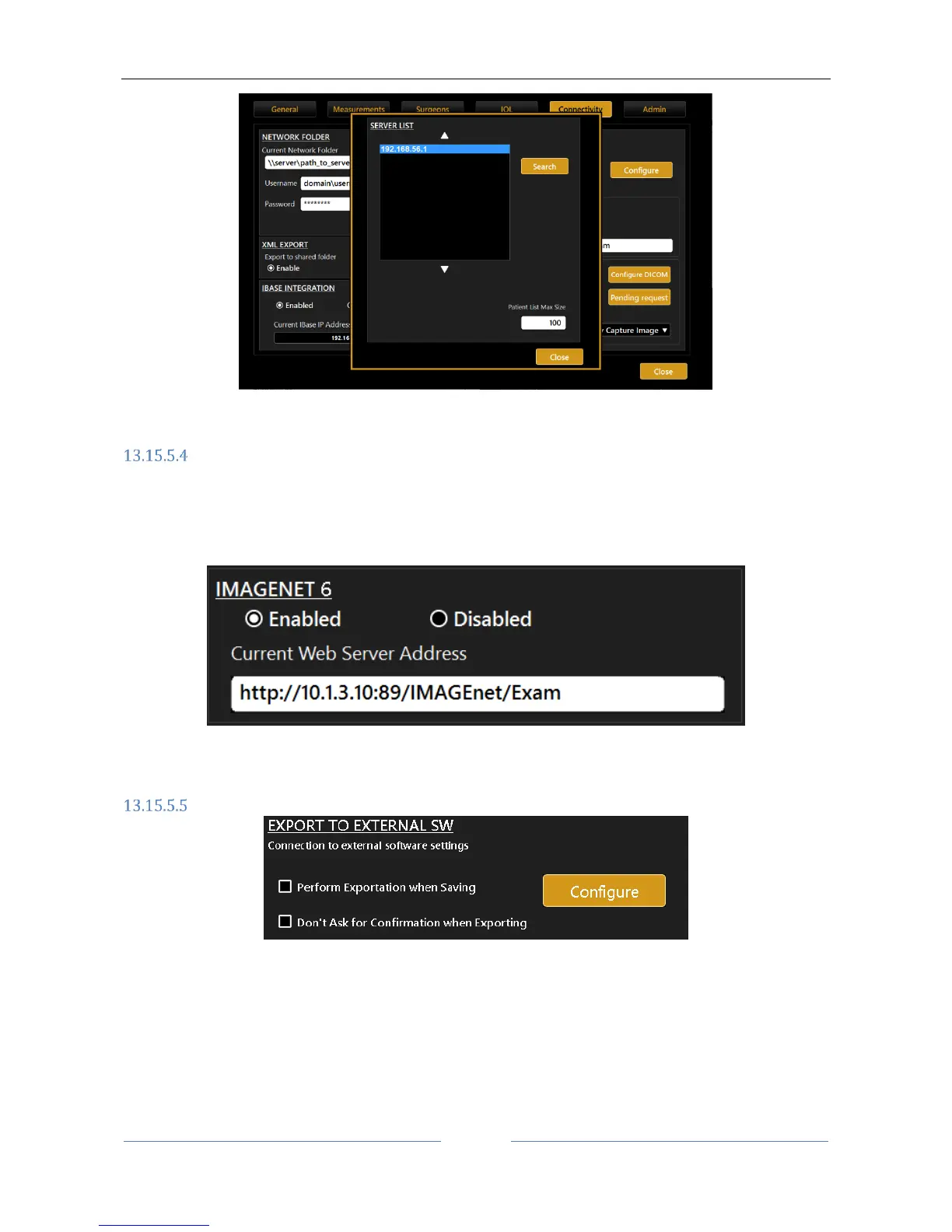
IMAGEnet 6 Server software
Aladdin can receive and transfer data to Topcon IMAGEnet 6 Server through a wireless or LAN network.
IMAGEnet 6 Server is activated by clicking on the Enabled Option and by providing the IP address of the
external server we want to connect to. Once we have selected the proper IP, Aladdin is ready to exchange
data with the IMAGEnet 6 Server machine (Figure 91).
Figure 91
Export to External Software settings
In this panel it is possible to control two main aspects of the device behaviour in relation to the exportation
function.
“Perform Exportation when Saving”, allows to be prompted automatically the exportation form once
saving a new or existing exam.
“Don’t ask for Confirmation when Exporting”, allows to skip the selection of targets when performing
the exportation while saving or when pressing on the export button



 To Next Page