13.11 Data Exportation
After every measurement, you can export the corresponding reports or xml date made in the current exam.
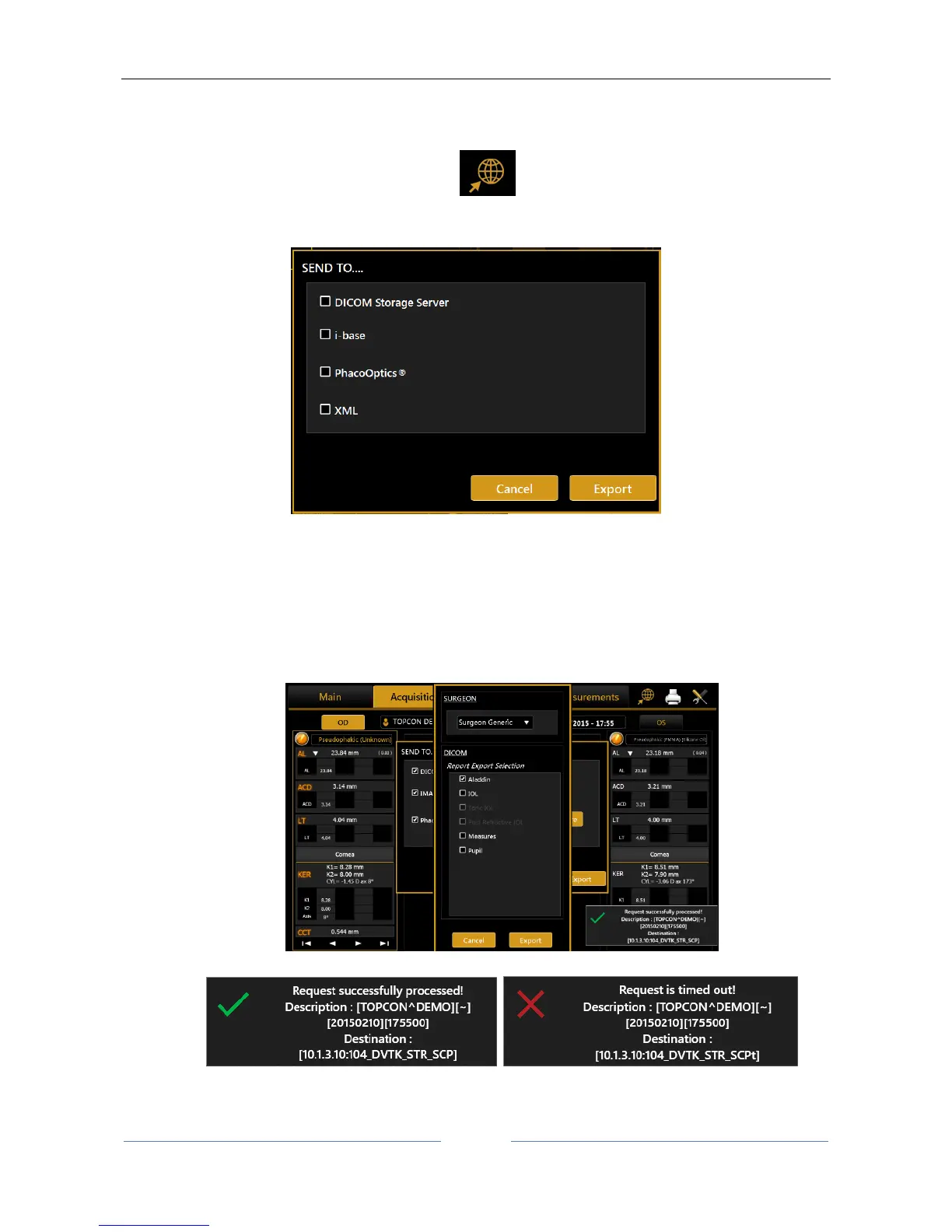
In the top-right corner of the screen, press on the button. The popup of Figure 45 is show where
you can select one or more destinations for exportation.
Figure 45
Currently available destinations are:
DICOM Storage SCP Server, the selected reports are sent to the designed DICOM storage location
according to prior defined settings. Refer to DICOM configuration for further details. Select the
desired reports to save on the Storage location.
You will receive the confirmation message in case of successful or unsuccessful transfer.



 To Next Page